11 Setups
346
Setups
11
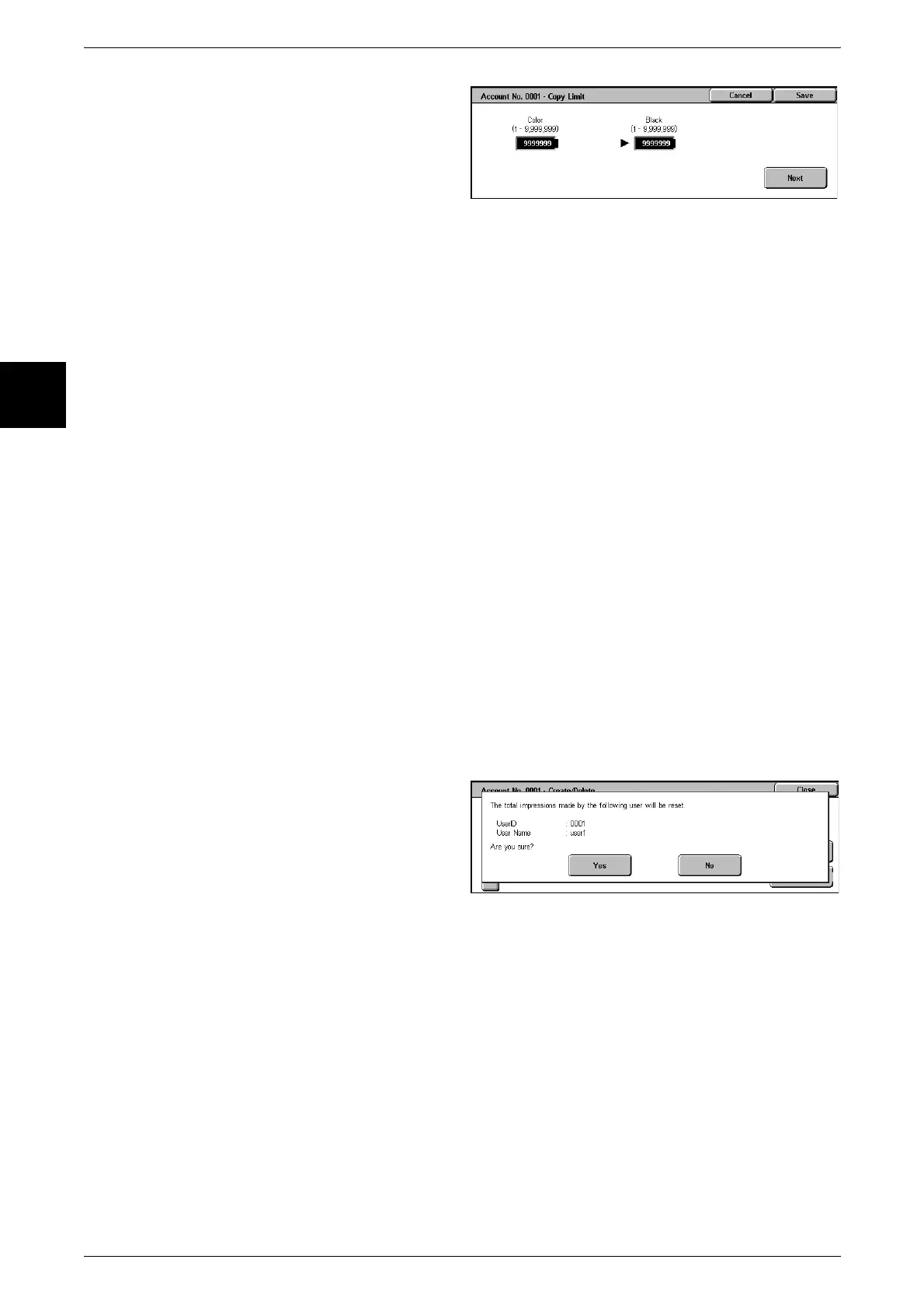
4 To set [Account Limit], select
[Account Limit], then with the
numeric keypad enter the
maximum number of pages in the
color mode.
Note • Selecting [Next] causes the
input to switch to the next
item.
Color Access
Set the color mode that can be used.
z
Free Access
All color modes can be used.
z
Black Only
Monochrome only can be used.
z
Color Only
Color only can be used.
Account Limit
Set the maximum number of pages that can be used in a copy or scan.
z
Color
You can set from 1 to 9999999 pages (7 digits). Set this in units of one page.
z
Black
You can set from 1 to 9999999 pages (7 digits). Set this in units of one page.
Reset Total Impressions
Reset the current cumulative number of pages for a selected user, returning it to zero.
1 Select [Reset Total Impressions].
Yes
Reset the current cumulative number of pages for the user. Once reset, the previous
count cannot be restored.
No
Cancel resetting the cumulative number of pages.












 To Next Page