Power On / Off
37
Product Overview
2
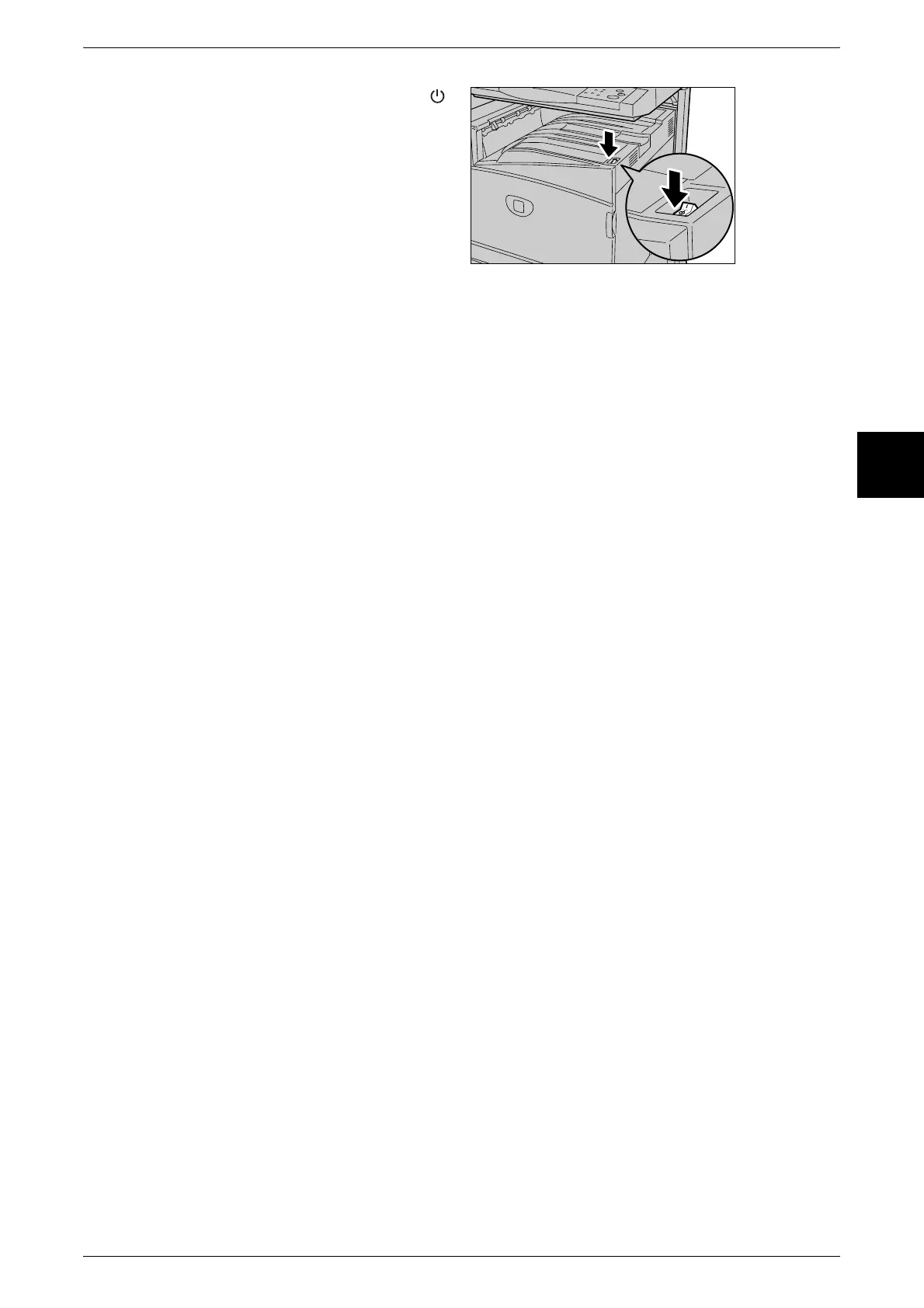
2 Press the power switch to the < >
side.
Important • Power off processing is
performed internally on the
machine for a while after the
power switch is turned off.
Therefore, do not unplug the
power cord from the power
outlet immediately after
turning the power switch off.
Note • Before you turn the power
back on after turning it off, first
make sure that the touch
screen has gone out.












 To Next Page