Trouble during Scanning
459
Problem Solving
16
No
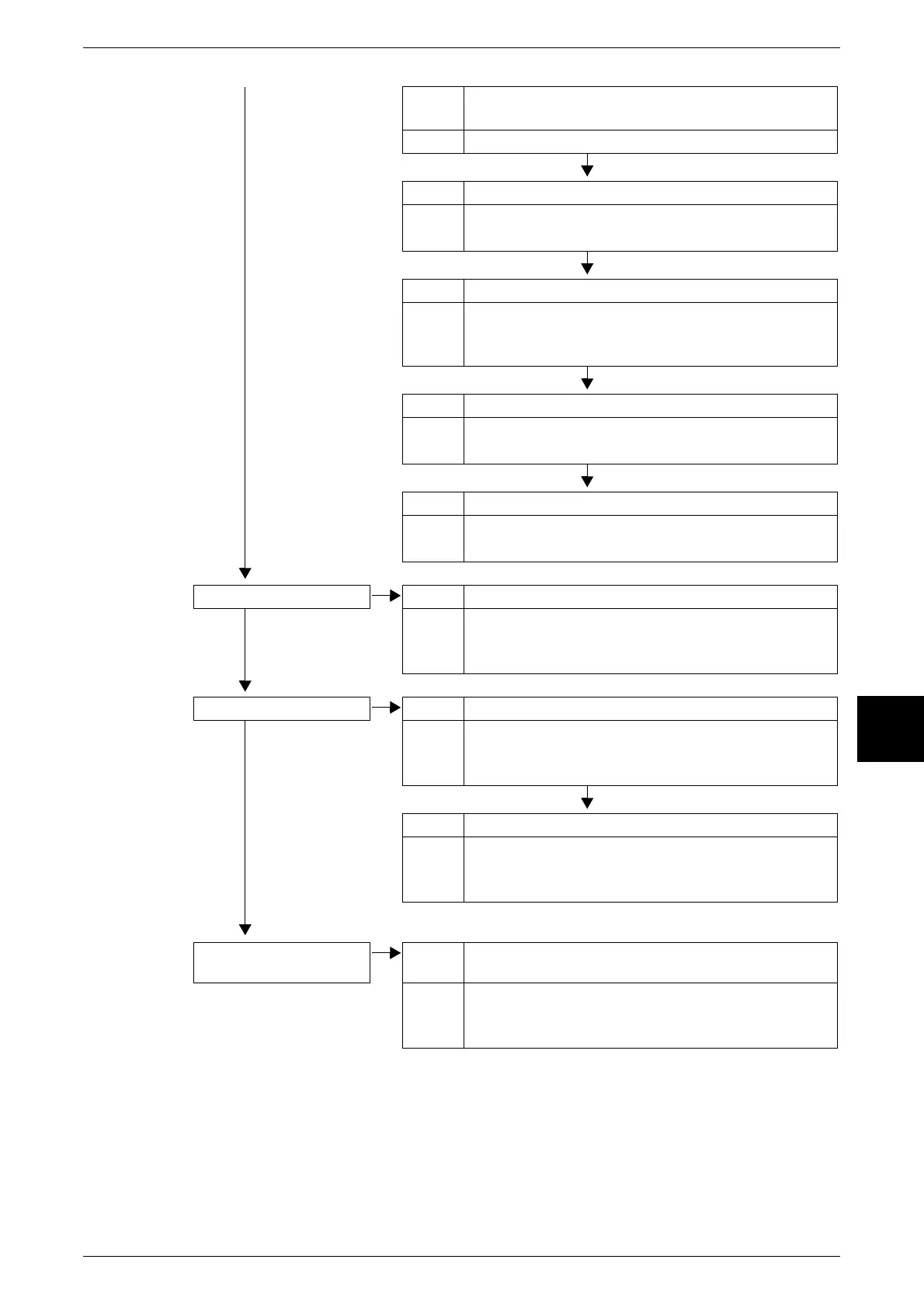
Cause The document is made of highly transparent material like a
transparency.
Action Place a white sheet of paper on the document and scan.
Cause The document is misaligned.
Action Load the document correctly.
Refer to "Step 1 Loading Documents" (P.154).
Cause The document guides are in an incorrect position.
Action Load the document correctly, and align the document
guides with the edges of the document.
Refer to "Step 1 Loading Documents" (P.154).
Cause The document is a non-standard size.
Action Enter the document size and then scan.
Refer to "Scan Size (Specifying a Scanning Size)" (P.179).
Cause The document is folded or bent.
Action Straighten and properly reset the document.
Refer to "Step 1 Loading Documents" (P.154).
The image is not color Cause [Output Color] is set to [B/W], or [Grayscale].
No
Action Select [Full Color] at [Output Color].
Refer to "Output Color (Selecting the Scanning Color)"
(P.170).
The image is coarse Cause Resolution is too low.
No
Action Set a higher resolution.
Refer to "Scan Resolution (Specifying a Scanning
Resolution)" (P.177).
Cause Image is saved with high compression.
Action Select a lower compression output file format.
Refer to "Image Compression (Specifying an Image
Compression Ratio When Scanning)" (P.182).
Black & white gradations
are not as desired
Cause [B/W] is selected for [Output Color].
Action Select [Grayscale] for [Output Color].
Refer to "Output Color (Selecting the Scanning Color)"
(P.170).












 To Next Page