3 Copy
72
Copy
3
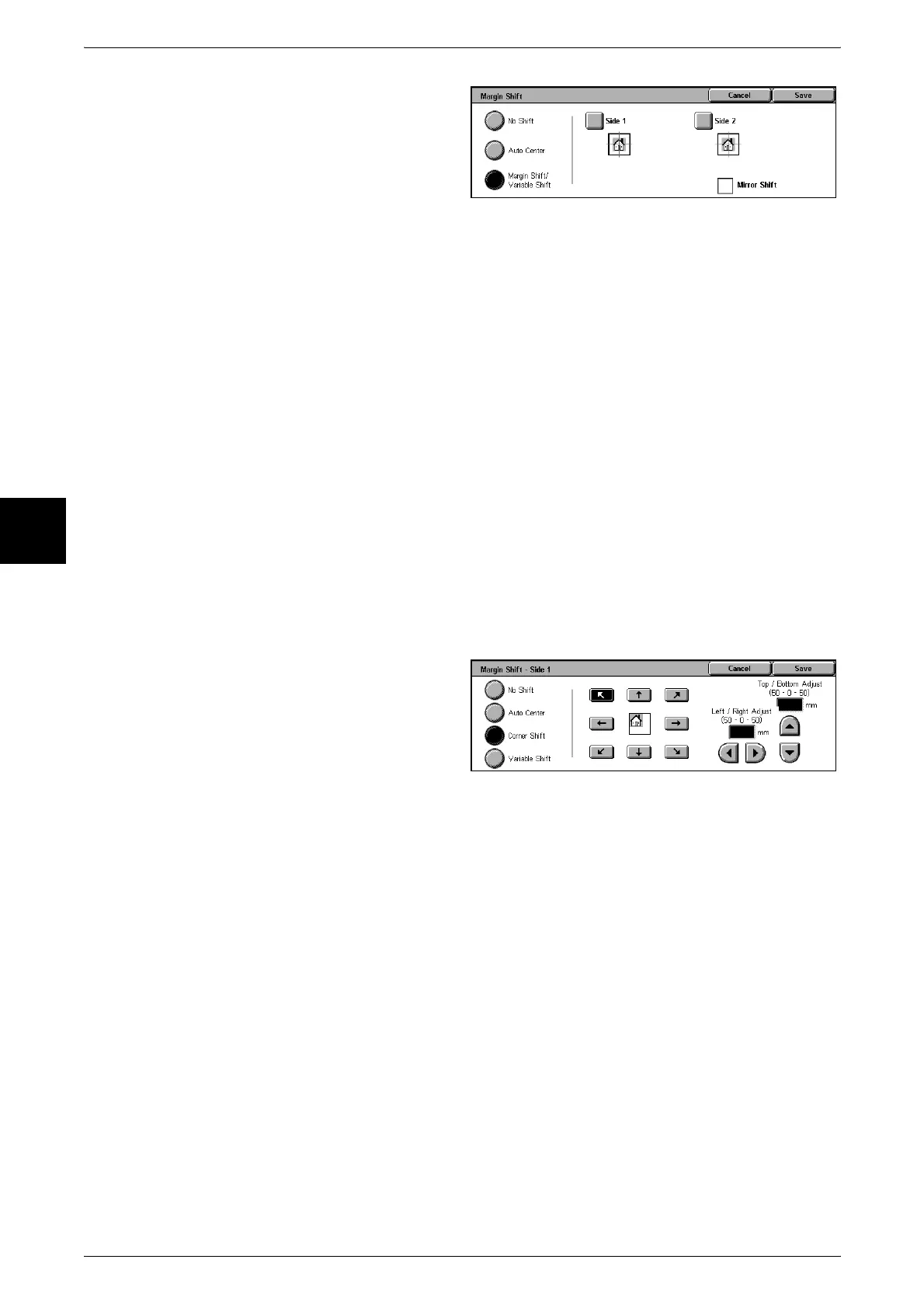
1 Select [Margin Shift].
2 Select [Auto Center] or [Margin
Shift/Variable Shift].
No Shift
Copies are made without the position of the document image being shifted.
Auto Center
Copies are made so that the center of the document matches the center of the paper.
Margin Shift/Variable Shift
You can set the margin amount. Set the shift amount within the range from 0 to 50 mm
in 1mm increments.
z
Side 1
Displays the [Margin Shift - Side 1] screen.
z
Side 2
Displays the [Margin Shift - Side 2] screen.
[Margin Shift - Side 1] Screen
You can set the copy position/margin shift of Side 1.
1 Select [Side 1].
2 Select any item.
No Shift
Copies are made without the position of the document image being shifted.
Auto Center
Copies are made so that the center of the document matches the center of the paper.
Corner Shift
Copies are made with the document image shifted to the edges or corners of the paper.
You can select from eight shift directions.
Variable Shift
Enter the margin values for copying. Set the top, bottom, left, and right values within
the range from 0 to 50 mm in 1mm increments.












 To Next Page