72-107
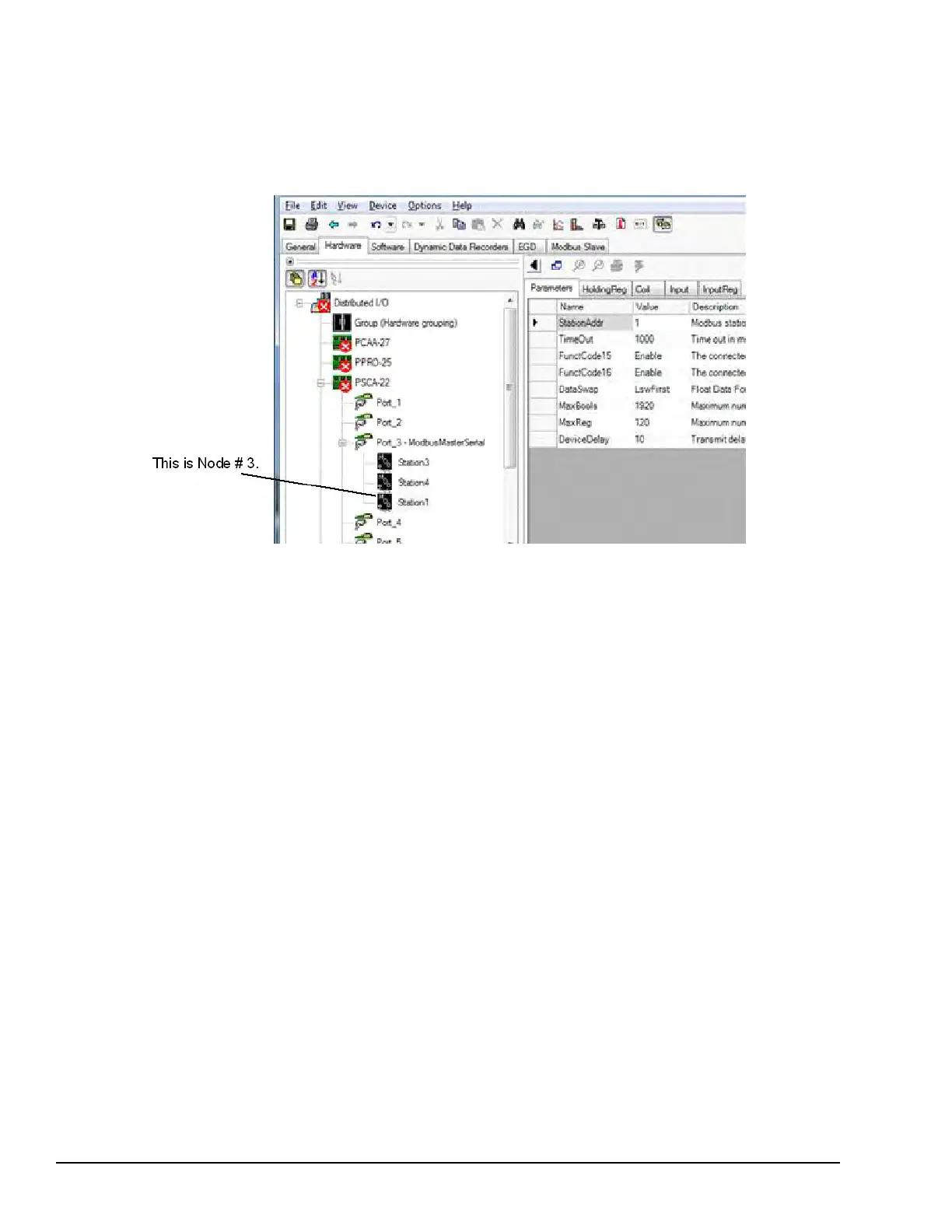
Description Comm Port #[ ] Node #[ ] Communication Failure - Bad Data (see alarm help)
Possible Cause The field device responded, but could not provide data for one or more points. The Node number refers
to the position of the station or device as listed inside the port, as displayed from the Hardware Tab Tree View. The node
number is usually the same as the station number, but may not be the same if stations were rearranged.
Solution
• Verify that the point mapping in the ToolboxST configuration matches the slave field device.
• Verify that float values request all 32 bits of the value. A float value requires two registers.
108-113
Description Configuration Problem Port #[ ]
Possible Cause The configuration file downloaded from the Toolbox ST application contained an error.
Solution
• Verify that the I/O and configuration compatibility codes agree between the ToolboxST configuration and the PSCA.
• Build and download the firmware and the configuration to the PSCA.
• If diagnostic persists, reboot the PSCA.
114-119
Description Electric Drive Port #[ ] Save Command failed
Possible Cause The last parameter set saved to the Kollmorgan drive was not successful.
Solution The verify step failed after attempting to save parameters to the drive. Retry the Save command to the
Kollmorgan drive.
292 GEH-6855_Vol_II GEH-6855_Vol_II Mark VIeS Functional Safety Systems Volume II
Public Information



 To Next Page