454 Keysight N9915-90020 User’s Guide
5G Rapid Prototype Phased Array Antenna – Option 360
How to Set Up Phased Array Antenna Settings
1. Press Pause Resume to pause or resume the log playing.
2. Press
Stop to stop the log playing.
Learn more, refer to
Chapter 16 Mapping and “Setting up Data Logging” on
page 503
. See also, Chapter 33, “File Management.”
Step 7: Import and Play back KML Files into 3rd Party Software
(Example: Google Earth with Animation Tool)
Features
Use the Playback Slider to replay measurement results. See also Google Maps
and or Google Earth’s help. Refer to
Figure 14-17 on page 453.
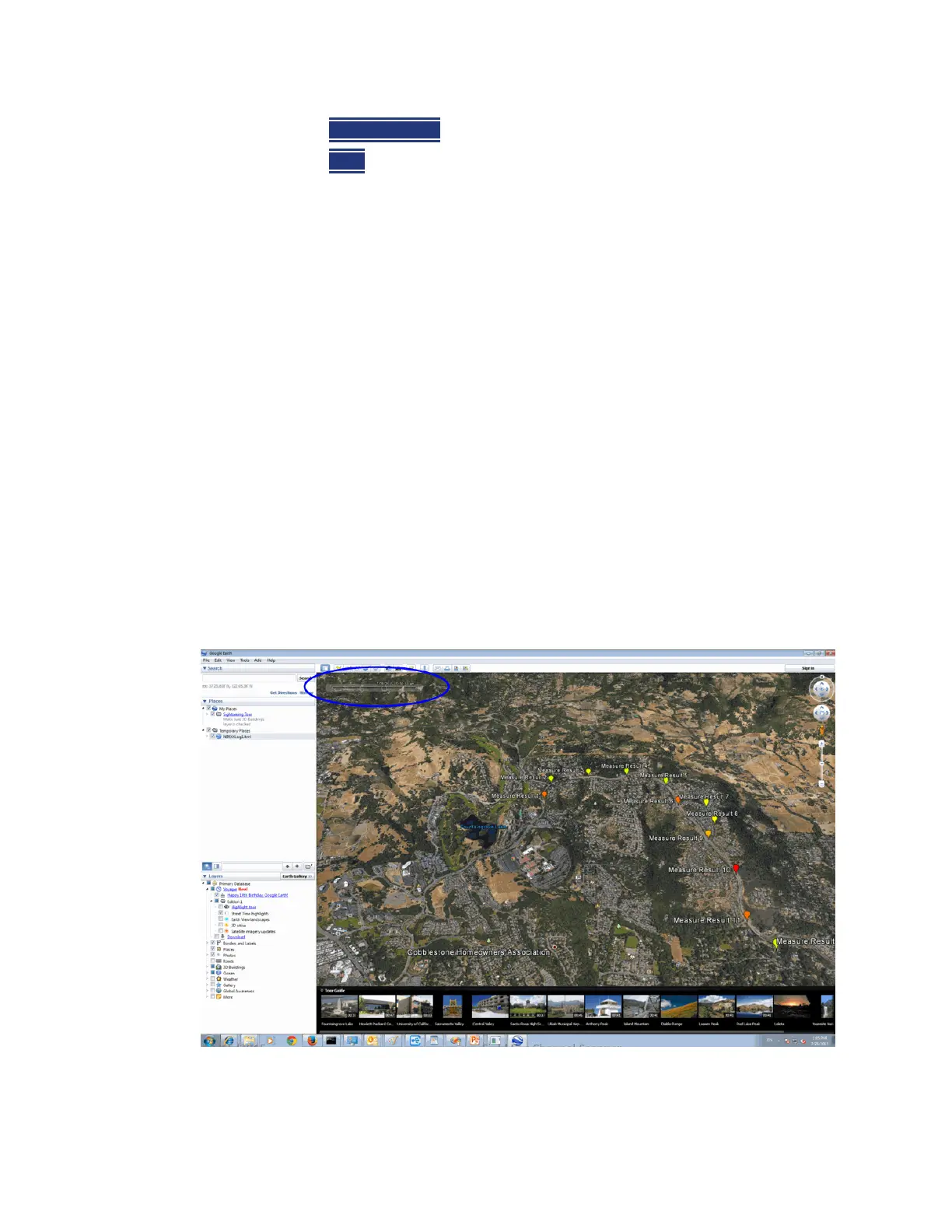
— Open the FieldFox *.KML file in Google Earth. The time slider appears in
upper left of the map.
— Manual Mode – Move the time slider cursor to see color-coded icons
pop-up according to the timestamp.
— Loop mode has a Fast-Slow Replay Option.
— Click on each color coded balloon to see the table of measurement results
for that location.
Figure 15-17 Importing a KML File Into Google Earth













 To Next Page