Keysight N9915-90020 User’s Guide 661
Channel Scanner (Option 312)
How to Set Up Channel Scanner
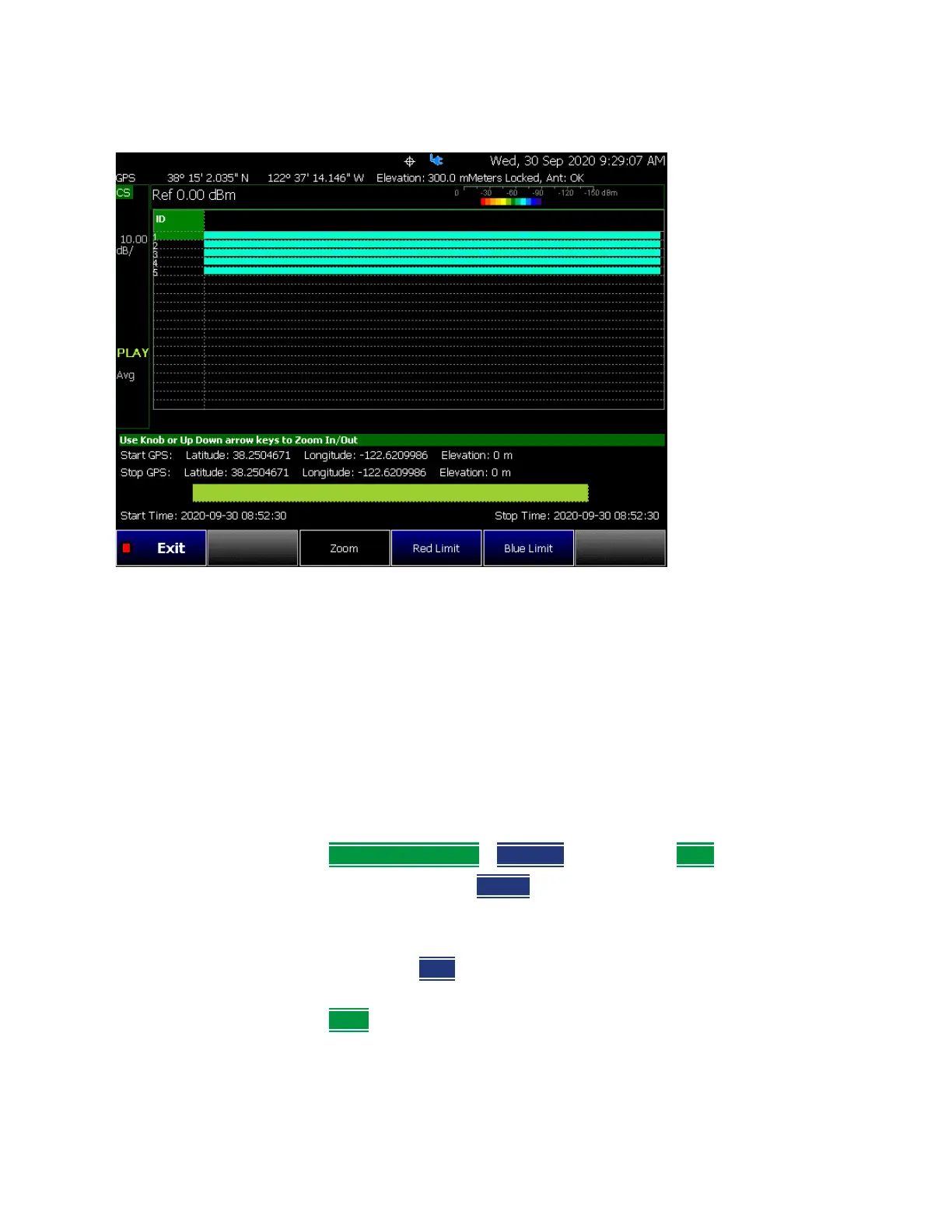
Figure 28-13 Spectrogram View
Step 5: Save the Log Results:
Two file types are supported for save or recall log results:
—KML file format
— Files include bar color
— Files stored in this format can be imported into 3rd party applications
like Google Earth or Google Maps.
— CSV file format. Files stored into this format can be imported into
spreadsheet applications.
1. Press
Record Save/Recall > File Type CSV or KLM > Back
2. To begin recording: Press Record
Measurements are stored automatically according to the specified time or
distance interval values.
3. When done press
Stop. The files save dialog is displayed. Edit the file
name where the file results will be stored.
4. Press Done













 To Next Page