9/29/09 Using ID Setting Files 7-23
LOG and SSA Triggering Settings
For the SSA instrument, these
trigger settings are used to control
the logic output line.
Trigger levels can be set as follows: two for the SPL (RMS
value) and one each for Peak I and Peak II. These levels are
used with the LOG instrument to count the number of
exceedances during the measurement period and display that
number in the Stats-a and Stats-b displays. They also define
the triggering of noise events or exceedances when using the
Logging SLM Mode.
The Stats displays are only available
to the LOG instrument.
Use the
u and d keys to move
from one setting to the next. Then use
the
r key to change the selected
setting. The
l key is used to
return to previous menus.
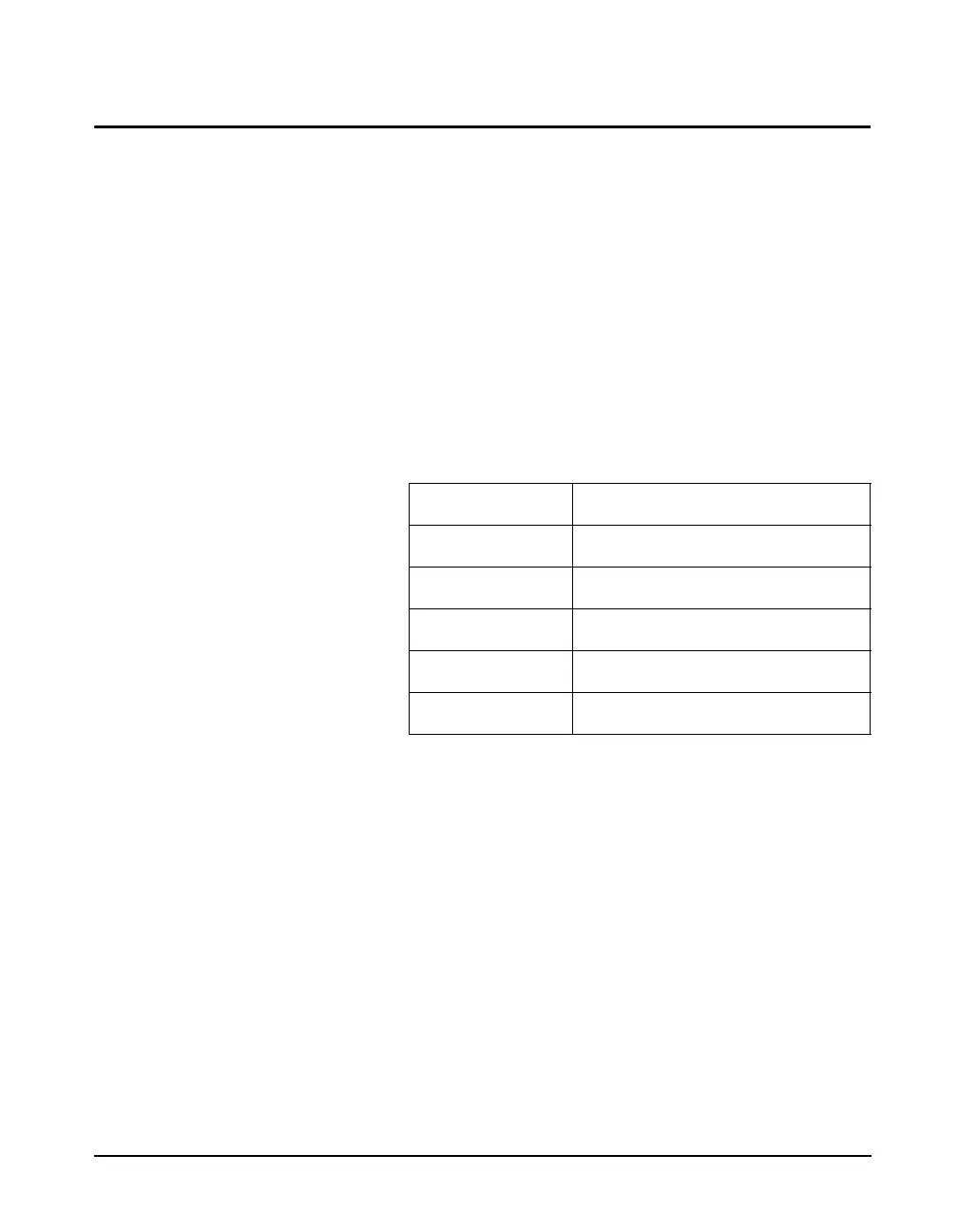
The following is a table of the Triggering Menu settings.
Each setting is then described in greater detail.
SPL Excd Lvl 1 - (LOG, SSA) The SPL Excd Lvl 1 sets the SPL trigger level that
exceedance records are triggered from (LOG only). You can
also view a count of the SPL events on the Stats-a display.
This count is associated with the overall measurement data
and is reset when the overall measurement is reset.
NOTE: In the SSA instrument the logic
output is asserted when it reaches this
level. See the section "Common Control
Settings" on page 7-10 for more details.
This setting can take on any value within the following
range:
0 to 255dB
SPL Excd Lvl 2 - (LOG, SSA) The SPL Excd Lvl 2 sets a second trigger level. When the
SPL exceeds the level set by this setting, a corresponding
count is incremented once. You can view this count on the
Stats-a display. This count is associated with the overall
measurement data and is reset when the overall
Menu Items Available Settings Options
SPL Excd Lvl 1 0 to 255 dB
SPL Excd Lvl 2 0 to 255 dB
Pk-1 Excd Lvl 0 to 255 dB
Pk-2 Excd Lvl 0 to 255 dB
Hysteresis 0 to 9 dB



 To Next Page