13-6 824 Reference Manual 9/29/09
Display Sequence
The primary displays are grouped together and will cycle
through the following in sequence by pressing the down
arrow key d(the up arrow key u will sequence these
displays in the opposite order):
Note: The FFT Display mode can be
accessed from the VIEW menu or
from the THD check menu. See
“FFT Display” on page 25 for
details on this display type.
• SLM+RTA Live
• Any Level-a, Any Level -b
• Linearity RTA
• Linearity FFT (activated by default when AUD is
activated)
• Flatness FFT
•THD
• Pulse/FM
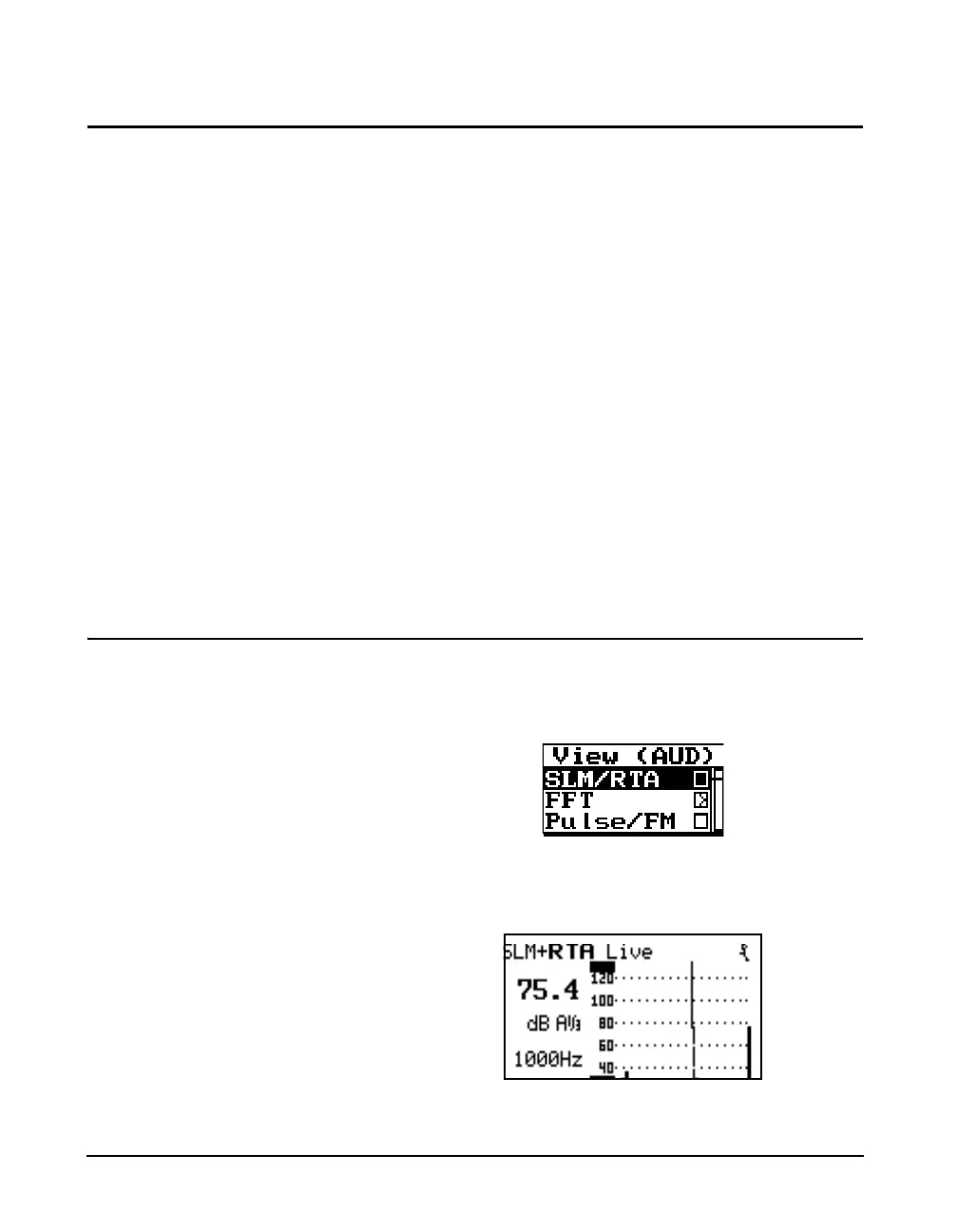
SLM+RTA Live Display
The SLM+RTA Live display provides a display of the real-
time fractional octave spectrum. To access this display, press
the VIEW key V to obtain the display shown below.
Then select the SLM/RTA with the up/down arrows ud
and press the check key c. This will produce the
SLM+RTA Live Display shown below.
The right and left arrow keys control the filter cursor.



 To Next Page