4-8 824 Reference Manual 9/29/09
Viewing RTA Displays during a Measurement
While taking measurements you can view the instrument’s
different displays. This section provides examples of
viewing the SSA instrument’s four RTA displays which
include:
•RTA Live
•RTA L
eq
•RTA Max
•RTA Min
Do the following to view the RTA displays:
Step 1 Select the SLM&RTA (SSA) instrument from the
Setup menu and press RUN/STOP
s to begin tak-
ing a measurement as explained in the
“SLM&RTA Measurements”section found on
page 4-3.
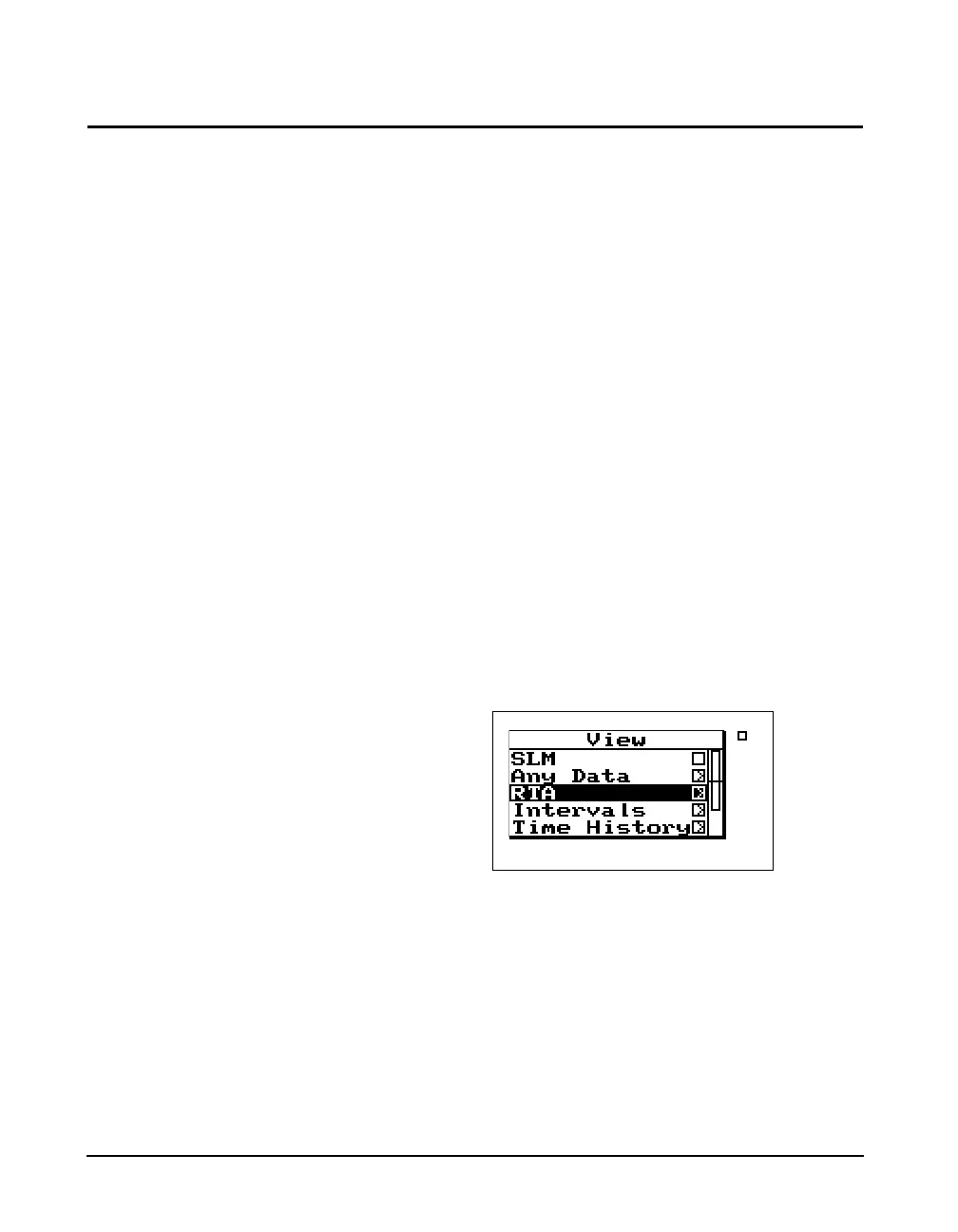
Step 2 While the measurement is running, press the
V
View key. The following screen appears:
If you select the RTA Live item with
the
rarrow key instead of the c
Check key, you will be given the
option to view the display in
graphical or Tabular mode.
Step 3 Use the
uanddarrow keys to highlight the
RTA item and press the Check
c key to select the
RTA displays. A screen similar to the following
appears:



 To Next Page