10-16 824 Reference Manual 9/29/09
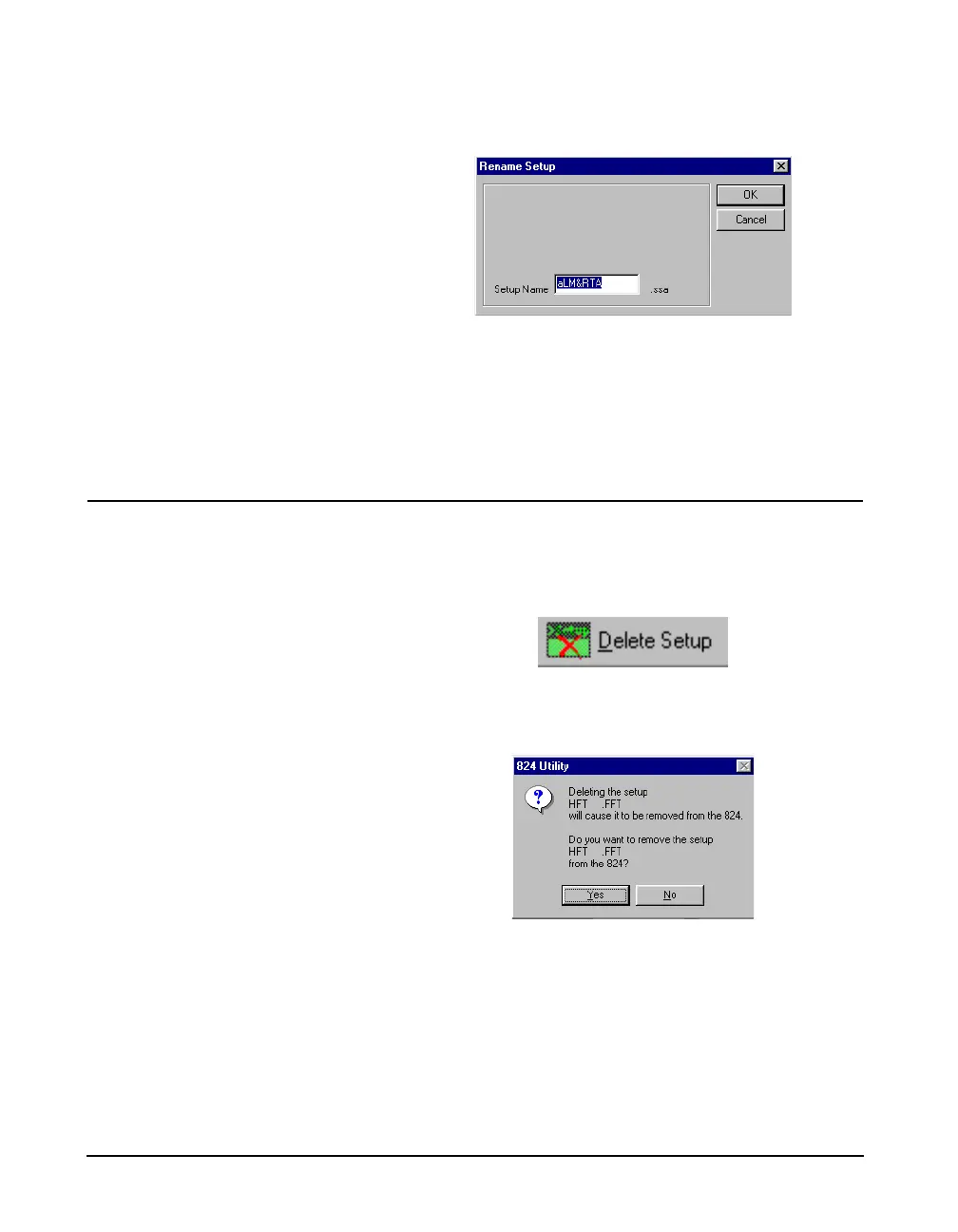
A dialog box will be displayed to allow you to change the
name of the selected setup.
Enter the new name for the setup, and press the OK button.
NOTE: The permanent setup ID’s in the
824 cannot be renamed.
After renaming a setup, you can store it to a disk file, or send
it to the 824.
Deleting an Existing Setup
To delete an existing setup, right click on the user defined
setup in the left hand side of the screen and select Delete
Setup from the popup menu.
NOTE: This section applies only to
setups that exist on the 824. If a new
setup or a setup that is stored to disk is
deleted, this message will not appear.
Pressing the Delete Setup button will bring up a prompt ask-
ing if you are sure you want to delete the setup.
WARNING! The setup will be deleted from the 824 and the Utility pro-
gram.



 To Next Page