7-60 824 Reference Manual 9/29/09
toggle between a views tabular mode or graphical spectrum
mode.
This section will present the following:
• Check Menu Example
• SLM Check Menu Options
• Other SSA Check Menus
• Other Logging (LOG) Check Menus
Check Menu Example
The Check menu is accessed by simply pressing the c
Check key from within an Instrument ID’s view. The
following is an example of using the Check menu from a
SLM view to change the Detector setting from the selected
instrument’s SLM display:
Use the
u and d keys to move
from one setting to the next. Then use
the
r key to change the selected
setting. The
l key is used to
return to previous menus
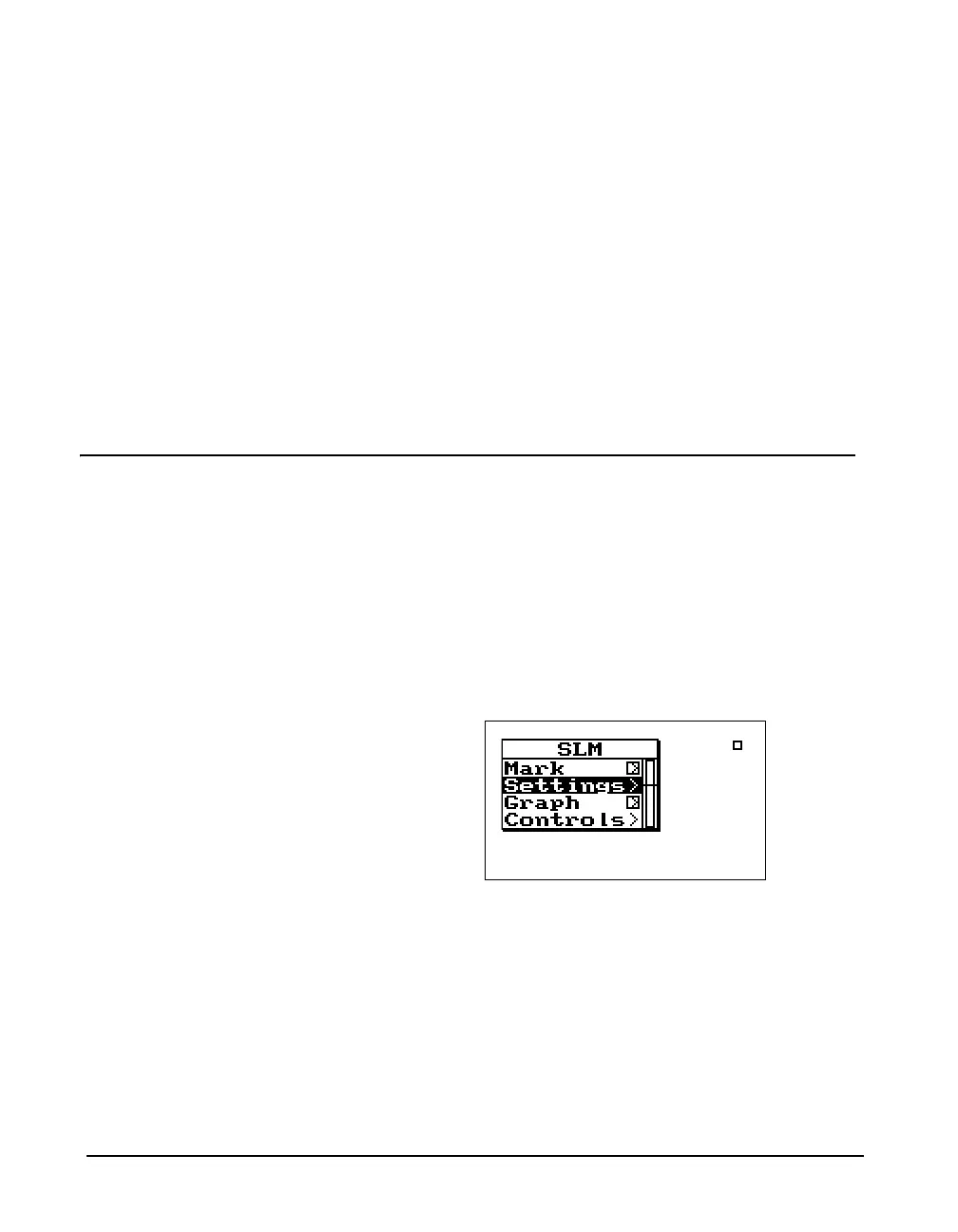
Step 1 From the Instrument’s SLM (LOG or SSA) view
display, press the
c key to access the Check
menu. A menu similar to the following appears:



 To Next Page