12-6 824 Reference Manual 9/29/09
Auto Snapshot
This feature allows you to automatically capture an FFT
Snapshot on the completion of each FFT. If Repeat is set to
“Yes”, then it creates a pseudo Time History. The time
interval between spectra Snapshots will equal the FFT
calculation time (see "Bandwidth" on page 12-3) multiplied
by the number of counts selected for Count Averaging. For
more detail on Snapshots, see "Snapshot" on page 12-11.
FFT Display
The FFT data displays are accessed through the View V
key. To select the FFT displays press the View V key. The
following menu will appear:
“FFT” accesses the live FFT
spectrum and “Snapshot” displays
the FFT snapshot data.
With “FFT” highlighted, press the Check
c key to enter the
FFT display.
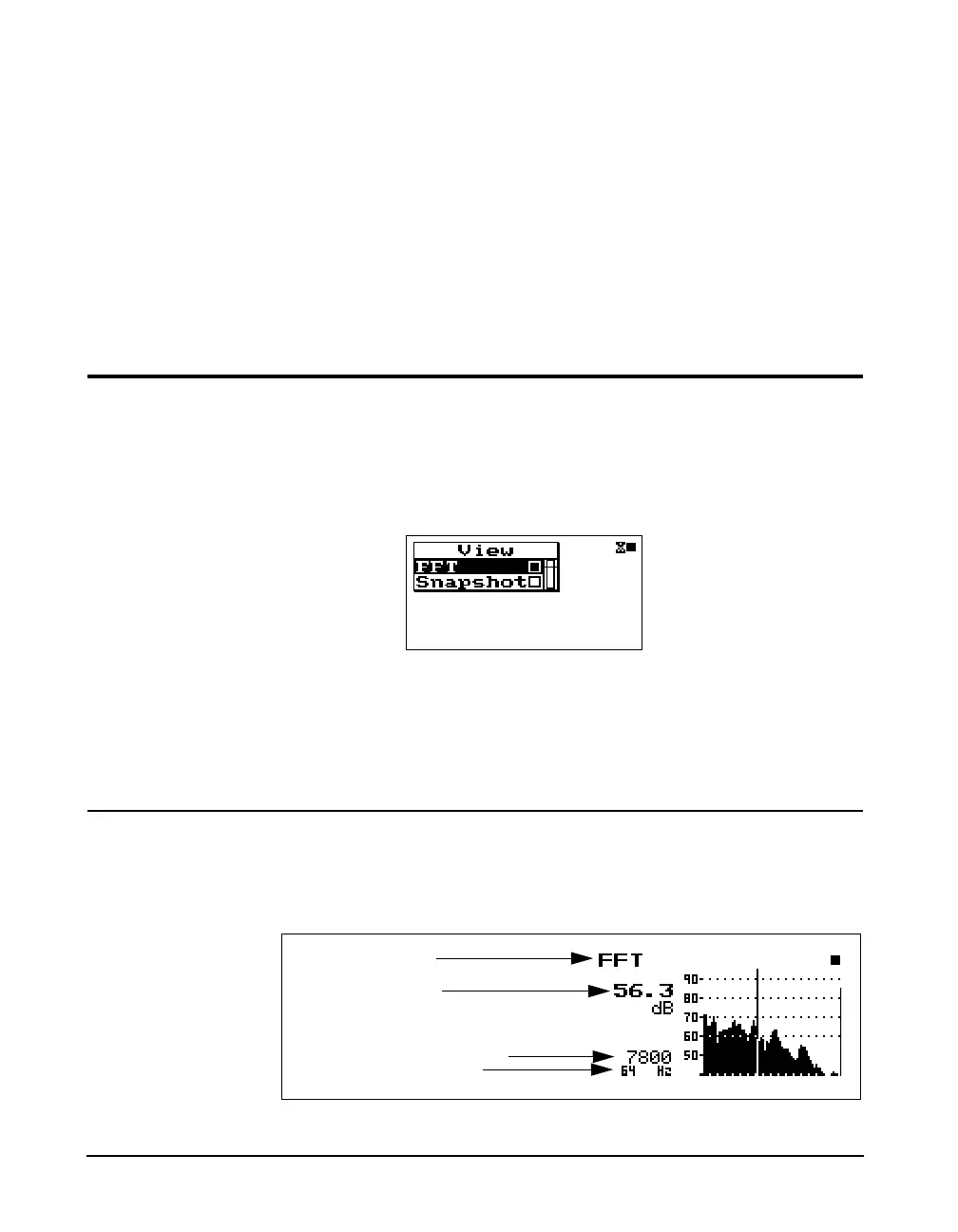
FFT
The FFT display shows a live FFT spectrum.
Display label
Level at cursor
Count avg
Selected filter frequency



 To Next Page