11-30 824 Reference Manual 9/29/09
ByTime Graph
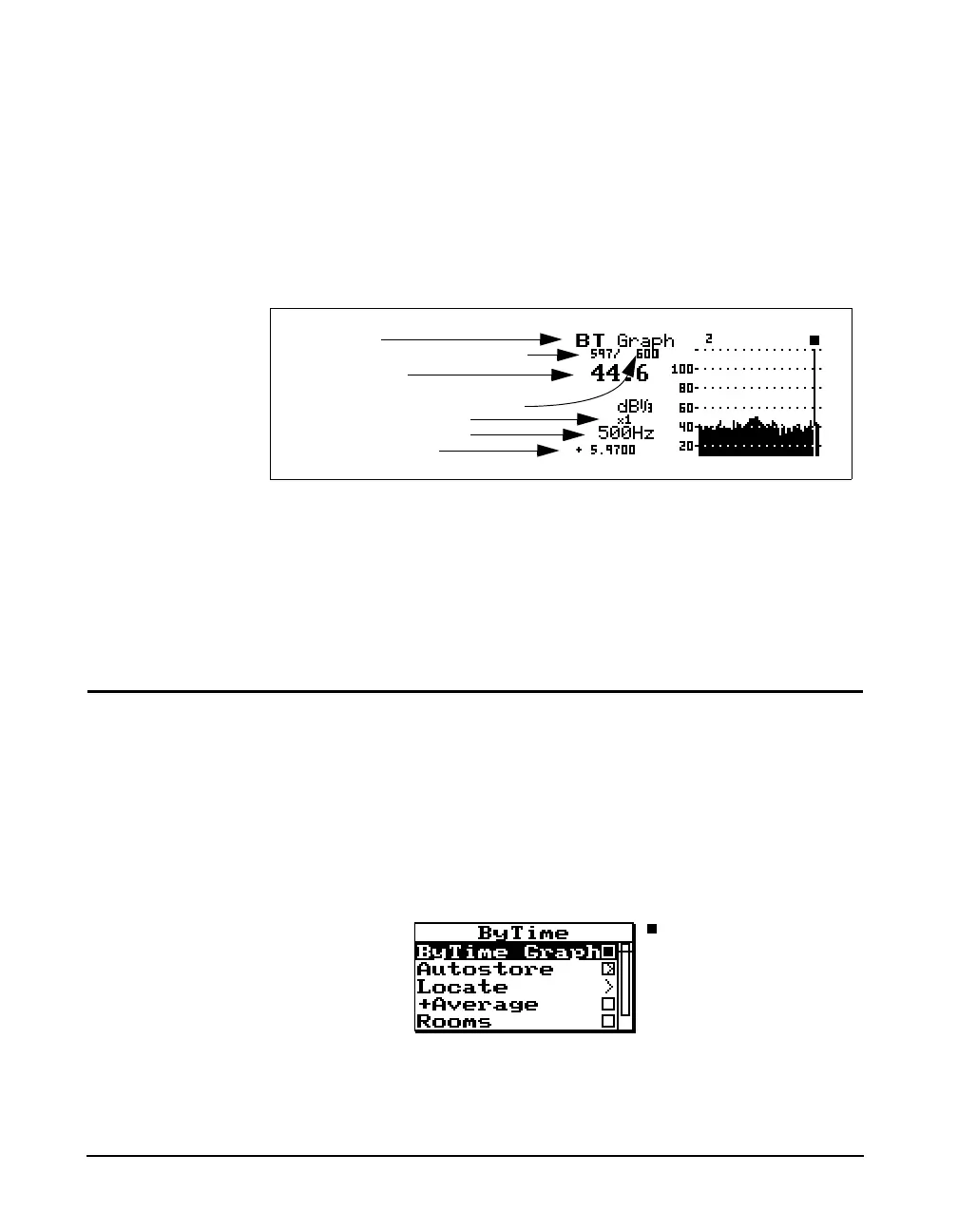
The Autostore ByTime Graph display is a time graph of just
one filter frequency, plotted with time as the horizontal axis.
This graph is useful in seeing the level “rise or fall”
characteristics of each individual filter.
The
uup and ddown arrow keys move you through
each filter. The
lleft and rright arrow keys move to
the previous and next ByTime sample.
ByTime Spectrum Check Menu
As discussed earlier, in order to move between the ByTime
spectrum display and the ByTime Graph display you pressed
the
c check key twice (toggling between the ByTime
Spectrum view and the ByTime Graph view). Pressing the
c check key once when viewing the ByTime spectrum
display puts you in the check menu. The check menu is
shown below:
Display label
Autostore record number
Current ByTime sample number
Filter level in dB
Total number of Bytime samples
ByTime sample time
Horizontal graph scaling
Selected filter frequency



 To Next Page