8-8 824 Reference Manual 9/29/09
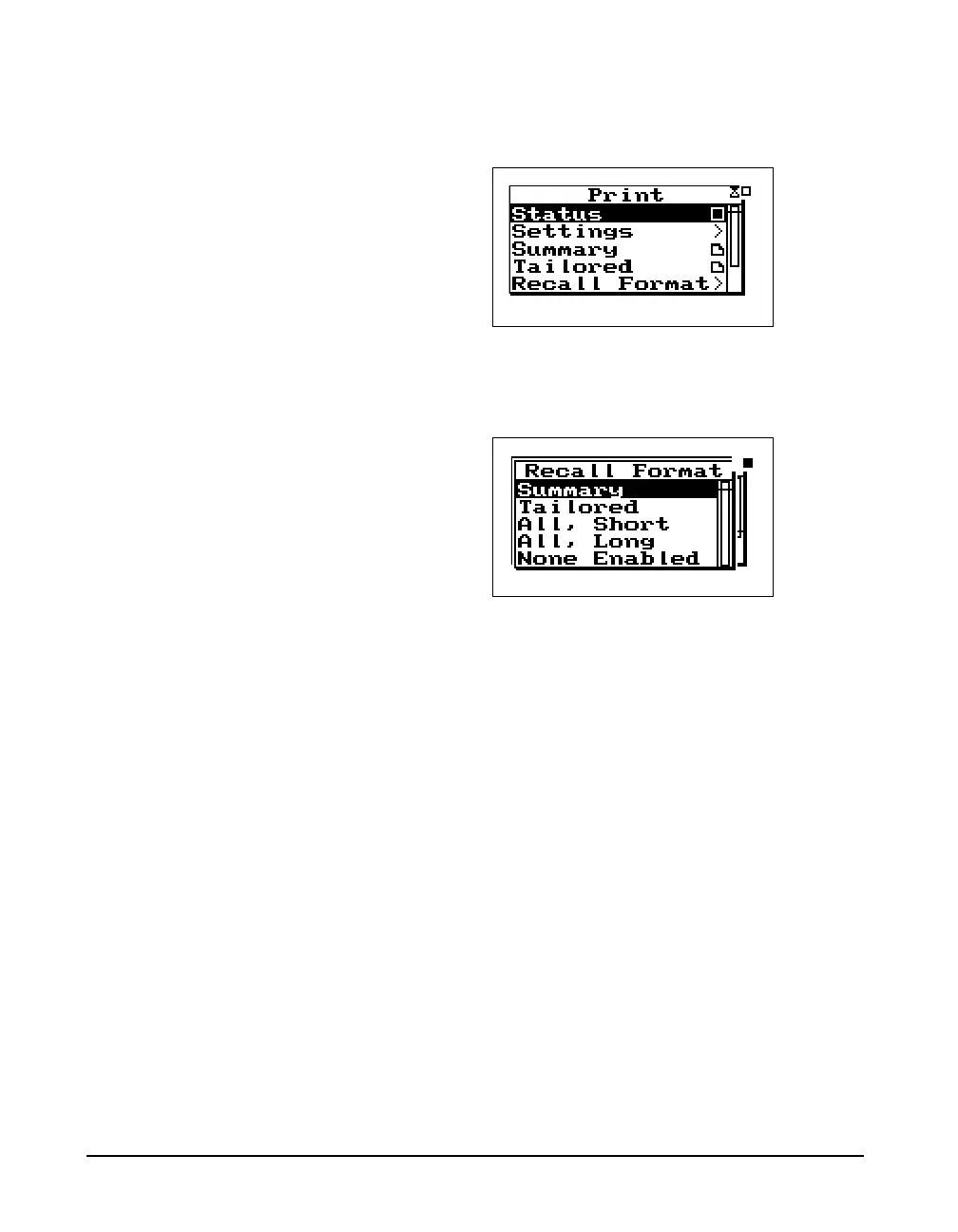
Step 1 To print from the Recall Format menu press the
P PRINT key. The following screen appears:
Step 2 Use the
u and d arrow keys to highlight the
Recall Format menu. Press the
c key and the fol-
lowing screen appears:
Step 3 Use the
u and d arrow keys and select the
report that you want to print (Summary, Tailored,
All,Short, All,Long, or None Enabled.
Default Settings Values for the
Recall Format Reports
The following tables show the default settings for each of
the templates available from the Recall Format menu (Sum-
mary, Tailored, All, Long, All, Short, and None Enabled).
Summary Report Template
This template shows the default settings for the Summary
Report. The Summary Report includes the Data Report and
the Log Report.
After selecting the template, you can modify it as explained
in "Printing a Custom Report" on page 8-23.



 To Next Page