9/29/09 AUD (Optional) 13-5
• Pulse/FM used to measure pulse and frequency
modulation functions of the audiometer.
The mode is controlled by the display being shown. The
View menu is divided into three sections for the three modes
and can be used to select the display needed for a particular
measurement. Most of the displays are also grouped together
and alternately accessed by pressing the up uand down
darrow keys.
View Menu
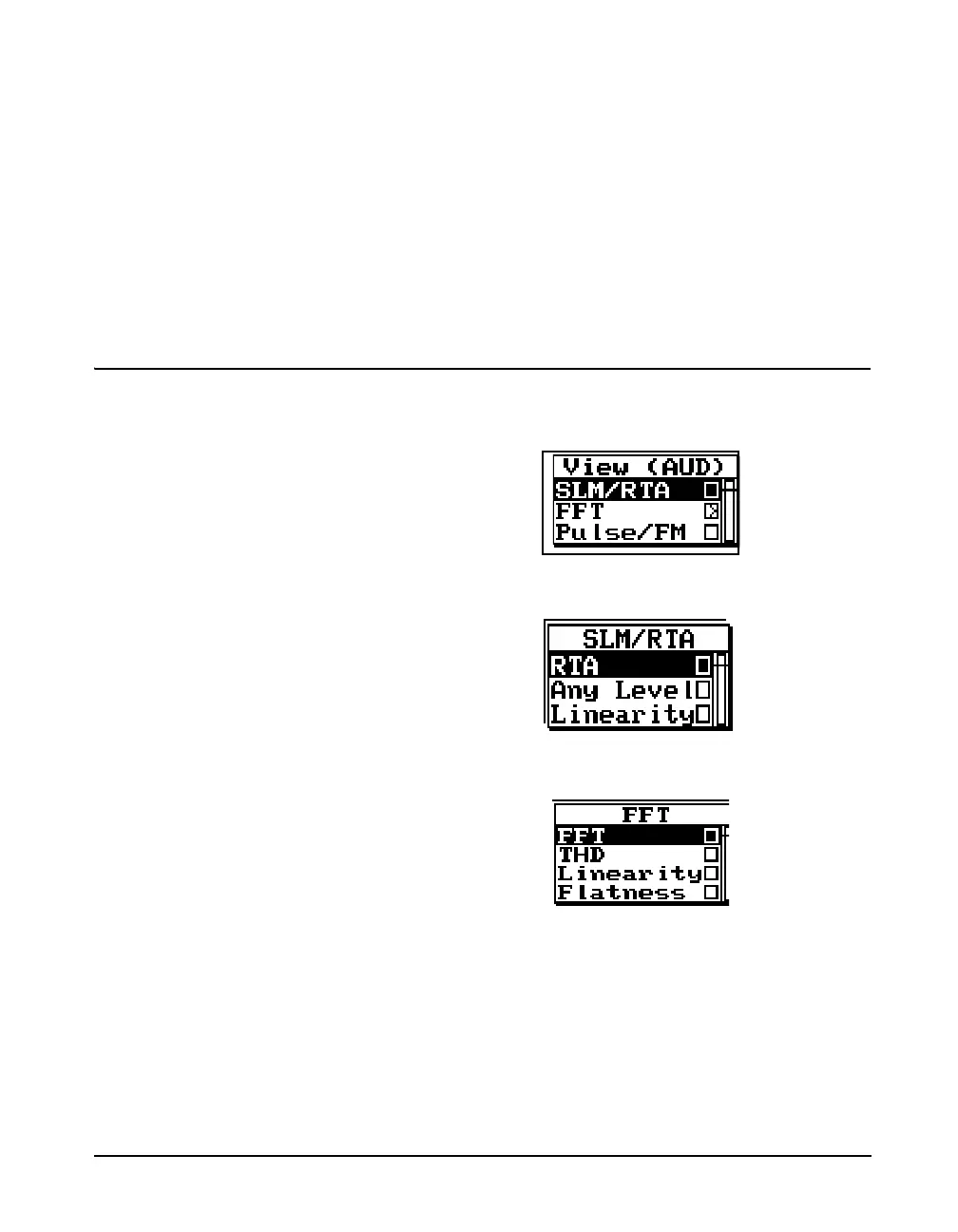
The structure of the View menu is described below. Press the
VIEW key V to open the View Menu.
SLM/RTA Submenu Highlighting SLM/RTA and pressing the right arrow key
rwill produce the SLM+RTA Submenu.
FFT Submenu Highlighting FFT and pressing the right arrow key rwill
produce the FFT Submenu.
Pulse/FM Submenu Pulse/FM has no submenu. Pressing he right arrow key
rwill produce the Pulse/FM - a display screen.
The display screens associated with these menus will be
described in detail in the following sections.



 To Next Page