9-14 824 Reference Manual 9/29/09
Overload and Under Range Conditions
Overload Condition
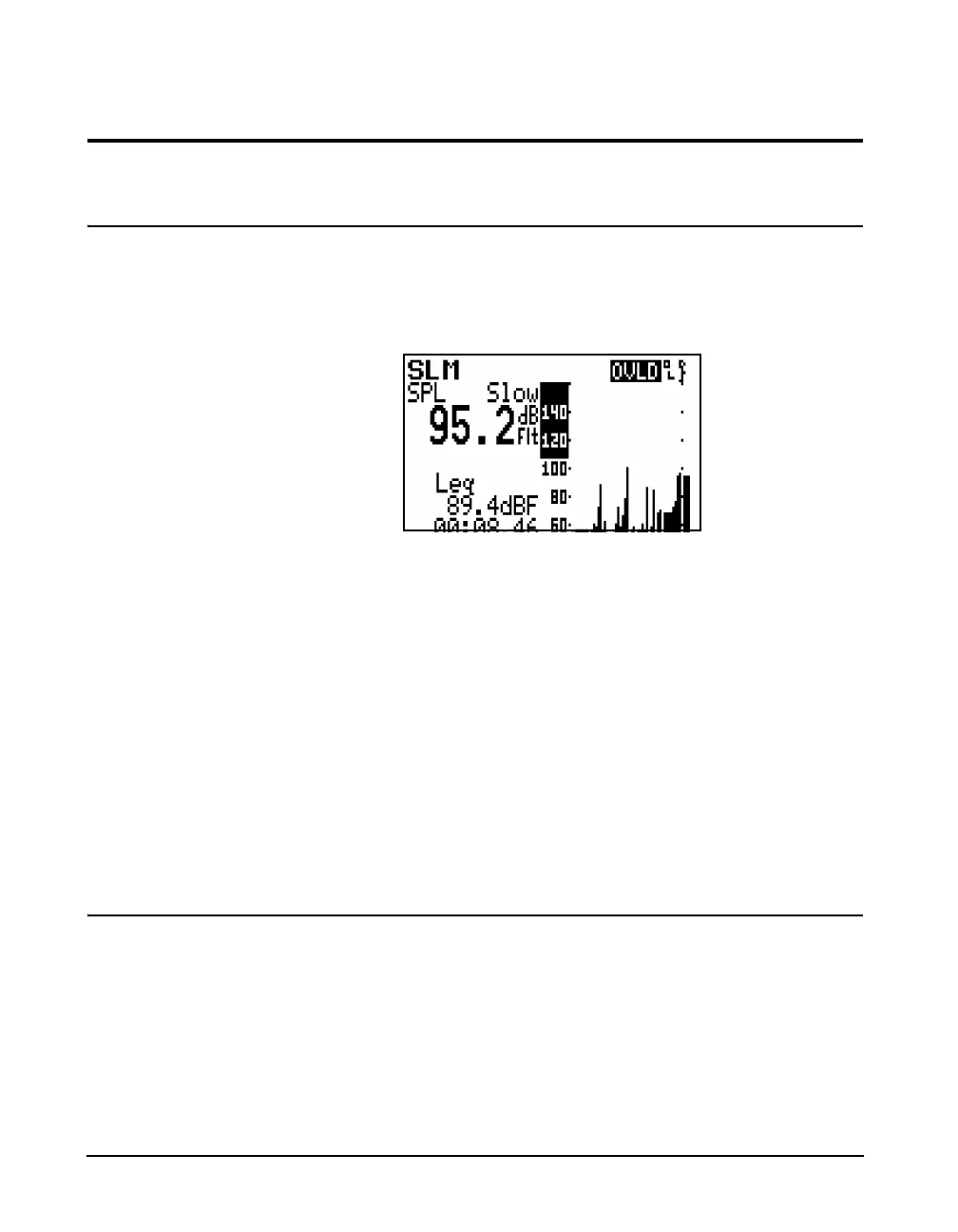
When the input signal is too high, the electronics will
overload. This is indicated by a flashing OVLD text
message, as well as a flashing OL (for overload) in the upper
right corner of the display as shown below.
This text message will continue as long as the overload
conditions continues, but it will disappear when the input
level drops below the overload level. However, the flashing
OL display will continue to appear in the same position as
shown below. This indicates that the data measured may not
be accurate due to the overloaded condition which occurred
during the measurement interval.
Reset Press the R key to reset the measurement. This function is
described in greater detail in the section ”R Reset Key” on
page 3-9. The reset facility clears an overload indication and
there is no delay time between the operation of the reset
facility and the re-initiation of a measurement.
Under Range Condition
NOTE: The noise level corresponding to
the microphone being used must have
been entered by the user, as described in
section ”Entering the Noise Floor
Values” on page 9-4, in order for this
feature to function correctly.
When the sound level being measured is within 10 dB of the
noise floor, this will be indicated by a flashing downward



 To Next Page