9/29/09 Quick Start 4-5
Taking Measurements and Storing Data
This section provides examples of how to select an
instrument ID, take a measurement, and store the resulting
data.
SLM&RTA Measurements
Whether using the SSA, ISM, or LOG instrument, the SLM
is one of the most common functions used in the System
824. The following example explains how to record and
store a measurement in the SLM mode of the SSA
instrument.
If the 824 is already using the SSA
ID, there will be a ‘>’ to the left of
it’s name on the second menu line.
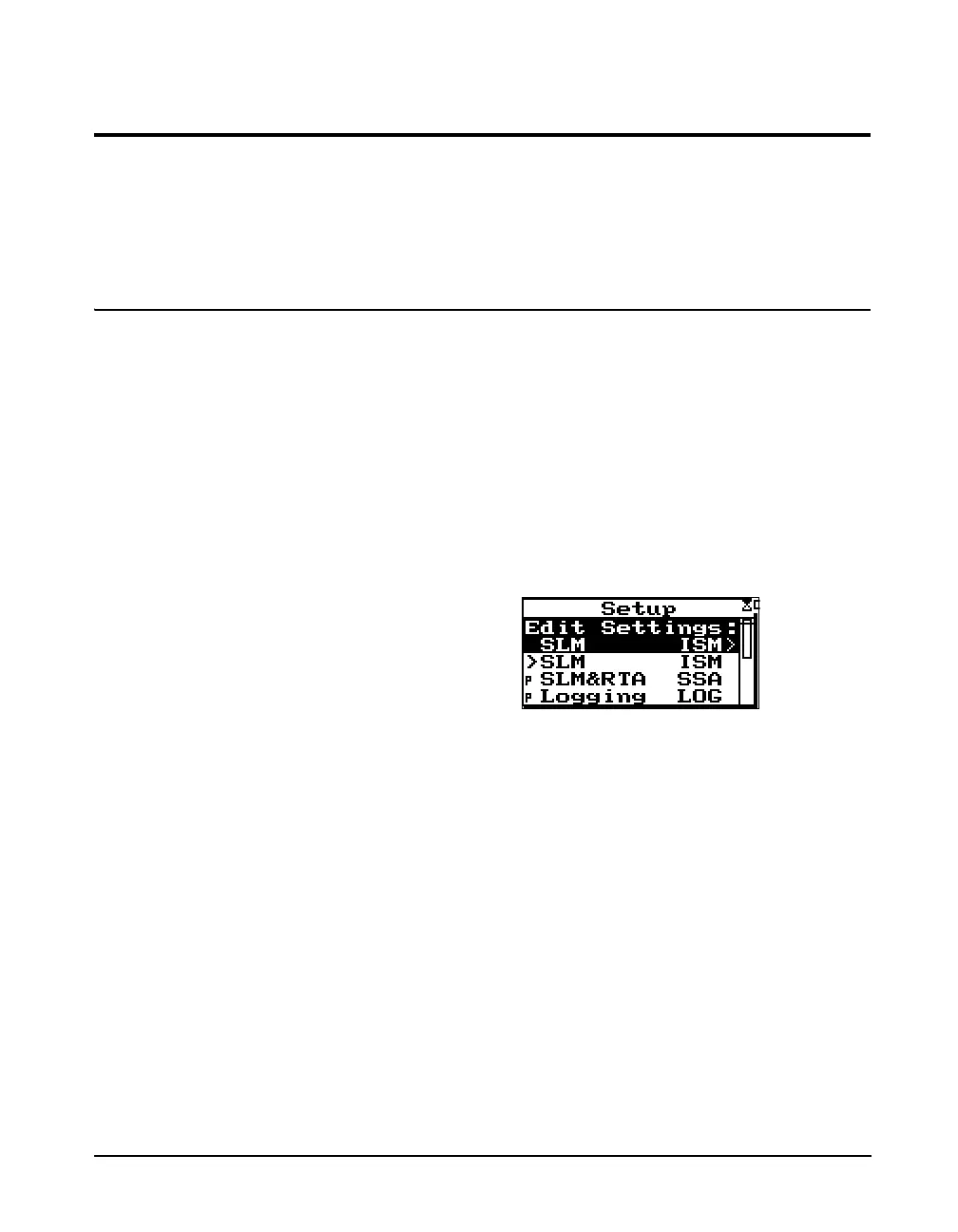
Step 1 To activate the SLM&RTA SSA instrument, press
the
S SETUP key. A menu similar to the follow-
ing appears:
NOTE: A solid black box indicates that
the 824 is stopped with data, and a hol-
low box indicates that the 824 is
stopped with no data present.



 To Next Page