9/29/09 Performing a Sound Level Measurement 9-11
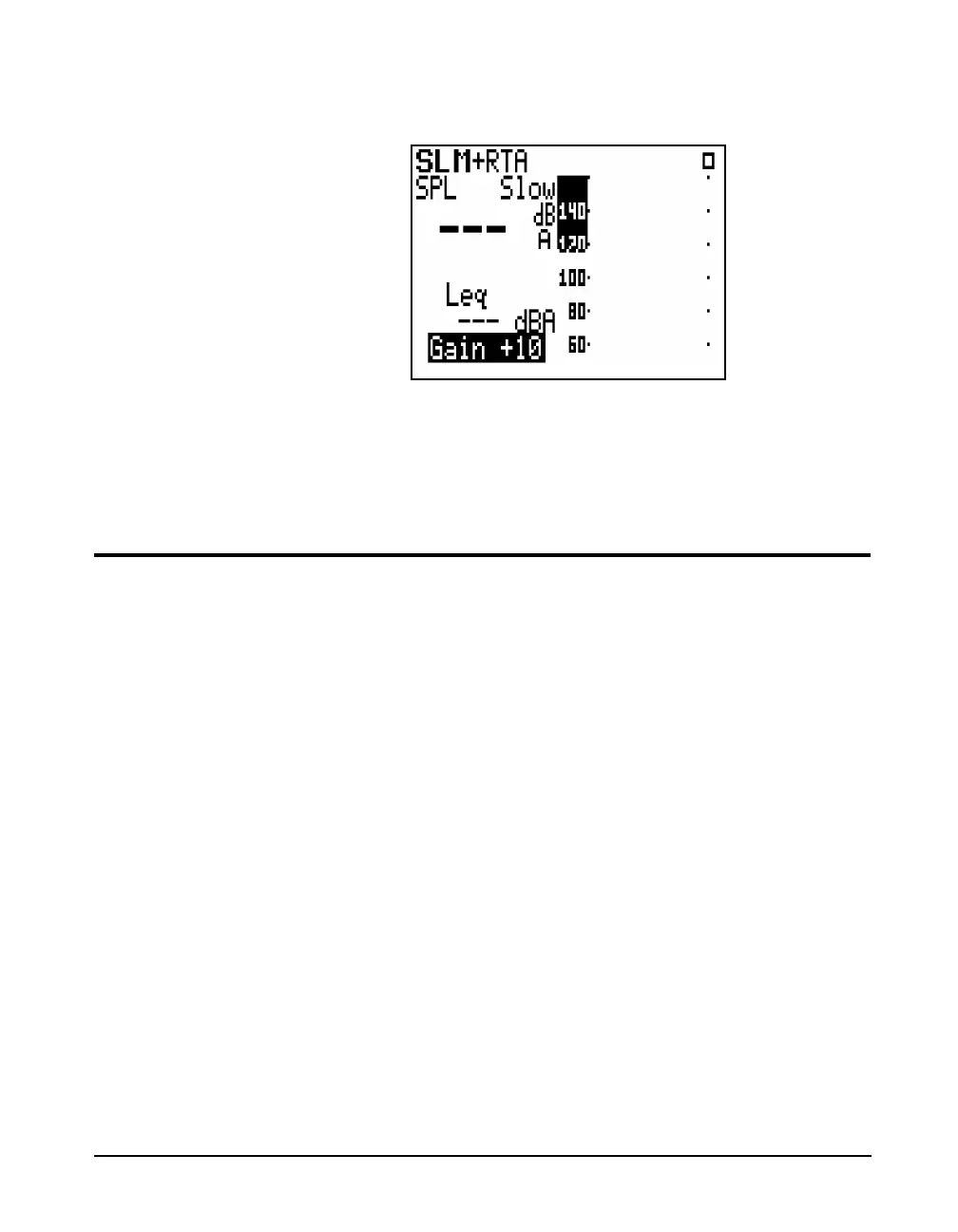
the uor dkey until the highlight is located in the lower
right corner of the display as shown below.
When the gain setting is highlighted, this can be changed by
repeatedly presssing the uor dkey until the desired
value of Gain appears.
Performing a Measurement
The procedure for performing a measurement is described in
the section ”Performing a Measurement; SLM&RTA (SSA)”
on page 2-7. Among the important aspects covered are the
following:
• Stop, Pause and Erase Functions in section ”Stop, Pause
and Back Erase Functions” on page 2-8.
• Changing the Detector of the displayed SPL value in
section ”Changing the detector of the displayed SPL
value” on page 2-8.
• Changing the Frequency Weighting of the displayed SPL
value in section ”Changing the frequency weighting of
the displayed SPL value” on page 2-9.
• Changing the Displayed Secondary Parameter in section
”Changing the displayed secondary parameter” on page
2-10.
• Changing the Frequency Weighting of the Displayed
Lpeak value in section ”Changing the frequency
weighting of the displayed Lpeak value” on page 2-10.



 To Next Page