13-12 824 Reference Manual 9/29/09
Manual Lock For manual operation select unlock while at a high
amplitude (70dB HL or above) where the highest amplitude
filter can be detected easily. When the correct frequency is
displayed press the right arrow to manually lock the filter so
that it does not change when measuring low amplitudes.
AGC is not active in the manual unlock or lock modes.
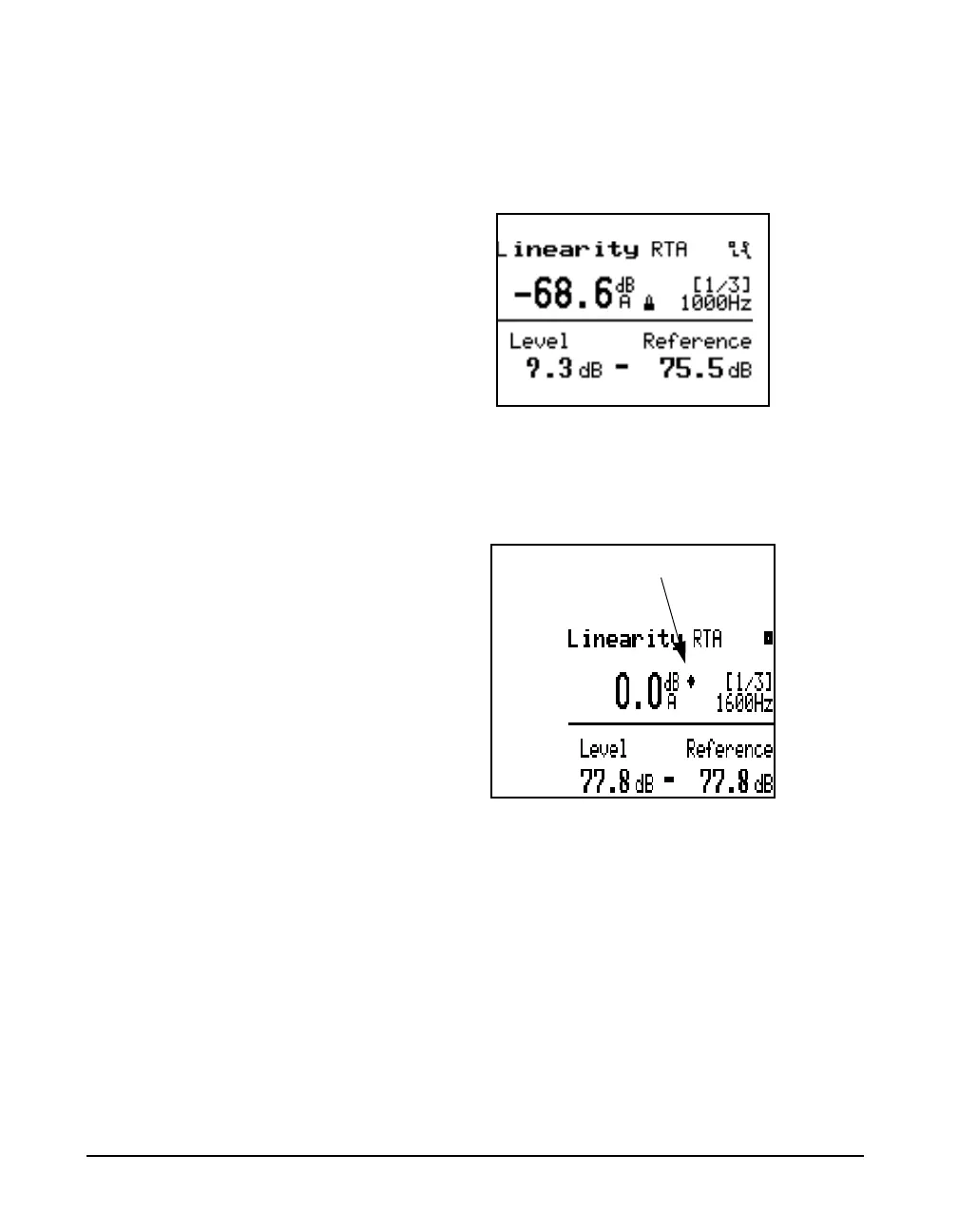
Automatic Lock For automatic operations select the auto mode by pressing
the left (or right) arrow key until the diamond icon appears
as shown below.
A trigger level setting is found on the check menu that
defines the amplitude below which the lock is set. When
above the trigger level the filter frequency will track the
highest amplitude signal. When the level of that filter drops
below the trigger level the lock is activated and the filter



 To Next Page