9/29/09 AUD (Optional) 13-11
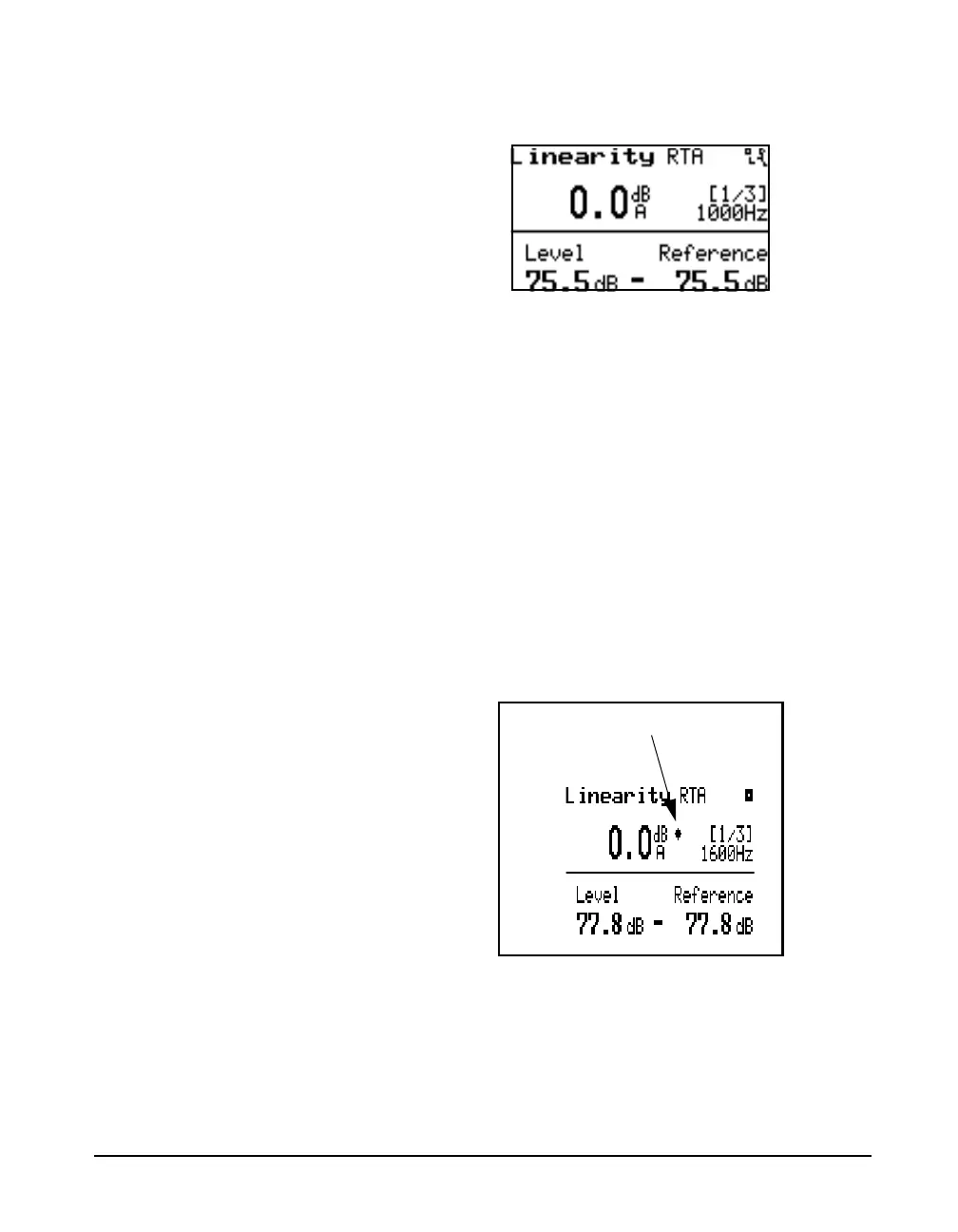
Once the reference has been set the level is shown relative to
the reference level as shown below.
This display is used to measure the attenuator linearity of an
audiometer. The highest amplitude fractional octave RTA
bin is found and displayed in the lower left corner of the
display. The chosen reference level is displayed in the lower
right corner.
This display has a manual and an automatic filter lock
feature to lock to the desired filter frequency when going to
low amplitudes when other noise signals
ambient noises
or vibrations present in the environment
may be higher
than the signal being output by the audiometer. The right and
left arrow keys control the lock mode. Press right once to
manually lock to the current frequency; a lock icon will
appear. Press the left arrow key once to activate the
automatic lock mode, a diamond shaped icon will appear.
The lock mode will step in sequence from unlocked to
manual locked to automatic and back to unlocked with the
right arrow. The left arrow will sequence through the modes
in the reverse order.



 To Next Page