9/29/09 Introduction 1-5
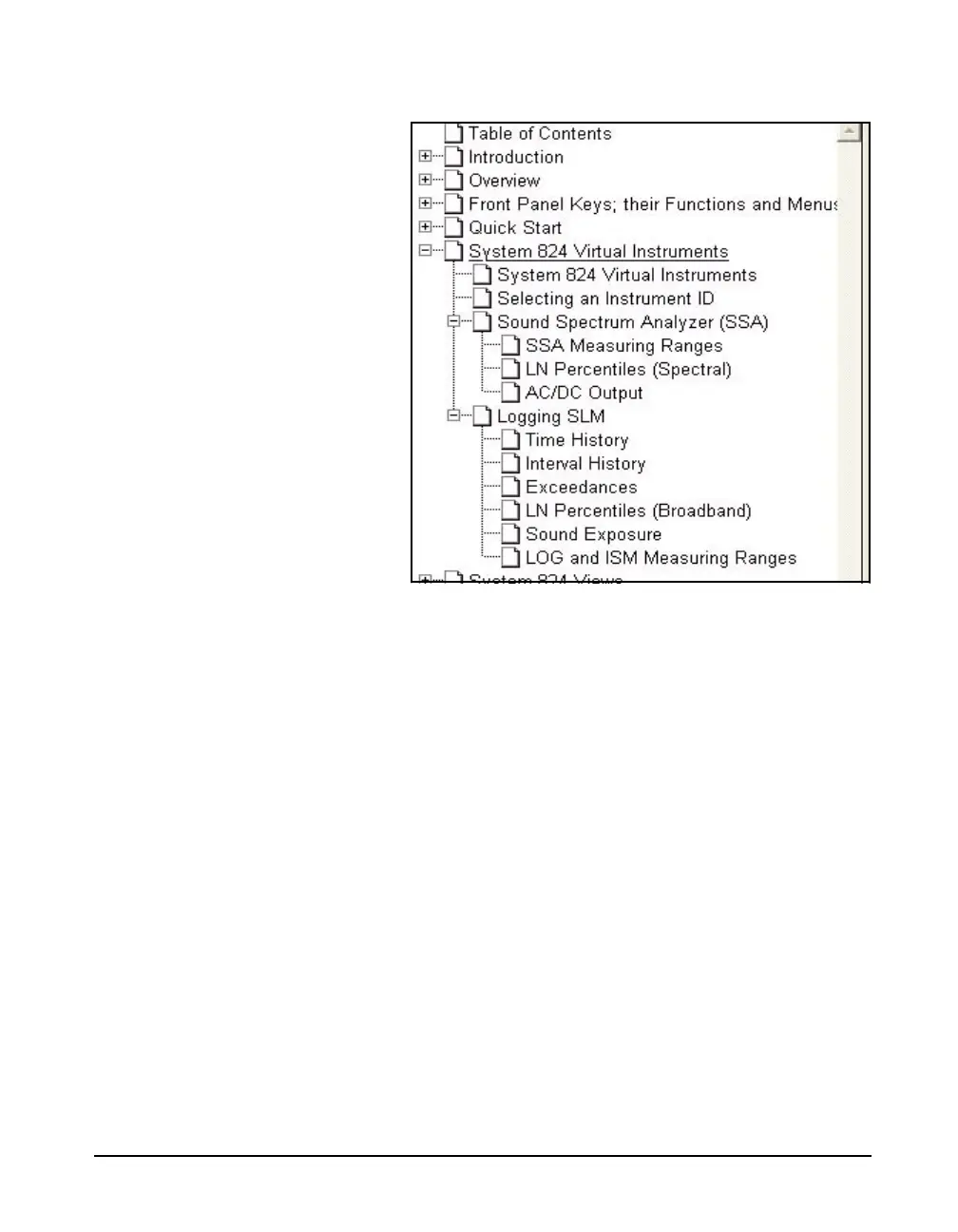
Click to Display Page
Left click on any text field (Chapter name, Appendix name,
Table of Contents, Index, or any sub heading) and the page
displayed on the right will jump to the page associated with
that text field.
Return to Previous View
To return to the page which was displayed previous to
clicking on a bookmark text line, right click on the display
page, then left click on “Go to Previous View”.
Links
Click to Display Page
The Table of Contents and the Index have a page number
associated with each item. For the Table of Contents, left
click on the text line and that page will be displayed. For the
Index, left click on the page number itself to display the
page associated with that entry. To return to the previous
display, follow the procedure described in "Return to



 To Next Page