9/29/09 Using ID Setting Files 7-63
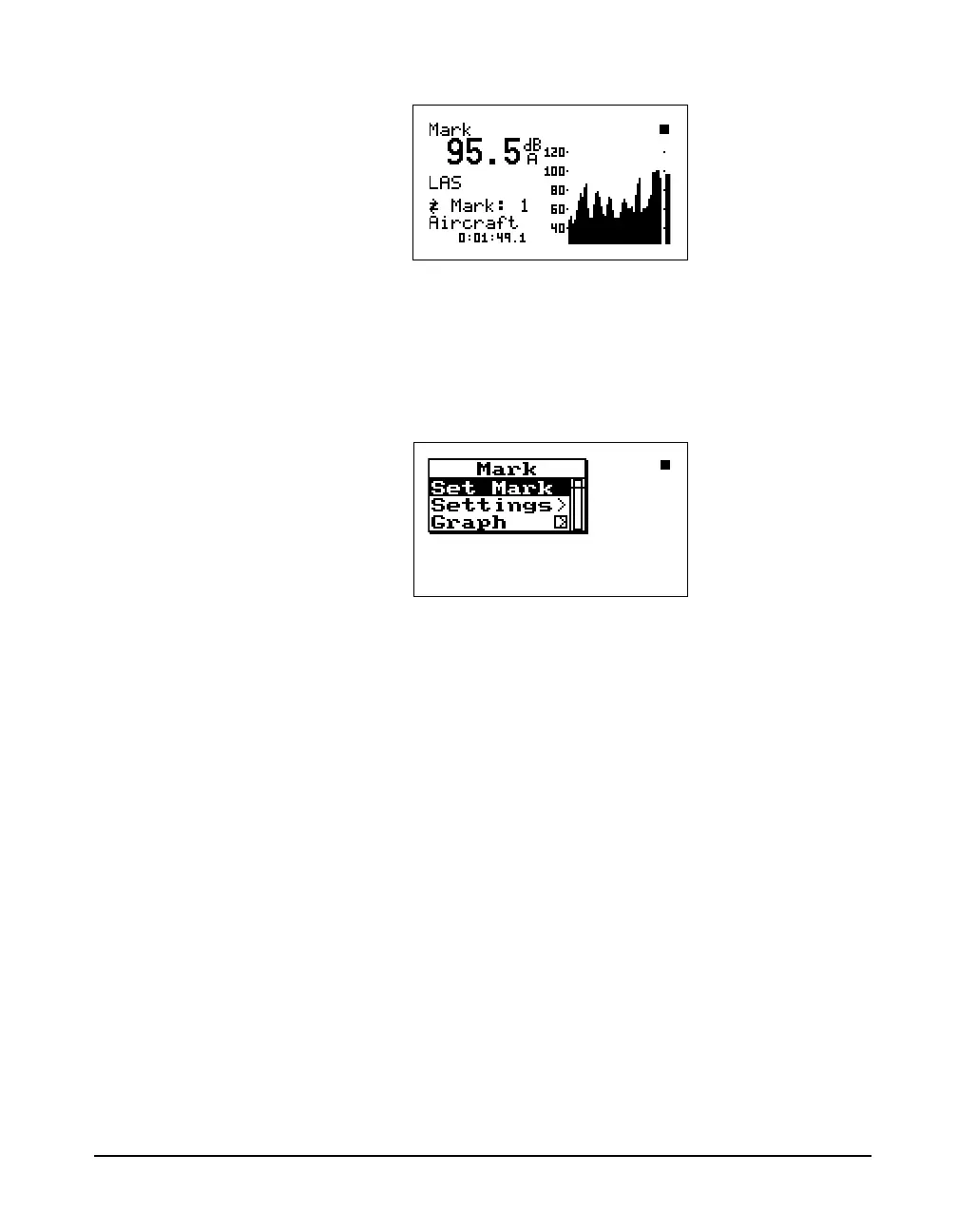
The “Mark” display shows the current SPL level and a time
history of the SPL level is shown graphically. This enables
you to set a marker in the time history. To set a marker in the
time history, press the Check
c key. The following menu
appears:
When “Set Mark” is initiated by
pressing the Check
c key, a marker
is placed into the time history record
at that point in time.
With “Set Mark” highlighted, press the Check
c key to
place a marker in the time history.
The Settings menu item in the “Mark” Check menu allows
you to access the “Settings” menu in the marker area in
order to change the marker descriptions.
The Graph menu item allows you to change the scaling of
the Mark graph. (See below)



 To Next Page