9/29/09 Using the 824 Utility Software 10-3
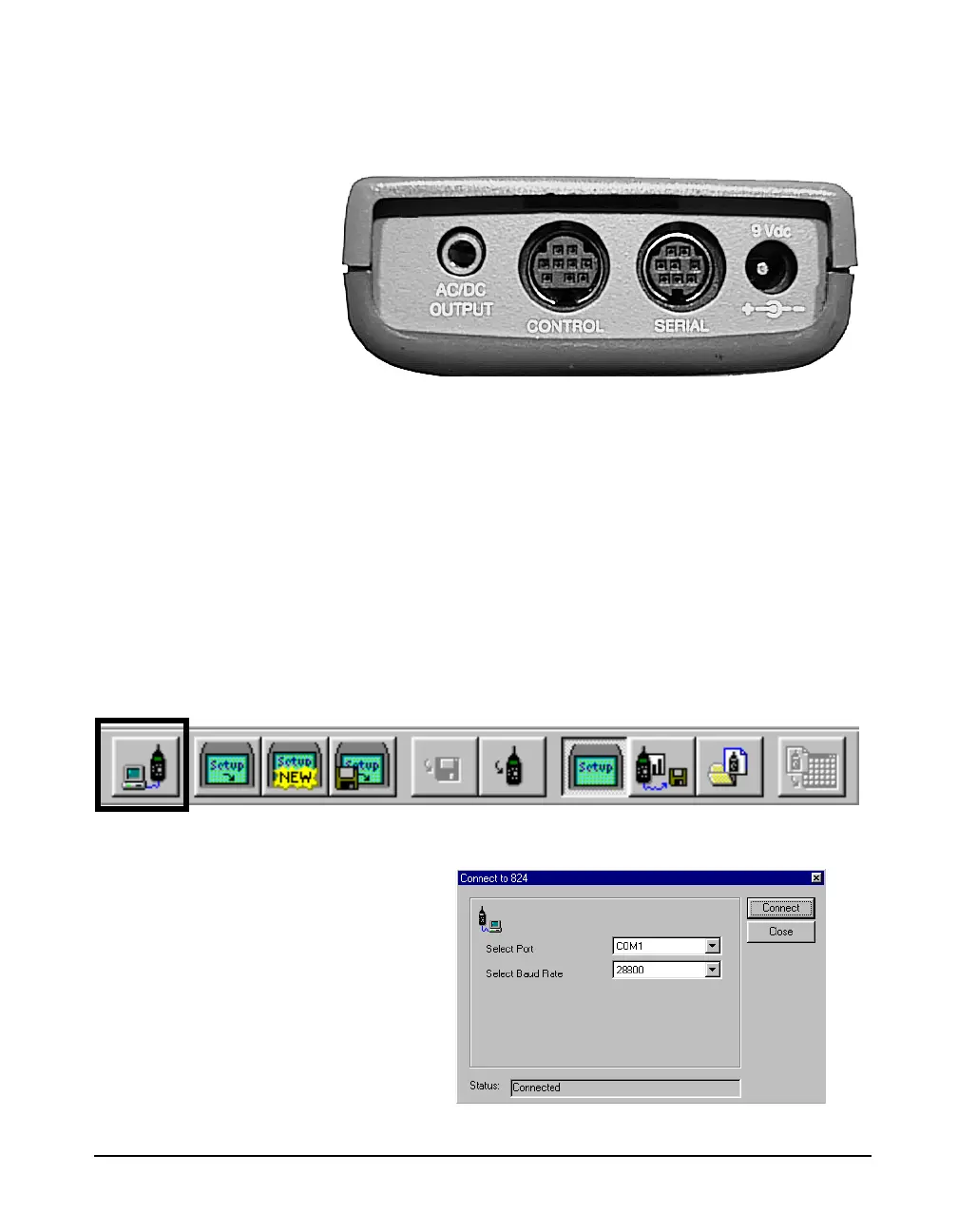
plugs into the Serial port of the 824 and the 9-pin connector
plugs into a serial port on your computer.
You do not need to be connected to
the 824 in order to translate files
which have already been
downloaded.
Before any functions can be performed on the 824, you must
connect the 824 to the 824 Utility software. To connect to
the 824:
Step 1 Attach the CBL006 to the 824 and to the serial
port on the computer as described earlier.
Step 2 Start the 824 Utility program.
NOTE: The 824 will power on when it
senses anything on the serial connector.
You may notice the 824 powering on
automatically before you press the power
button.
Step 3 Power on the 824.
Step 4 Press the Connect button on the tool bar.
Step 5 The connect dialog box will appear.



 To Next Page