9/29/09 Using the 824 Utility Software 10-5
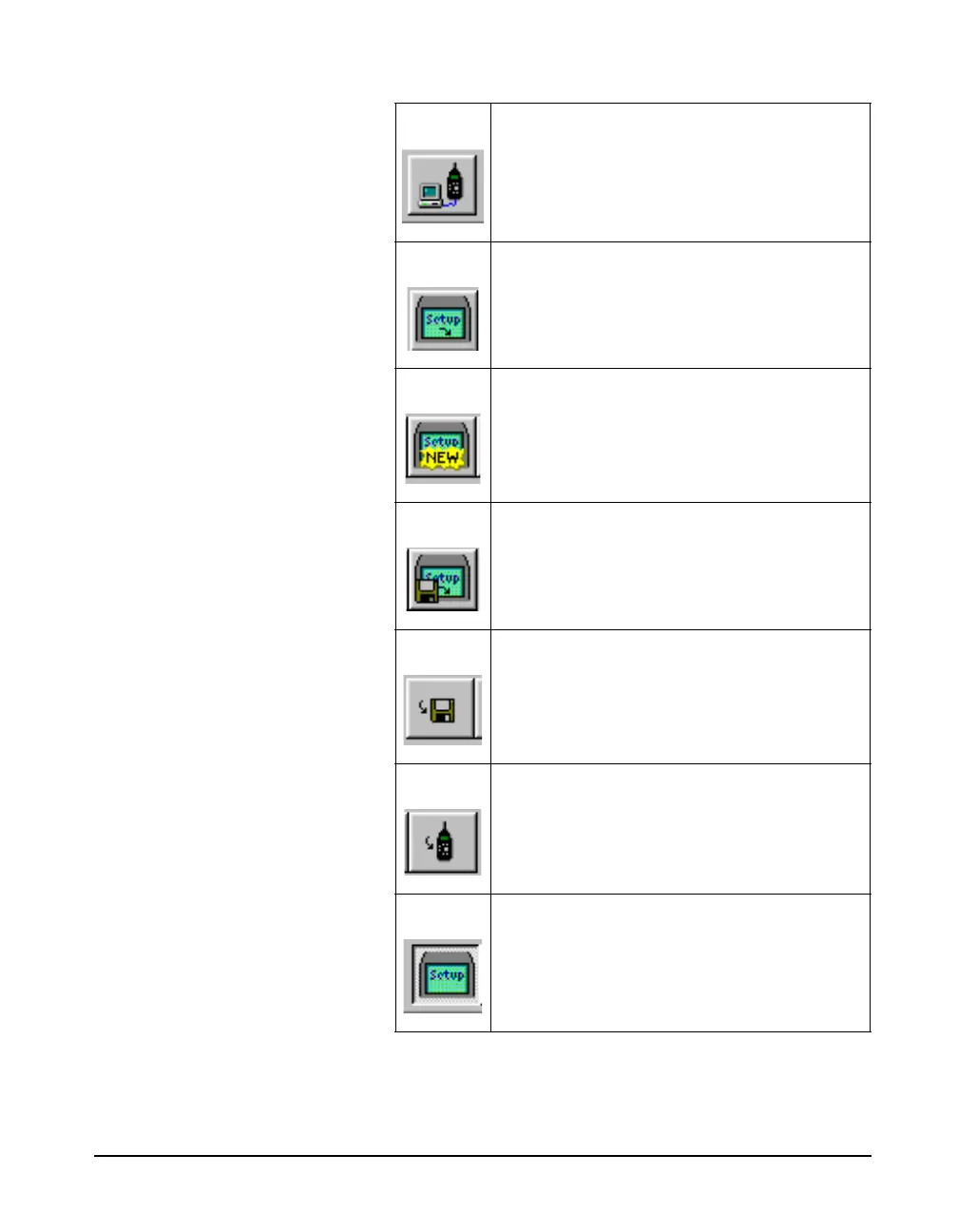
Connect button. This button is used to
establish a connection to the 824. Pressing this
button will bring up the connect dialog box
where the connection parameters can be
defined.
Retrieve Setups from 824. This button will
retrieve all current setups in the 824.
Create new setup button. This button will
allow the user to create a new setup that can
then be saved to disk, or saved in the 824.
Open a setup from a computer file. This button
will allow the user to retrieve previously stored
setup files.
Store setup to disk. This button will allow the
user to store a setup to a disk.
Store setup in 824. This button will store the
setup in the 824. This function must be
performed before the setup can be used inside
the 824.
Setup window button. This button will activate
the setup window portion of the 824 Utility
Program



 To Next Page