9/29/09 Using the 824 Utility Software 10-19
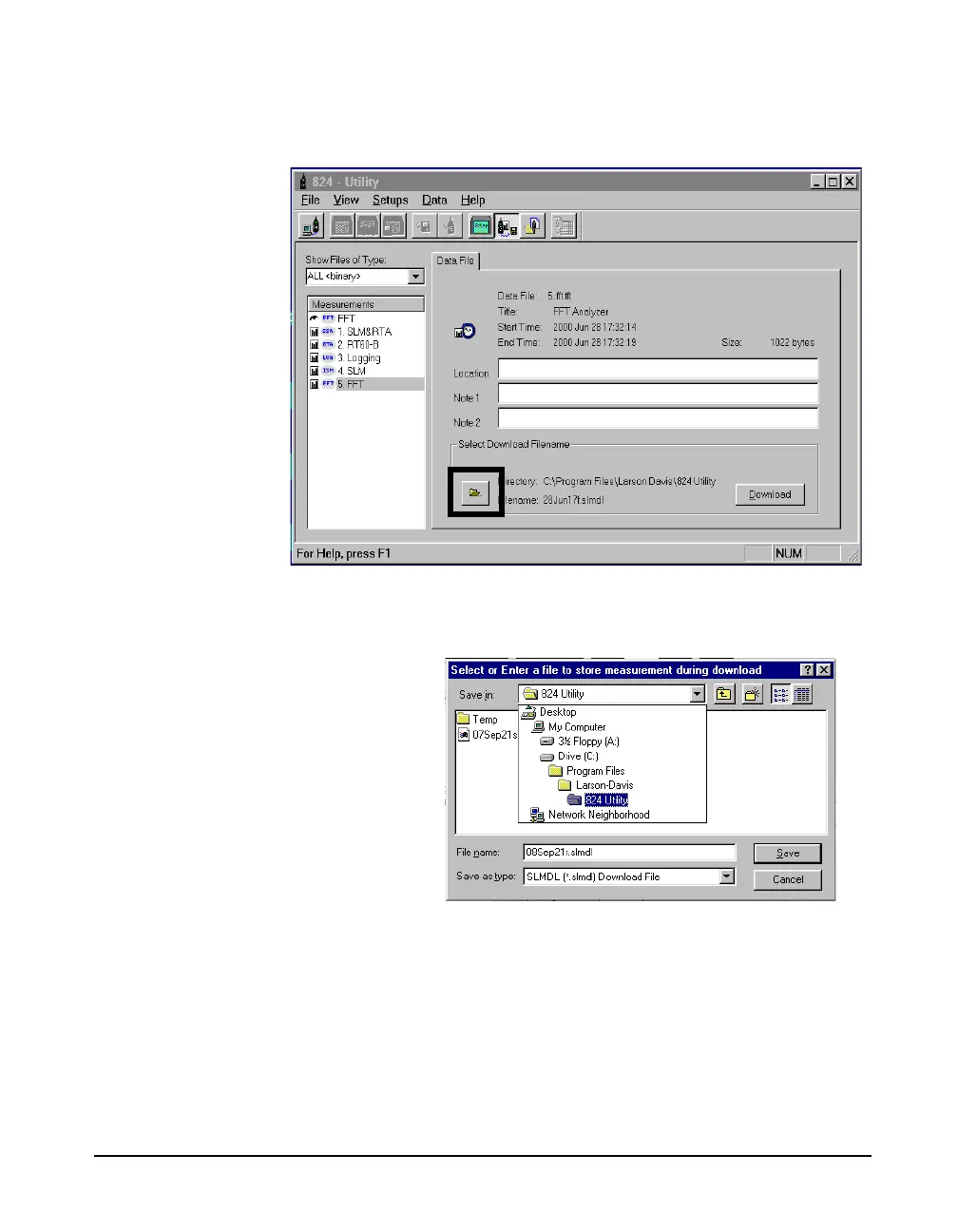
window, press the File folder button, next to the Directory
entry.
NOTE: The 824 Utility program will
download the files with the date the file
was created as the file name as a default.
It will also download the file to the 824
Utility Folder as a default. The option to
specify a file name and destination folder
is an optional selection, and is not
necessary for download.
A standard Windows file selection dialog box will appear.
Select the destination directory you wish.



 To Next Page