11-36 824 Reference Manual 9/29/09
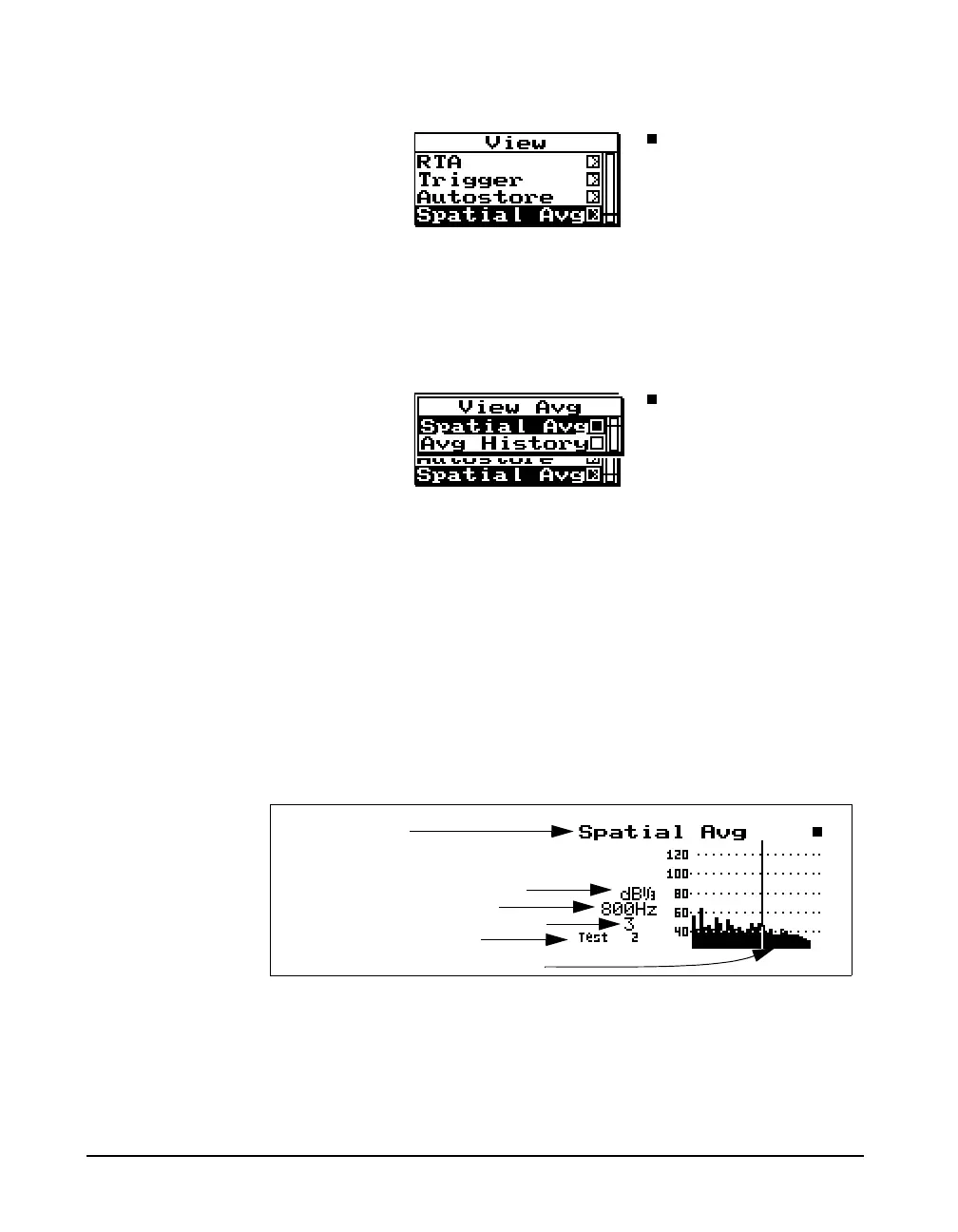
Now press therright arrow key to bring up the “View
Avg” display view menu.
The “View Avg” display view menu offers 2 choices: Spatial
Avg and Avg History. Use the
c check key to select the
Spatial Avg display.
Spatial Avg
The “Spatial Avg” display shows the spectra which have
been currently averaged.
NOTE: *If the right digit of the annunciator is numeric then it will
auto-increment with each spatial average store operation from the
check menu.
Spatial averaged spectrum
*Annunciator or note
Spatial averaged sample count
Display label
Selected filter frequency
Bandwidth (1/1 or 1/3 oct.)



 To Next Page