12-2 824 Reference Manual 9/29/09
To select the FFT instrument, press the SETUP S key,
scroll down to the FFT instrument and press the Check
c
key. The FFT display will appear. Press the SETUP S key
again to return to the SETUP menu. At the top of the Setup
menu “Edit Settings” will be highlighted. Press the Check
c key or the right rarrow key to edit the FFT settings
menu.
NOTE: See "System 824 Virtual
Instruments" on page 6-1 for a more
detailed explanation on selecting
instrument definitions.
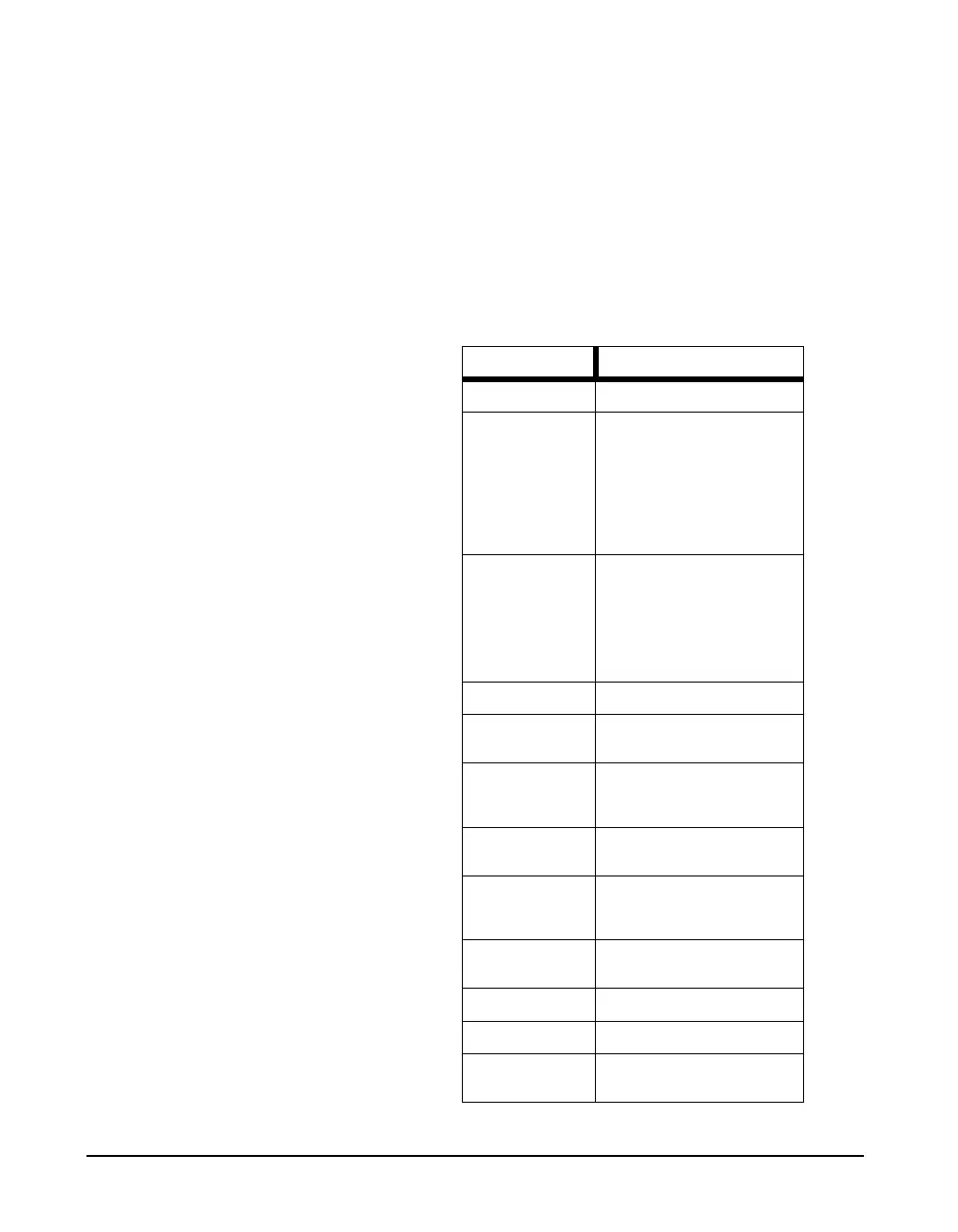
The menu layout of the FFT settings is shown in the table
below:
Menu Items Available Settings Options
Title User customized text entry
Gain
(dB)
-20
-10
+0
+10
+20
+30
+40
+50
Bandwidth
(Hz)
200
500
1k
2k
5k
10k
20k
Avg Count 1 to 16384
Repeat
No
Yes
Window
Rectngl
Hanning
Flt-top
Overload Skip
No
Yes
Transducer
Condnsr
Elctret
Direct
Random Corr
No
Yes
Linear Units 4 characters of text
Linear Scale -128.99 to 127.99
Auto Snapshot
No
Yes



 To Next Page