9/29/09 AUD (Optional) 13-15
trigger level setting the THD plus noise value will be
displayed in the upper right corner.
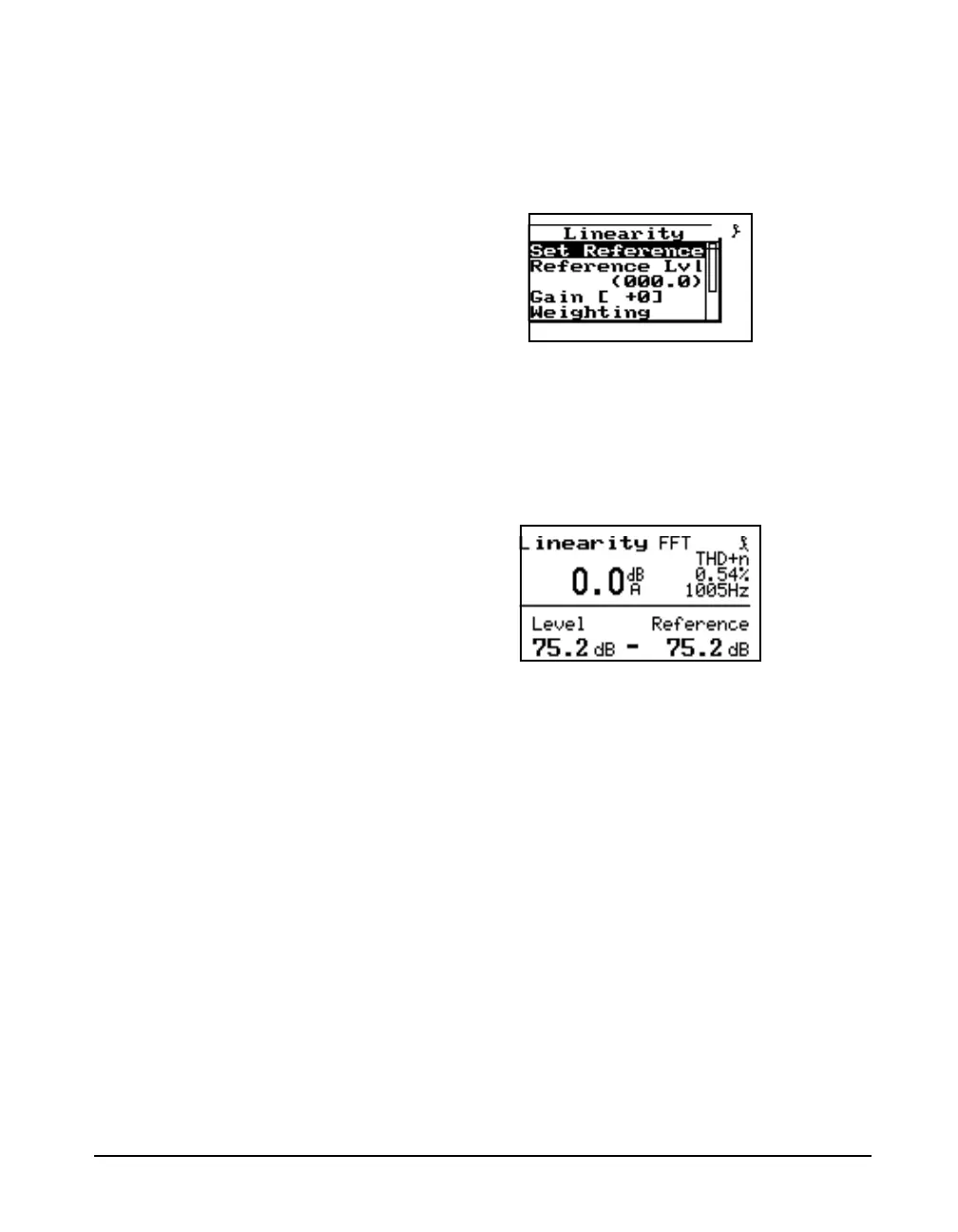
To set the reference level to the current level first press the
check key c to display the check menu shown below.
Then highlight "Set Reference" and press the check key c
once more. The reference can also be set to an absolute level
using the "Reference Lvl" setting on the check menu. This
zero level may be set at the 70dB HL point as a reference.
Once the reference has been set the level is shown relative to
the reference level as shown below.
This display has a manual and an automatic filter lock
feature to lock to the desired filter frequency when going to
low amplitudes where other noise signals
ambient noises
or vibrations present in the environment
may be higher
than the signal being output by the audiometer. The right and
left arrow keys control the lock mode. Press right once to



 To Next Page