3-32 824 Reference Manual 9/29/09
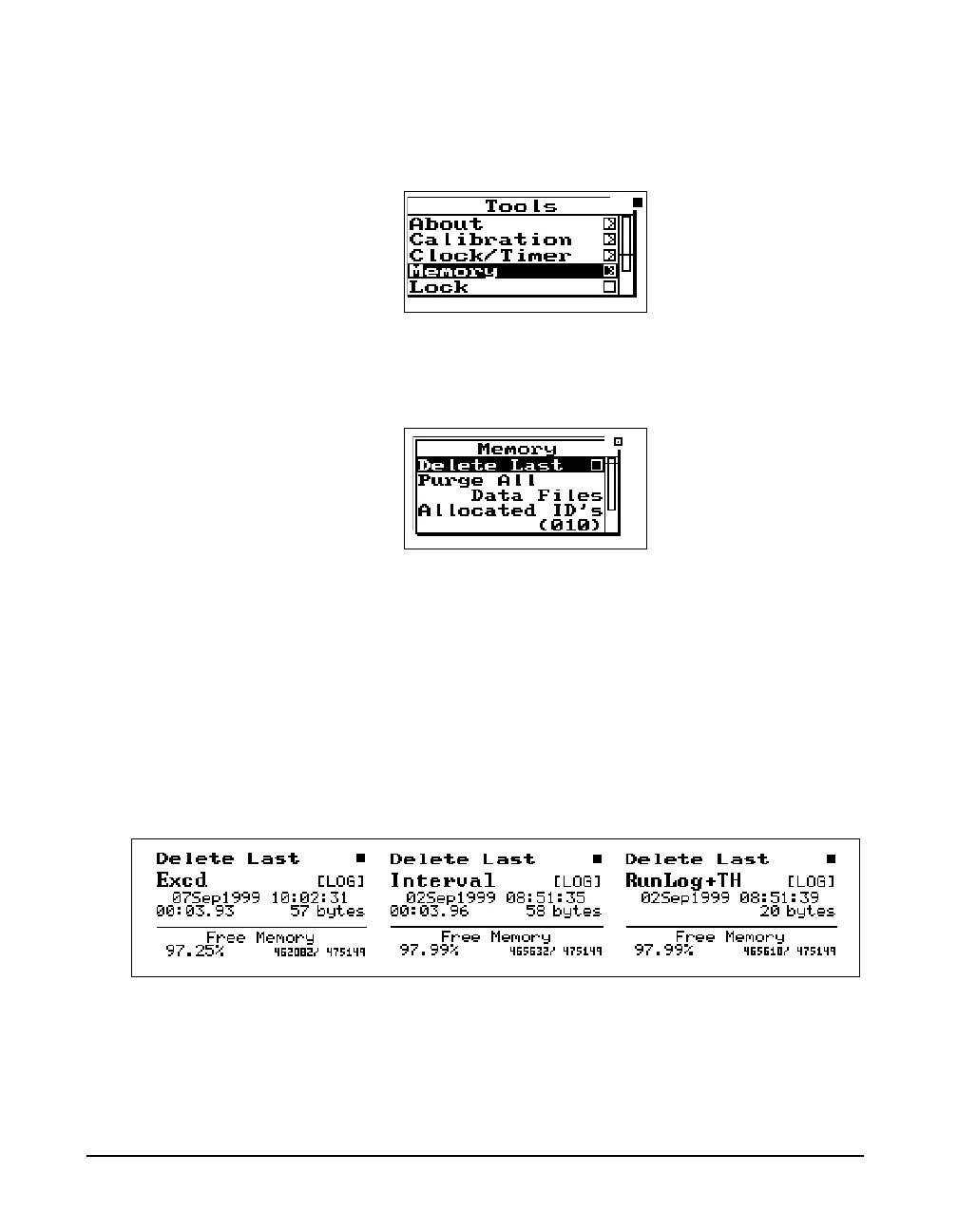
Step 2 Press the TOOLS T key and the following
appears:
Step 3 Highlight “Memory” and press the right
rarrow
key to access the “Delete Last” function.
Step 4 Highlight “Delete Last” and press the Check
c
key.
The records will appear one at a time. Below are examples
of some of the records.
To delete them press the Check
c key. The following will
appear:



 To Next Page