Page | 99
1. Add the image file TriCaster Logo w. Bkgnd.png from Still > NewTek > Logos
to the playlist of a Media Player.
FIGURE 85
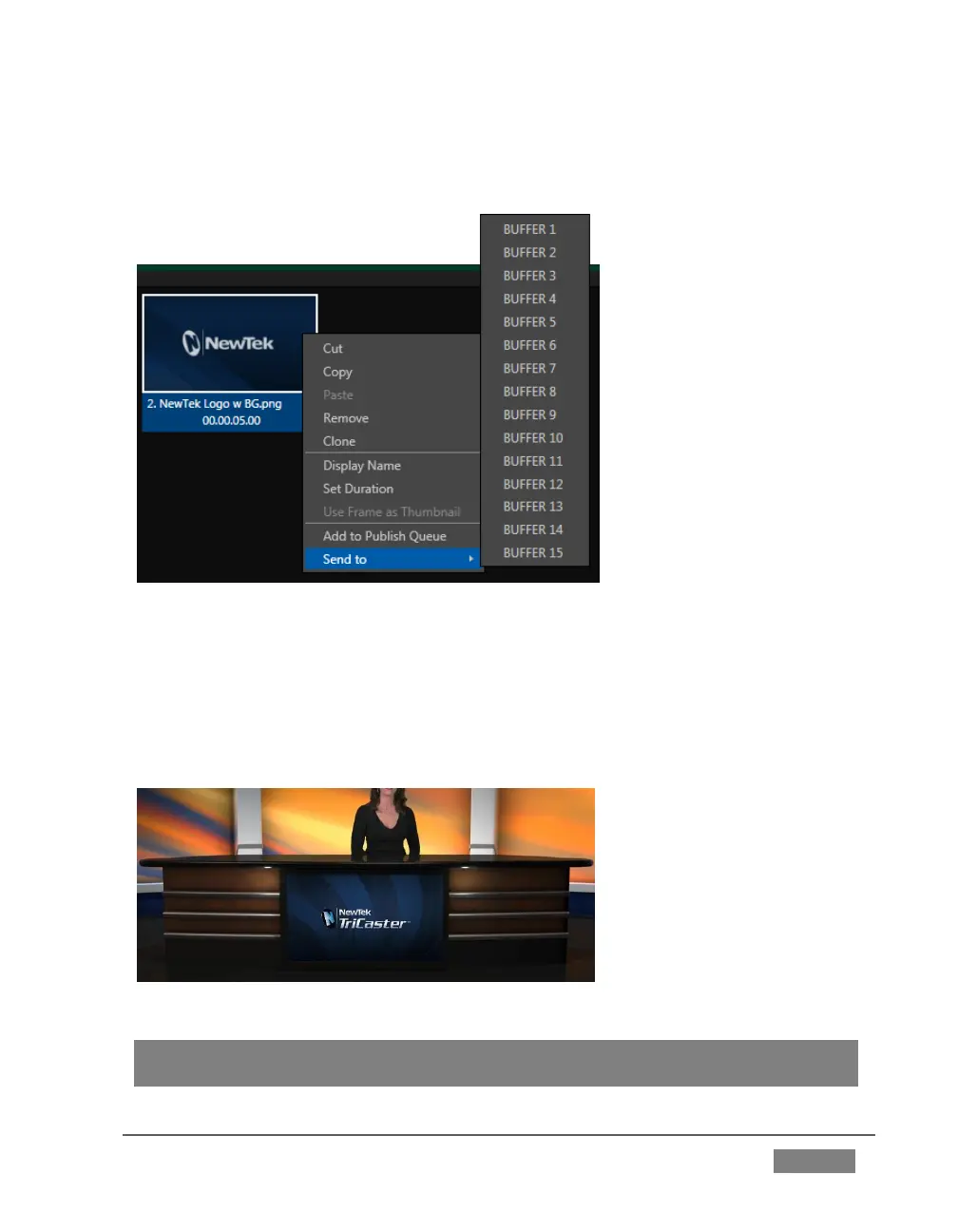
2. Right-click on the new icon in the playlist, and slide the mouse pointer down
to the item Send to Buffer. Select BFR 1 from the sub-menu that appears.
3. Select the button labeled BFR as the input B source in the M/E tab. The image
you sent to Buffer 1 now appears on the virtual monitor in the LiveSet.
FIGURE 86
Hint: Right-click a Buffer button in an M/E or Switcher row to set which particular Buffer
(1-15) the button refers to.









 To Next Page