Page | 137
THE DASHBOARD
TriCaster’s Dashboard groups important production features and
system display controls in one convenient place for quick access
and review.
As well, the Dashboard serves to provide information on the
current session, status updates and storage usage, along with
timecode and the TriCaster Options menu.
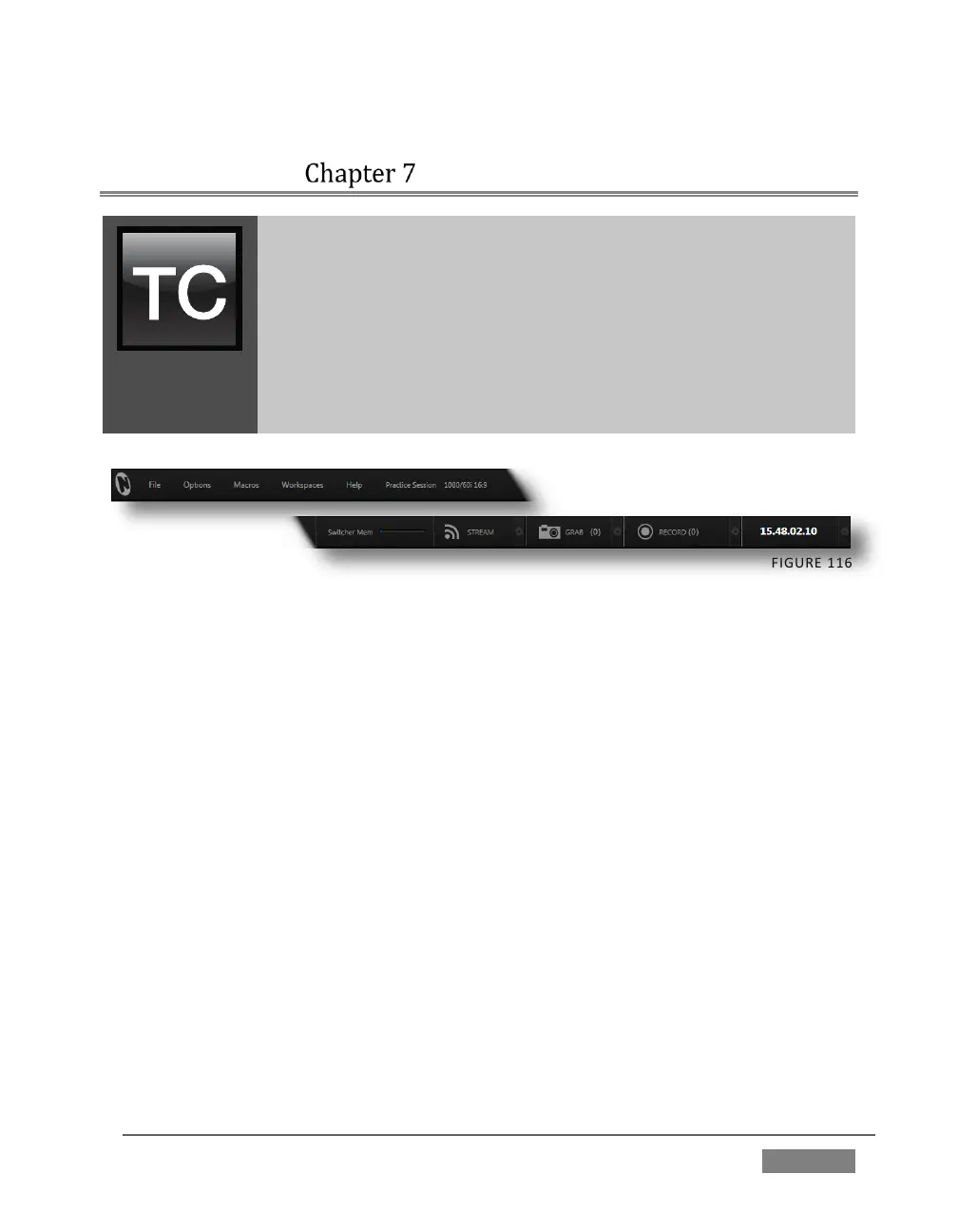
TriCaster’s Dashboard is home to a number of important displays, tools and controls.
Prominently located at the very top of the Live Desktop, the Dashboard occupies the
full width of the screen. The various elements comprising the Dashboard are listed
below (starting from the left):
1. File menu
2. Options menu
3. Macros (see Chapter 17)
4. Workspaces (see Chapter 10)
5. Help menu
6. Information (display)
7. STREAM (see Chapter 18)
8. GRAB (see Chapter 20)
9. RECORD(see Chapter 20)
10. Timecode display (see 8.2.8)









 To Next Page