Page | 333
RECORD AND GRAB
You will often want to capture video clips from external sources,
as well as to record your own live TriCaster™ productions.
Similarly, it can be quite useful to be able to grab stills from
Program output for use in the current production. This chapter
will provide everything you need to know about this topic.
SECTION 20.1 RECORD
TriCaster™ provides a great deal of flexibility when it comes to capturing your
production, selected elements of it, and a wide array of internal and external sources
(with embedded timecode).
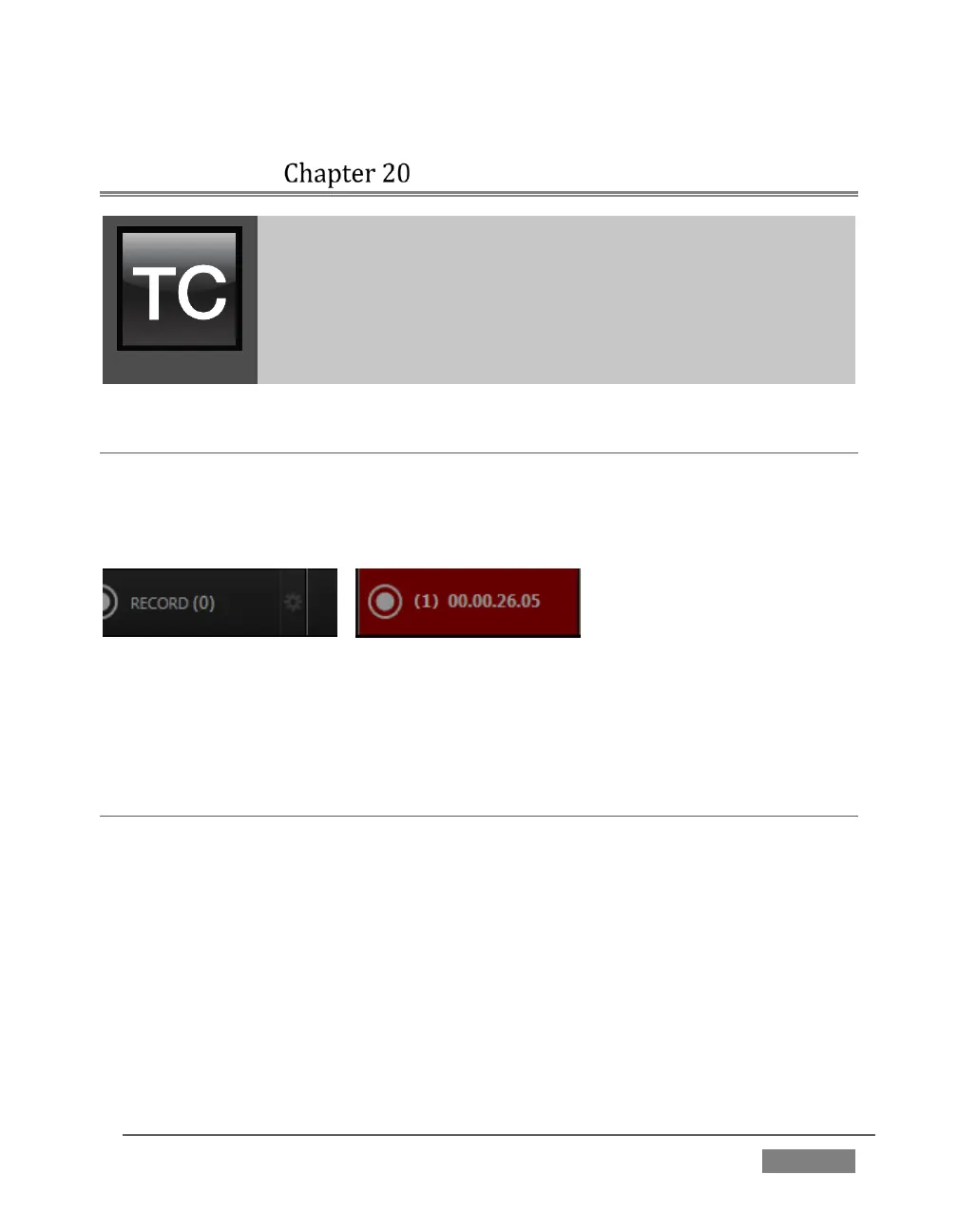
FIGURE 317
This is all very helpful for post-production purposes or even for immediate playback
from a DDR during your production.
SECTION 20.2 ISOCORDER™
TriCaster’s unique IsoCorder™ technology brings even more powerful capability to
TriCaster’s Record feature. With IsoCorder, it’s possible to record all primary video
sources simultaneously, or a perhaps mix of sources and output channels, including
Outputs 1 and 2. Since the latter outputs are configurable, you can also capture
Program, Program (Clean), individual Switcher sources, or even an Alpha Matte.
Recording is easily enabled by clicking the large Record button in the Dashboard
(Figure 317). The nearby counter tracks the number of clips recorded with the
current base filename, and shows the duration of the current recording.









 To Next Page