Page | 153
Thus, the Vert Position, Horiz Position and Phase settings allow you to tweak
synchronization to arrive at an optimum match between devices. Typically, these
settings are fine-tuned with the aid of a downstream Vectorscope and Waveform
Monitor. (A discussion of these adjustments goes beyond the scope of this manual,
but a quick online search for the keywords “genlock” and “adjust” turns up a number
of excellent references).
REFERENCE TYPE
The ‘bi-level’ reference signal long used for standard definition television is often
used for genlocking both SD and HD installations.
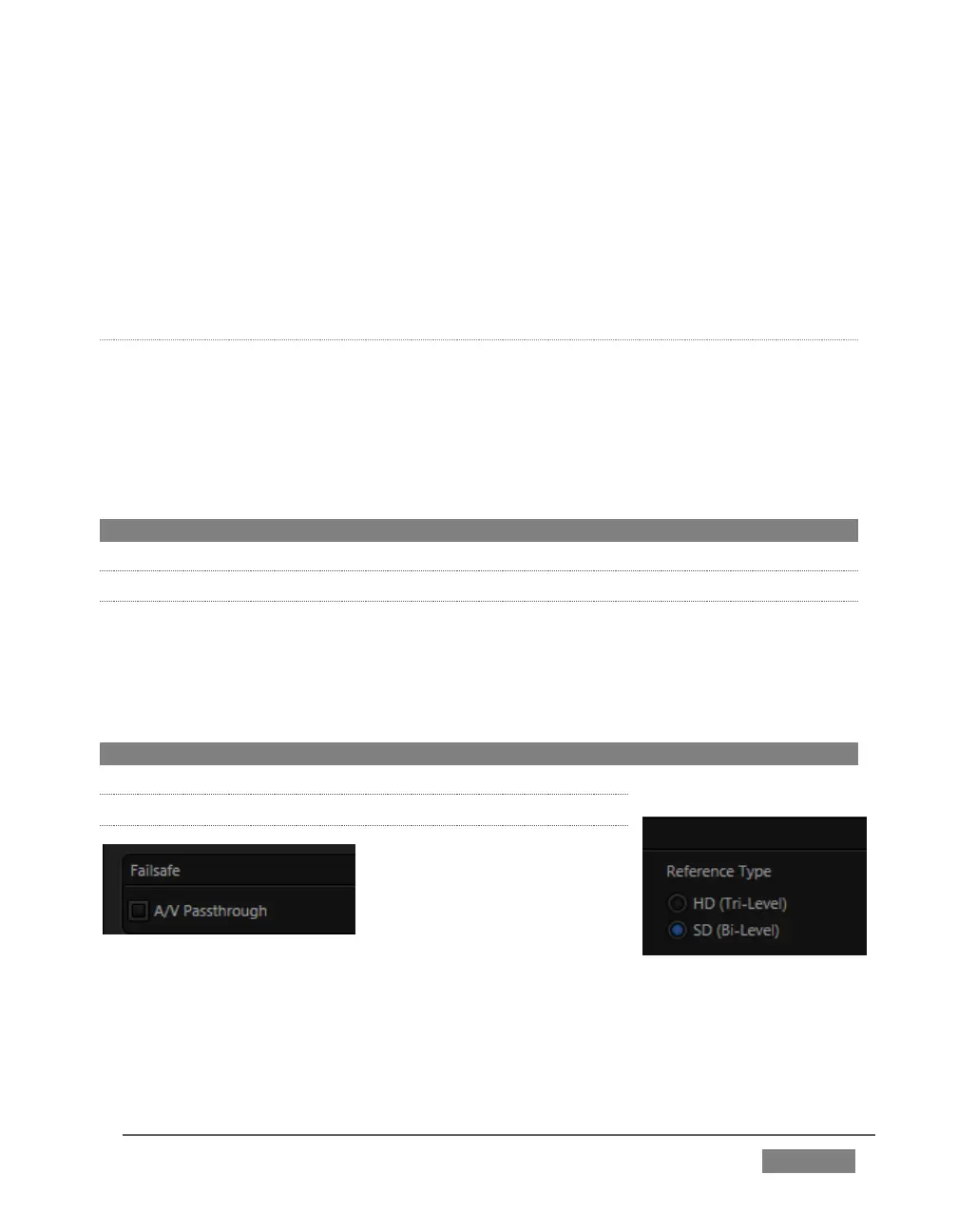
However, if you are supplying an HD reference signal to TriCaster’s Genlock Input
(and your other equipment), select the HD (Tri-level) switch in the Reference Type
area of TriCaster’s Genlock settings.
Note: Reference Type options do not appear for SD sessions.
8.1.3 CENTER FREQUENCY
This setting is applied when a genlock reference signal is not in use. To adjust the
setting, supply color bars to an input and pass TriCaster’s video output to a
downstream vectorscope. The vectorscope display is completely stable when Center
Frequency is properly adjusted.
Note: See also Section 8.2.3, Frame Sync .
8.1.4 FAILSAFE
FIGURE 130
TriCaster’s multi-tiered ‘Always on Air’ hardware and software failsafe systems (see
Section 2.5.2) provide confidence that short of a complete power failure the show will
go on.









 To Next Page