Page | 233
MIX/EFFECT (M/E) TOOLS
M/E banks provide truly awesome production power and
convenience. Pre-configure multi-layered compositions and
switch them as easily as you would to any single input, or use an
M/E to control a special purpose sub-mix. This is also where
TriCaster’s potent realtime virtual set technology, called
LiveSet™, is applied.
We introduced TriCaster’s M/Es back in Section 4.10 and Section 4.11 of the Live
Production Walkthrough chapter. Now we’ll look into these extremely powerful tools
in greater depth.
SECTION 14.1 OVERVIEW
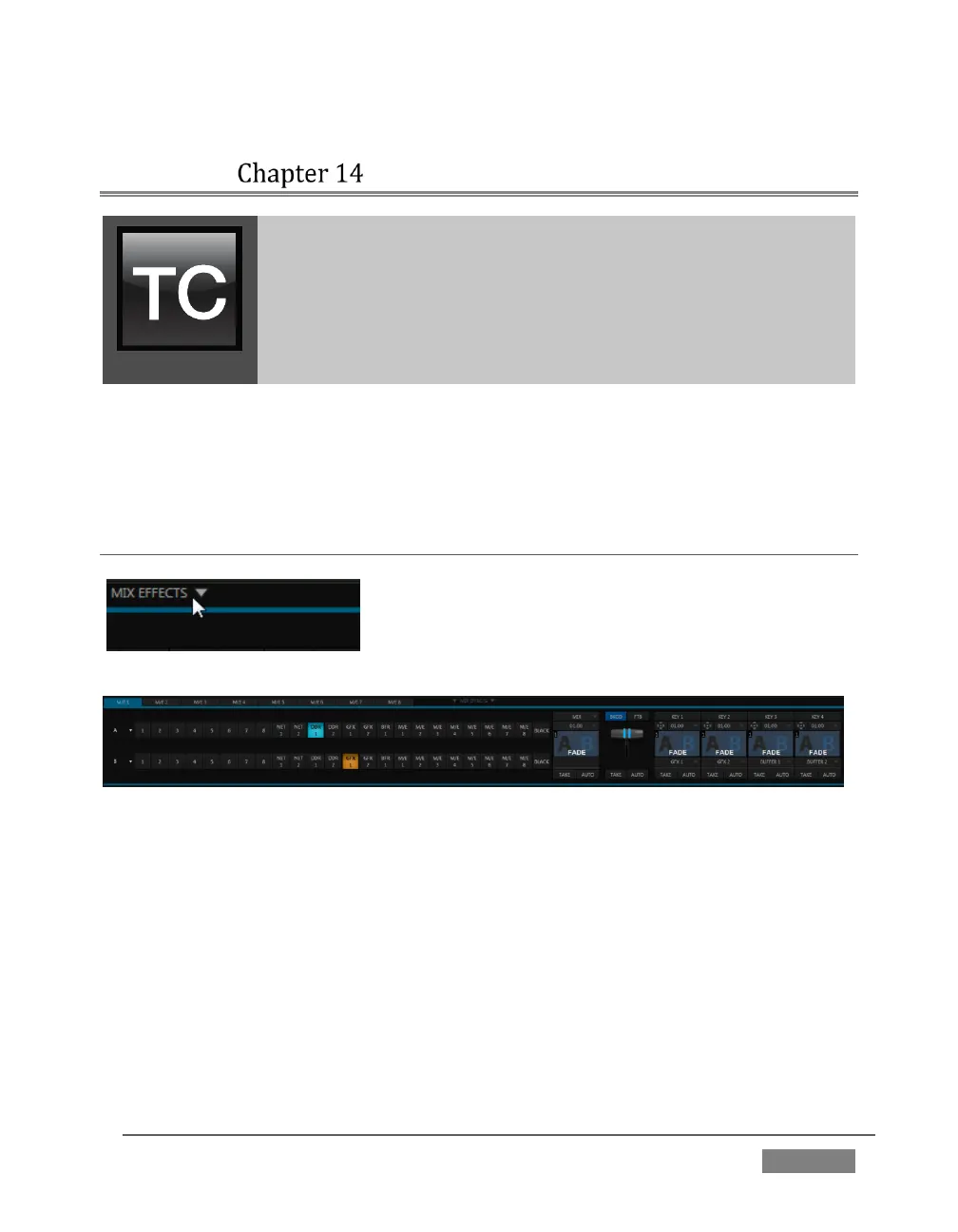
The Mix Effects label (Figure 219) beneath the
monitoring pane on the Live Desktop is a toggle button
you can click to expand or collapse the M/E interface
(Figure 219).
FIGURE 220 (TRICASTER 8000 SHOWN)
When expanded, the M/E pane spans the upper-central part of the Live Desktop.
M/E’s are presented individually in tabbed panes, each corresponding to a button in
the main Switcher. The number of M/Es available varies by model, up to eight.
As you would expect, selecting an M/E button on the (main Switcher) Program row
displays the output from the corresponding M/E on Program Output. Likewise,
punching an M/E button on the Preview row cues up that M/E bank’s output for an
upcoming Take or Auto operation. This makes it easy to Take or Auto directly to, from,
or even between M/Es with a single click.









 To Next Page