Page | 173
SWITCHER, TRANSITIONS AND OVERLAY
TriCaster’s Live Desktop replicates traditional video switcher
controls in easy to comprehend and use fashion. It provides
numerous transitions that you can use to add interest when
changing scenes, four independent downstream overlay
channels, and some very useful automation.
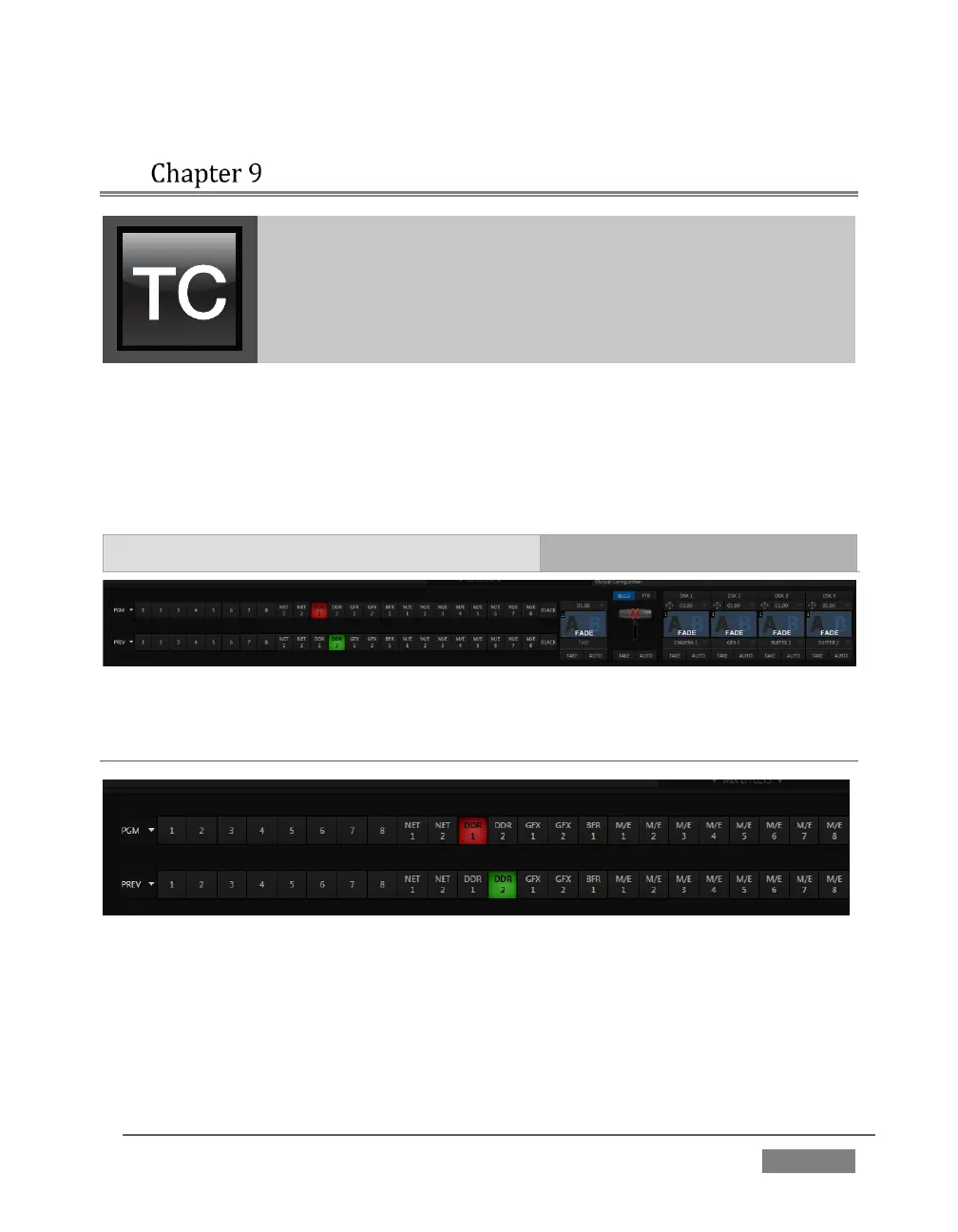
When the M/E pane is minimized , the central band of the TriCaster™ Live Desktop
(between the upper monitoring section and the tabbed modules below) is taken up
by the Switcher and related controls and features, including the Layer Controls, which
include main and DSK channel Transition controls and configuration features (Figure
151).
FIGURE 151(TRICASTER 8000 SHOWN)
SECTION 9.1 SWITCHER ROWS
FIGURE 152 (TRICASTER 8000 SHOWN)
From top to bottom, the two Switcher rows are labeled Program and Preview. Clicking
a button in the Program or Preview row selects the active video source for that row
(audio sources may or may not be affected by Switcher activity – see Chapter 15
Audio).









 To Next Page