Page | 7
SECTION 2.4 LIVE DESKTOP
TriCaster’s live production features are all available from its unique Live Desktop,
which in many ways mimics familiar production equipment. However, the Live
Desktop provides far more functionality than similar single-purpose devices, all in one
integrated environment.
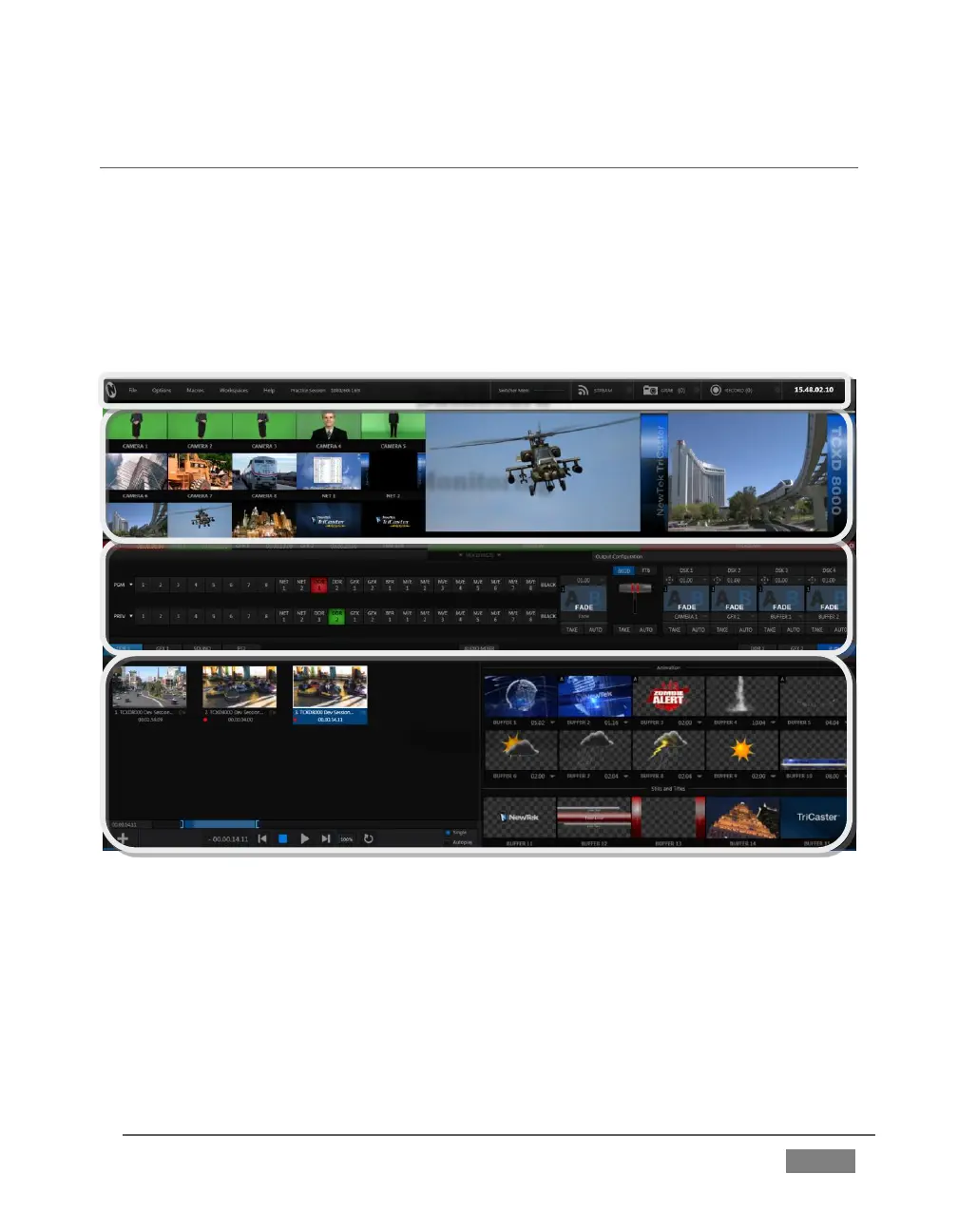
The various features, controls and modules comprising TriCaster’s Live Desktop are
arranged in horizontal bands, as seen in Figure 2.
FIGURE 2
The top-most band contains TriCaster’s convenient and powerful Dashboard.
The area just below the Dashboard is *normally devoted to a multi-pane
monitoring display, providing source and output views.









 To Next Page