Page | 6
With TriCaster you can produce and distribute live video programs from diverse
sources and digital media in both standard and high definition. Use multiple cameras,
network video sources, recorded digital video, multimedia presentations from
networked laptops, live web pages, digital photos and graphics, control robotic
cameras, and much more. Your productions can simultaneously be displayed by
video projectors, television monitors, broadcast by traditional means, and streamed
in high quality on the Internet.
SECTION 2.3 STARTUP SCREEN
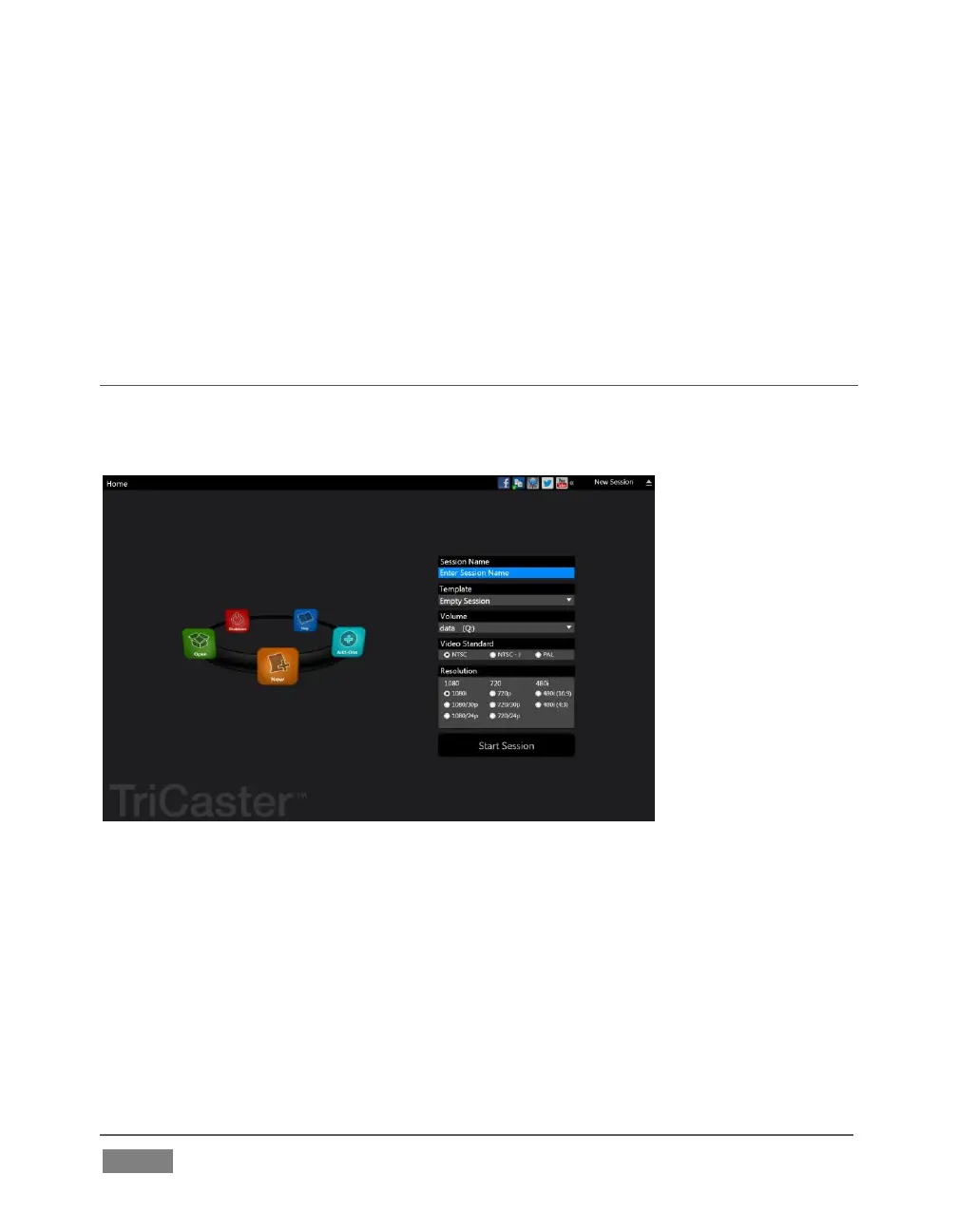
When you power up TriCaster the Startup Screen appears. This is your command
center for initiating most other operations.
FIGURE 1
The Home page of the Startup Screen allows you to define and open sessions,
essentially custom presets for individual productions or other purposes. Later, when
you re-open a session, all of its assets and settings are remembered.
After creating a session (or opening an existing one), you are taken to the Session
Page. Here you can launch the Live Desktop (for live production), or perhaps choose
to prepare Graphics (title pages), Manage content (including importing and exporting
media), or even create custom transitions.









 To Next Page