Page | 479
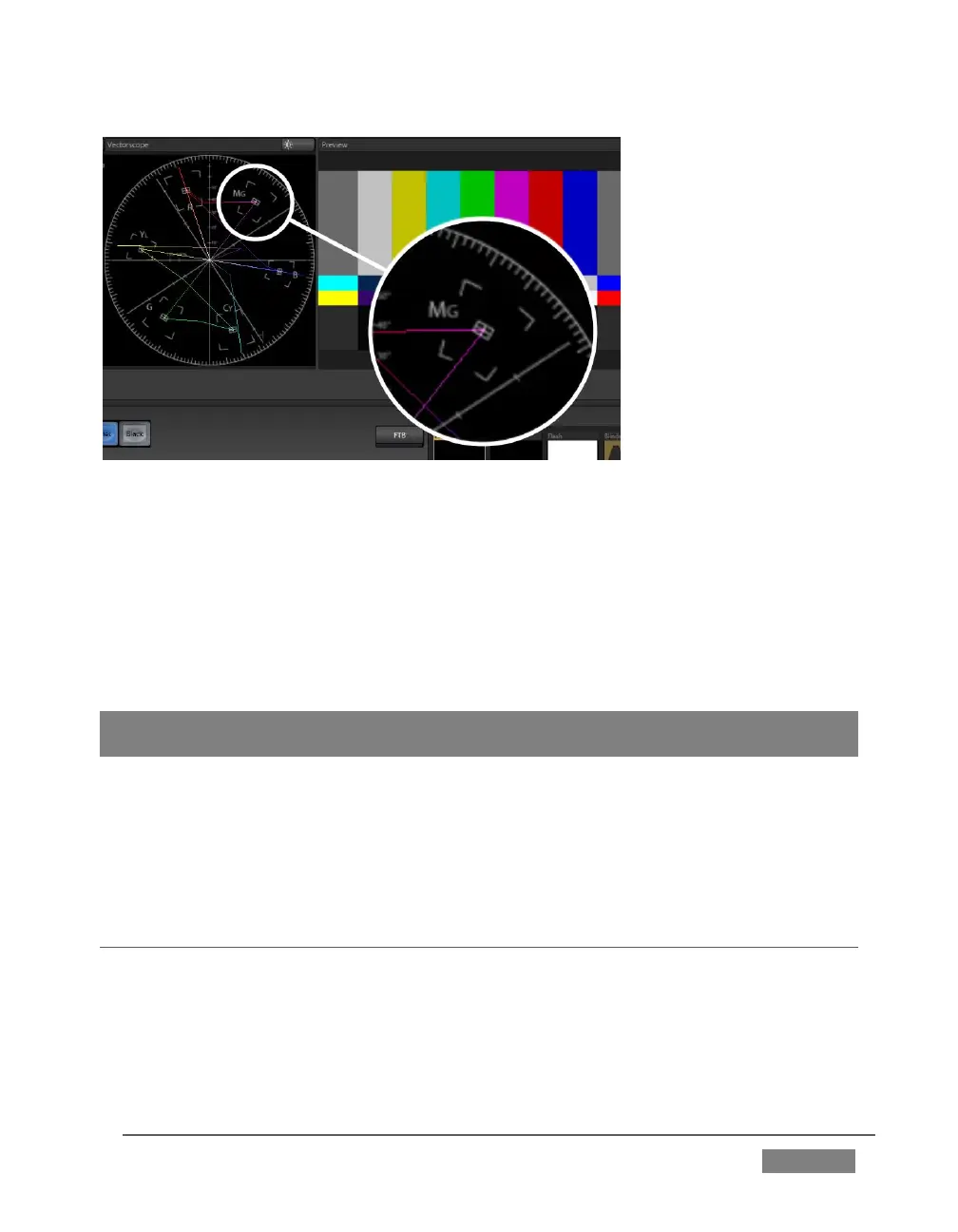
FIGURE 407
If the trace vectors do not line up as they should even after performing a white
balance at the camera, you can use TriCaster’s Proc Amp controls to tweak the signal.
Adjust the Hue control to rotate the vectors around the center point to line them up
correctly on their respective targets. Increasing Saturation will move the trace
further out towards the edge of the scope. Decreasing Saturation lowers color
intensity, bringing the trace back closer to the center.
Hint: Naturally, you should repeat the steps above for each connected source, to ensure a
perfect match when switching from camera to camera during your live productions.
At this point, your video signal should be reasonably accurate, and broadcast legal.
Naturally, there are other devices between that signal, you, and your viewers. Let’s
discuss ways to calibrate downstream video monitors to ensure that you see your
video at its best.
C.3 CALIBRATING YOUR MONITORS
In most cases, you will use a computer monitor of one type or another to display
TriCaster’s controls – the so-called user interface. Even though the television
monitors you likely use for final program output may look somewhat similar to your
computer monitor, they do differ in a number of important respects. For this reason,
we will approach their calibration separately.









 To Next Page