Page | 404
Zoom, Crop (etc.) – Use the Position tools for Overlay and DSK layers to zoom in on
the action in a replay.
Clip Organization – It can be helpful, at times, to use the MEM slot options in the
DDR to collate clips for different purposes.
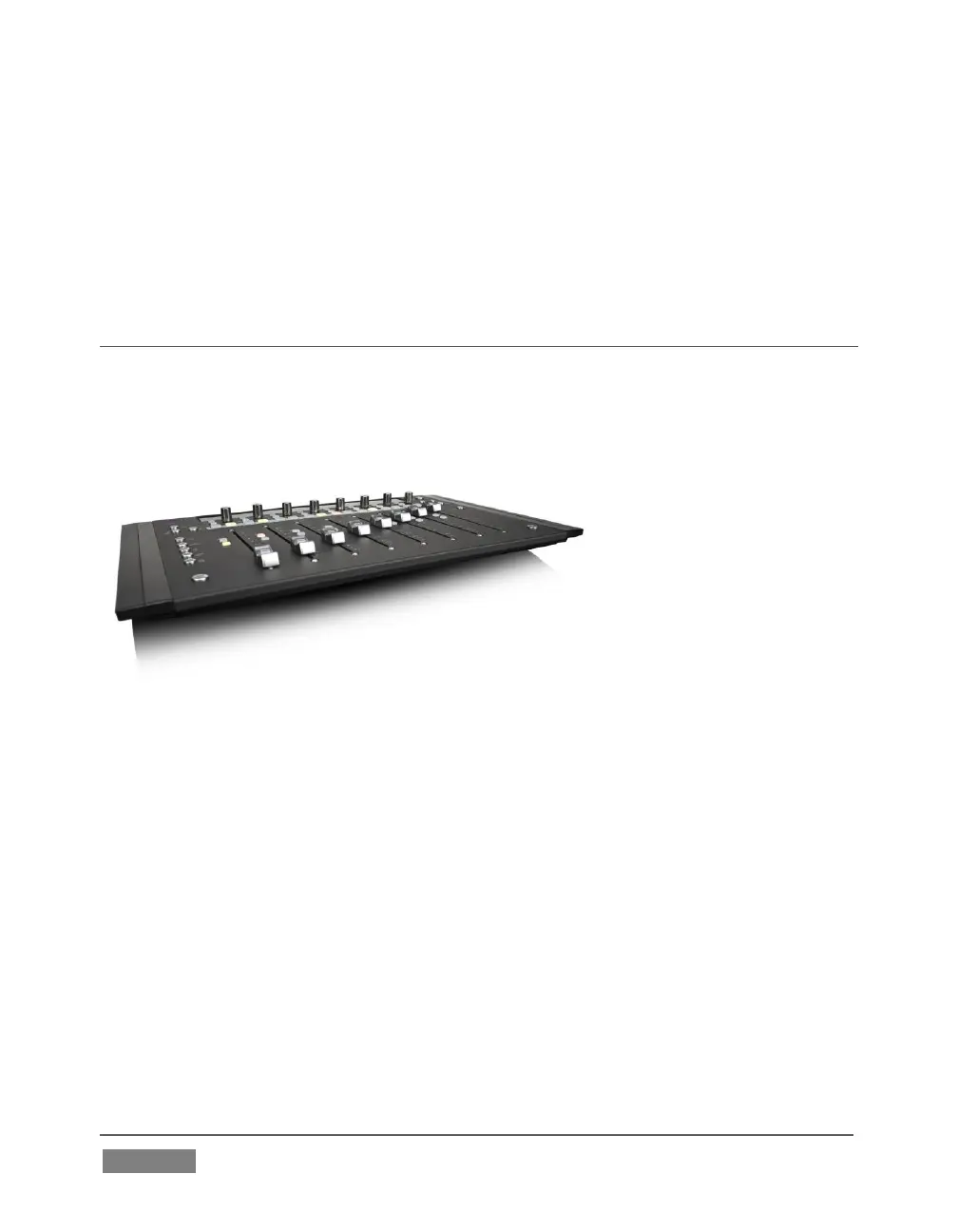
SECTION 22.7 AVID® ARTIST MIX
TriCaster’s support for the AVID® Artist Mix hardware surface brings a highly
desirable level of convenience and creative control to a critical aspect of almost every
video production – audio. This section explains how to connect and use this powerful
third party device.
The AVID(R) Artist Mix hardware surface provides great convenience, delivering
hands-on external audio control to TriCaster operators. Adjust audio levels, channel
panning, equalization, select mixer presets, and more.
The compact Artist Mix console provides excellent visual feedback, and delivers
control beyond what can possibly be provided with the mouse and keyboard alone.
Almost all adjustments are bi-directional – adjusting the control surface updates the
user interface controls, and vice versa. Artist Mix communicates with TriCaster using
a popular open control communication protocol named EUCON™ (Extended User
Control); the control surface acts and feels like a physical extension of your software.
Let’s begin by discussing installation and setup.









 To Next Page