Page | 251
AUDIO
Less than 100 years ago, movies were silent. We’ve come a very
long way since “The Jazz Singer” (1927, Warner Bros.), and great
audio now plays a huge role in video production. TriCaster™
provides an extensive set of professional quality audio tools,
which we’ll explore in this chapter.
External audio connections and basic configuration were touched on back in Sections
3.5.1 and 3.8.1. TriCaster presents more precise control over individual audio
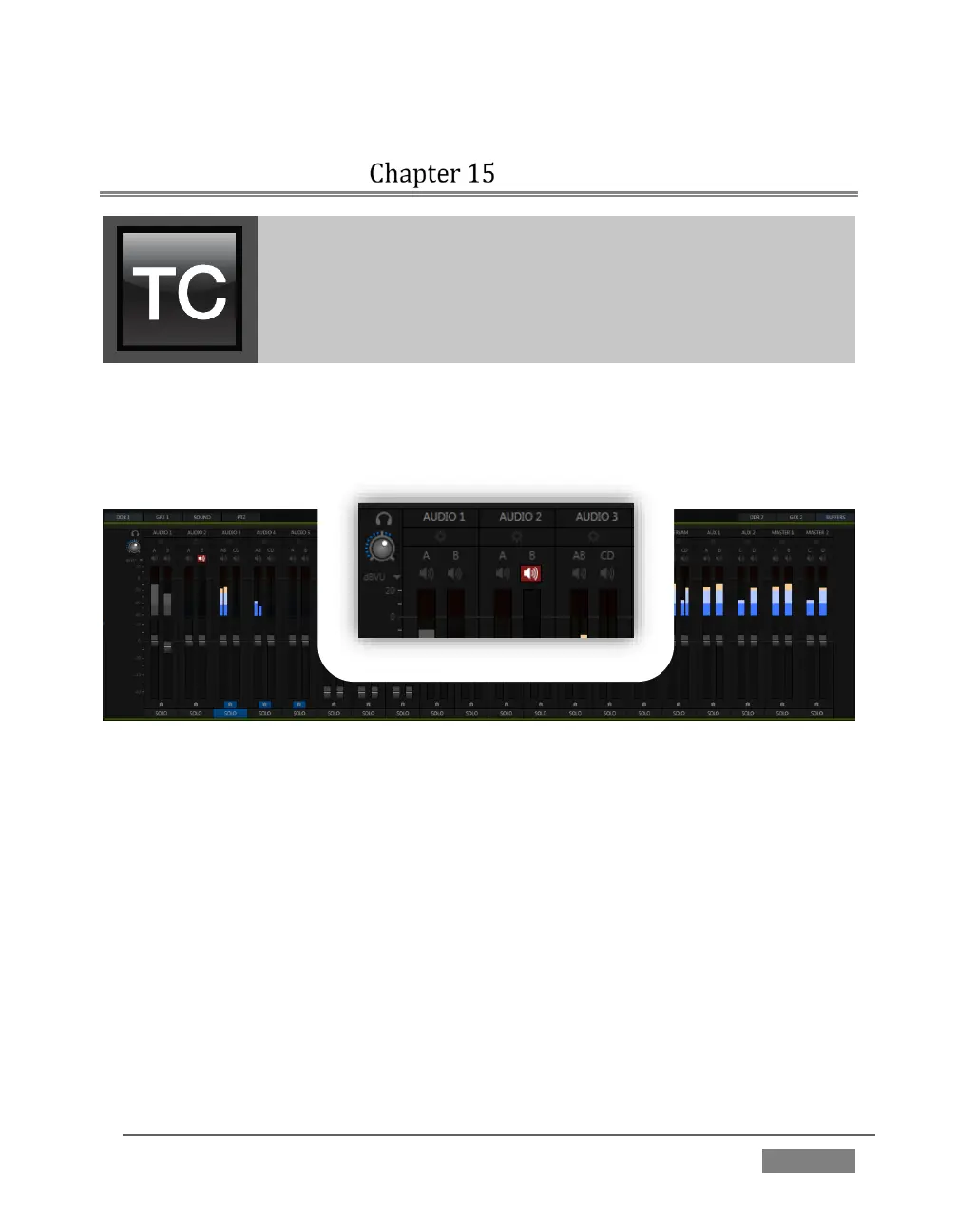
sources and outputs in a tabbed pane labeled Audio Mixer, found just below the main
Switcher.
FIGURE 247 (TRICASTER 8000 SHOWN)
Compact sub-panels in this pane provide configuration and control for individual
audio sources and also audio outputs as follows, from left to right:
External audio sources – controls for Inputs 1-(4 or 8, depending on the
TriCaster model), along with Network audio sources.
Internal sources – Media Players, and Effects (sound embedded in Animation
Store transitions)
Record – controls levels for capturing Output 1 and Output 2 as a/v files
Stream – controls TriCaster’s web stream output
Aux 1 & 2–controls for TriCaster’s two stereo Aux audio busses
Master 1 & 2 – controls TriCaster’s primary stereo audio busses









 To Next Page