Page | 167
8.2.9 PTZ
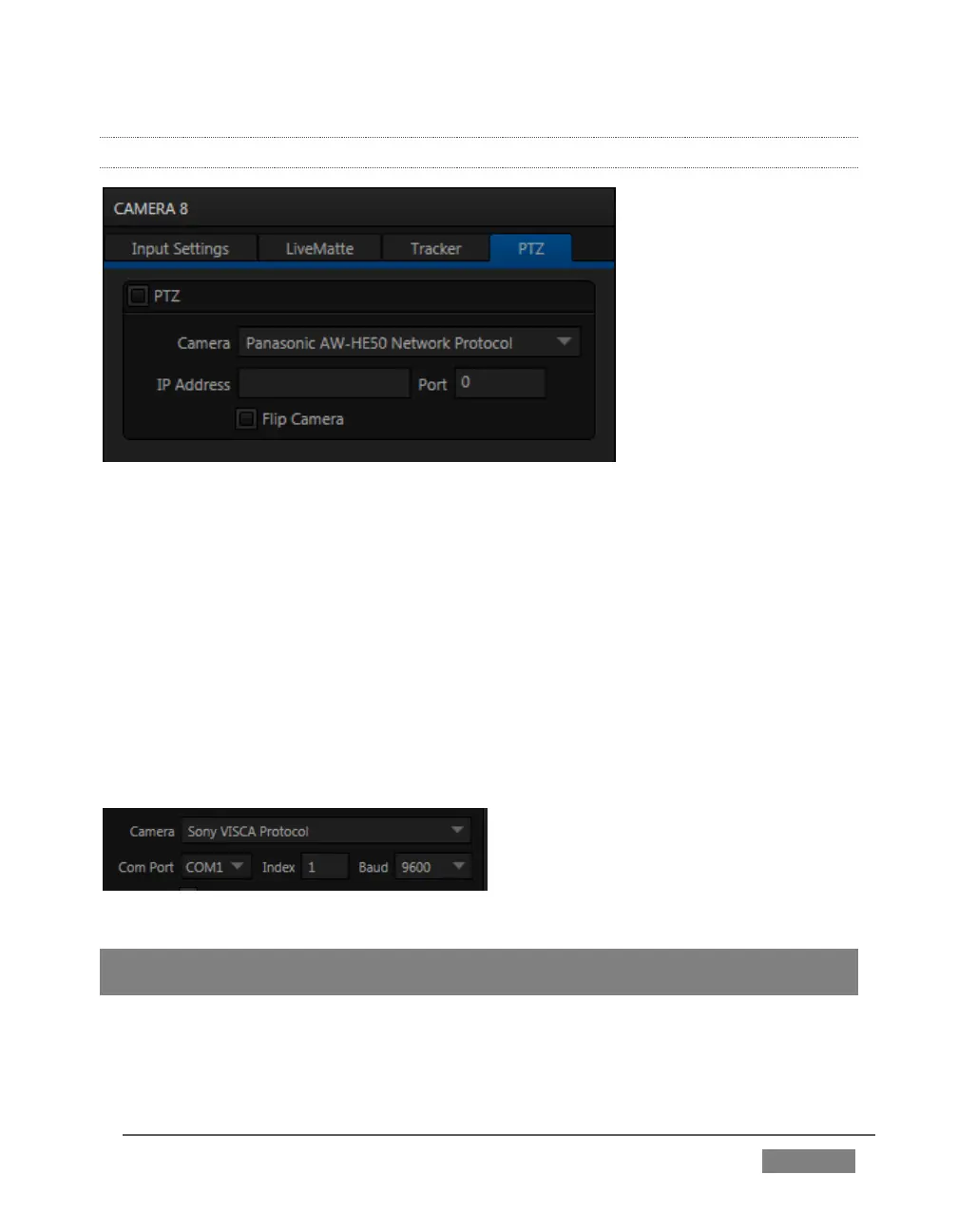
FIGURE 143
PTZ (pan-tilt-zoom), or ‘robotic’ cameras can play important roles in certain types of
productions. These systems range widely in price, from a few hundred dollars to
those the ‘six figure’ range, with an equally diverse range of quality and features.
Generally, remote control of PTZ cameras involves sending instructions to the camera
across either serial (RS232. RS422, orRS485) or network connections. TriCaster
support for both types (see note below). Connection settings shown in the PTZ tab
(Input Configuration pane) update depending on which Camera type you select.
Choose your camera protocol (or one similar to it) using the drop-down menu, and
then enter (or select) appropriate settings for the unit.
FIGURE 144
Note: TriCaster does not have an external serial port. For PTZ cameras requiring a serial
connection, you will need to use a third party USB-to-Serial Port adapter.









 To Next Page