Page | 302
FIGURE 300
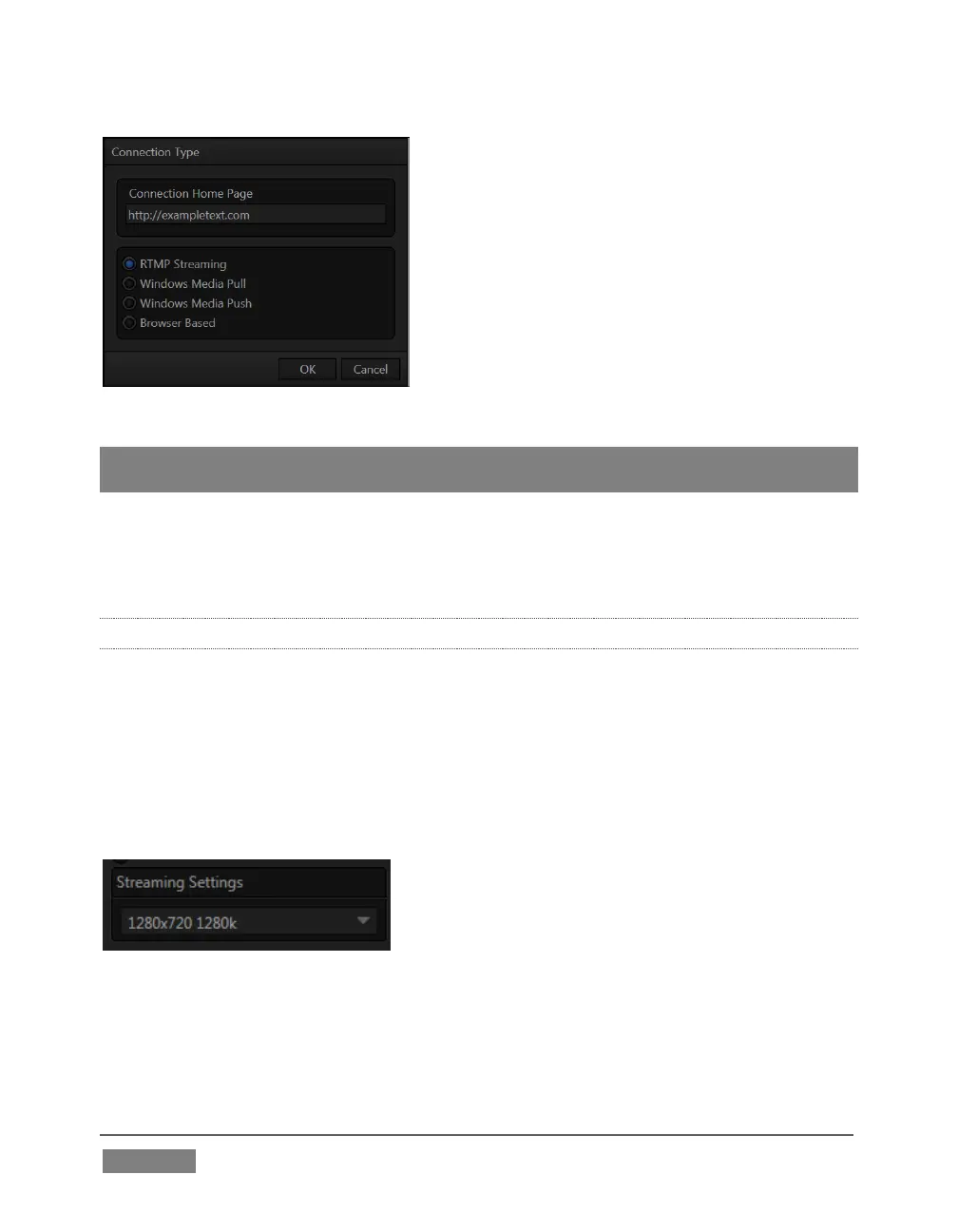
Hint: The Connection Type options may seem unfamiliar if you are new to streaming. You
may find it helpful to read over Section 18.6, entitled Streaming Strategies.
After selecting a Connection Type and clicking OK, the Name field in the main Configure
Stream Connection panel is highlighted, to encourage you to supply a descriptive
name for the preset.
18.3.1 RTMP
TriCaster’s first encoding and streaming alternative is the RTMP protocol,
popularized by Adobe Flash®. In determining whether you should choose RTMP or
another encoding method for your own purposes, you might find it helpful to review
the section titled Live Streaming in Section 18.6.1.
When you select RTMP as the Connection Type, the controls presented in the header
of the Configure Stream Connection panel update accordingly.
FIGURE 301
The first thing you might notice is the Streaming Settings menu at left (Figure 301).
This drop-down selector lets you choose from a prepared list of streaming profiles,
labeled to show their respective resolution and bandwidth settings.









 To Next Page