Page | 247
THE T-BAR
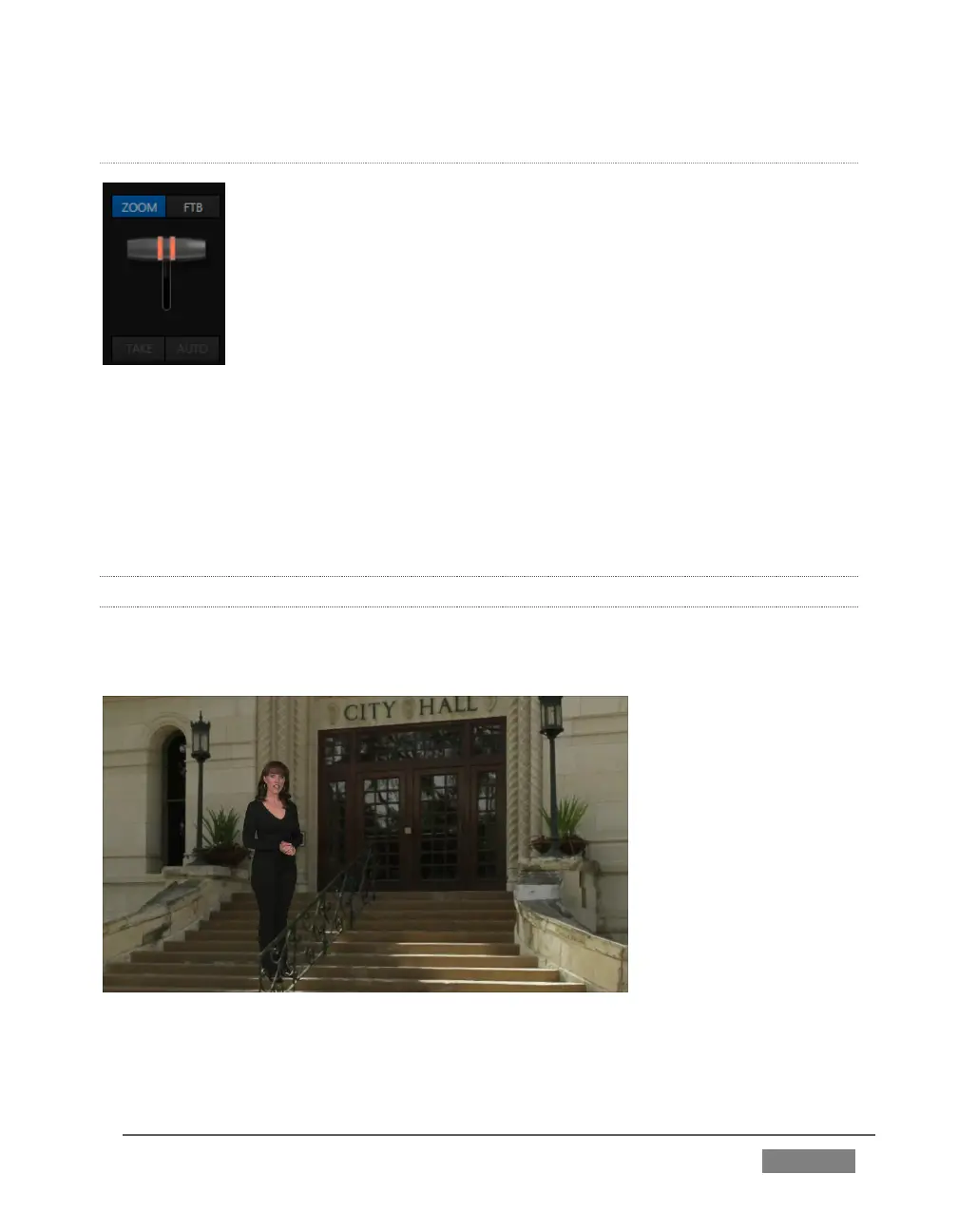
The Zoom T-bar is located beside the Effect icon. Dragging it vertically
adjusts the virtual ‘camera distance’ for the active LiveSet, between 0-
100%.
When you click a Zoom Preset, the T-bar updates to the zoom level of
the new shot. Conversely though, adjusting the T-bar does not update
the current value for a Preset. (When the current T-bar position
corresponds to the zoom value in the shot, its icon shows a blue
border.)
It’s important to realize that the Key (and FTB) Delegate buttons continue to serve
their normal purpose in Effect mode. That is, they enable you to perform an Auto
affecting the associated channel(s); they do not perform a zoom on these layers. Only
the Background layer (which includes the virtual set) zooms during an Auto
operation.
14.2.6 HOLOGRAPHIC LIVESETS
A special variant of TriCaster’s LiveSets are referred to as ‘holographic’. These effects
can be amazingly lifelike and convincing, and are relatively easy to create.
FIGURE 243









 To Next Page