Page | 259
15.7.2 FOLLOW
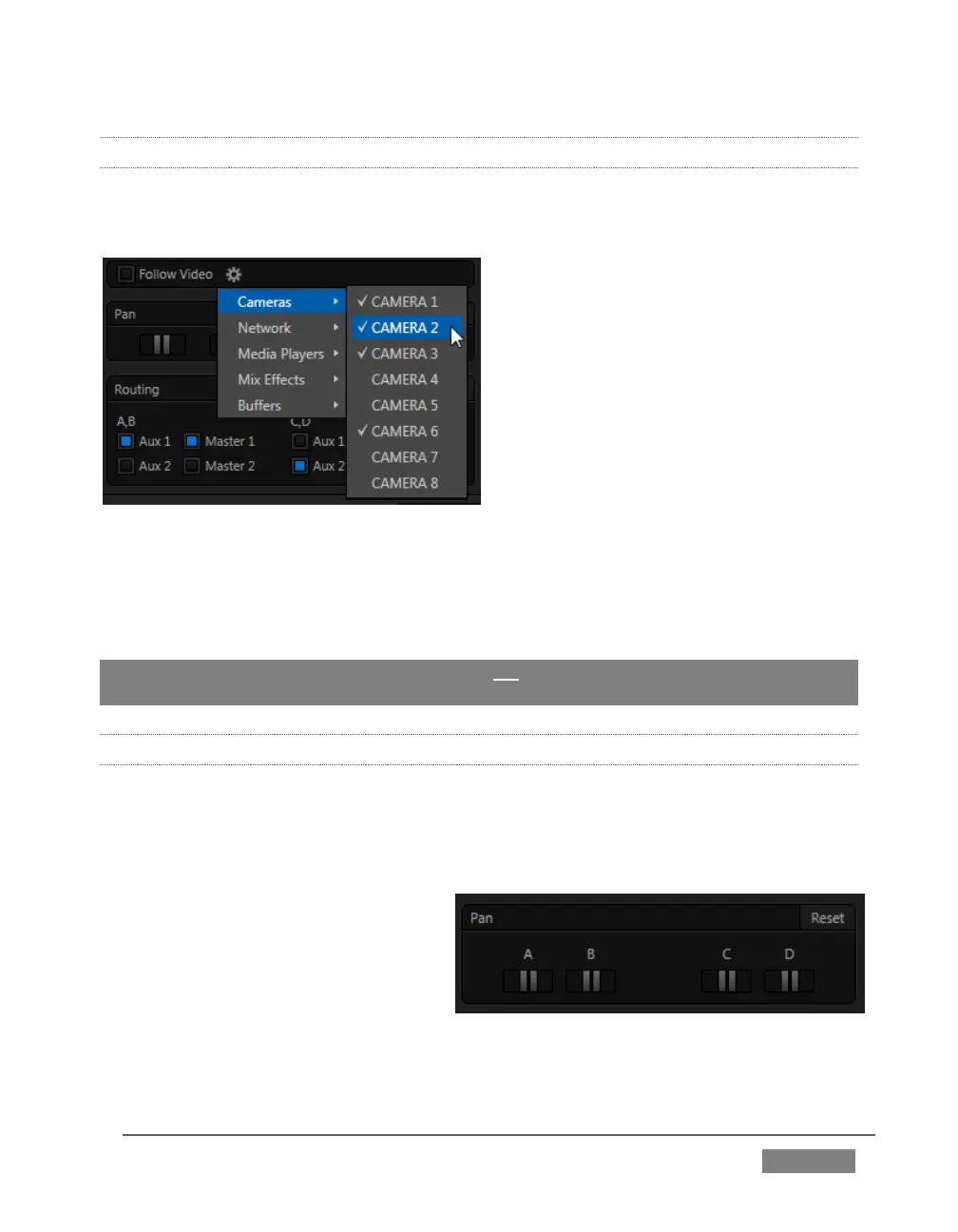
Enabling Follow Video options for an audio source directs TriCaster to track switcher
operations affecting the related video source.
FIGURE 257
Audio for sources with Follow Program video enabled in the Audio Configuration panel
is automatically removed from mixed outputs until one or more specified video
sources are actually displayed on Program Output.
Hint: When the corresponding video source is not displayed on output, the audio source’s
VU meter level is displayed as a grayscale.
15.7.3 PAN
The Audio Configuration panel also provides complete Pan control.
Pan is a very useful feature. It adjusts placement of sound from source audio channels
on the stereo channels comprising the audio mix(es).
Using Pan, you can place all or part of
channel A onto channel B, and vice
versa.
When Pan is set to the
extreme left position for Input
1a, its audio is sent exclusively to the first channel for the Input 1 group.









 To Next Page