Page | 365
MONITORING
While using the joystick in most POSITIONER DELEGATE modes, many adjustments
are temporarily shown on the Live Desktop’s Preview monitor. The Preview monitor
reverts to its default display a few moments after releasing the joystick to its at-rest
position, just as occurs when using Positioner tools on the Live Desktop.
22.3.6 MEDIA PLAYERS GROUP
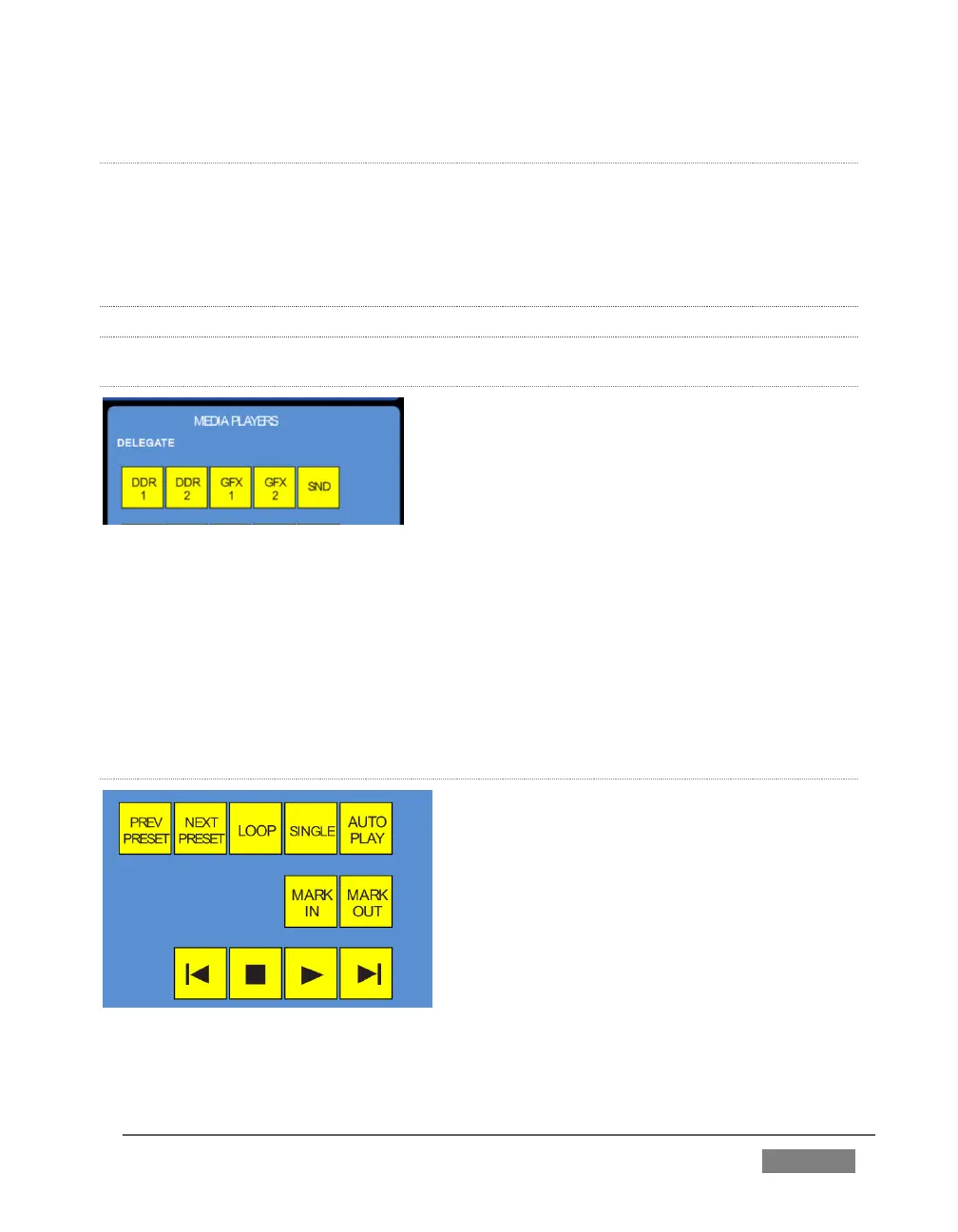
MEDIA PLAYER > DELEGATE
FIGURE 340
The MEDIA PLAYERS > DELEGATE group contains buttons for TriCaster’s DDR1,
DDR2, GFX1, GFX2, and SND (Sound) modules.
This selection determines which Media Player is being controlled at the moment.
(Support for multi-selection allows you to do things like start and stop both DDRs at
the identical moment.)
PREV/NEXT PRESET
FIGURE 341









 To Next Page