Page | 154
In some studio settings, however, more elaborate hardware failsafe systems may be
in use. Typically, such systems take over broadcast duties whenever the output signal
fails. In such cases, TriCaster’s failsafe video passthrough mechanism (which ensures
that video output continues even in catastrophic circumstances) can actually prevent
the external system from engaging.
For this reason, a Failsafe section has been added to Output Configuration. Its sole
raison d’être is to provide a switch allowing you to disable the A/V passthrough when
necessary. By default, A/V passthrough is off.
Hint: Only use fail-safe when a stable video source is connected to video Input 8.
SECTION 8.2 INPUT CONFIGURATION
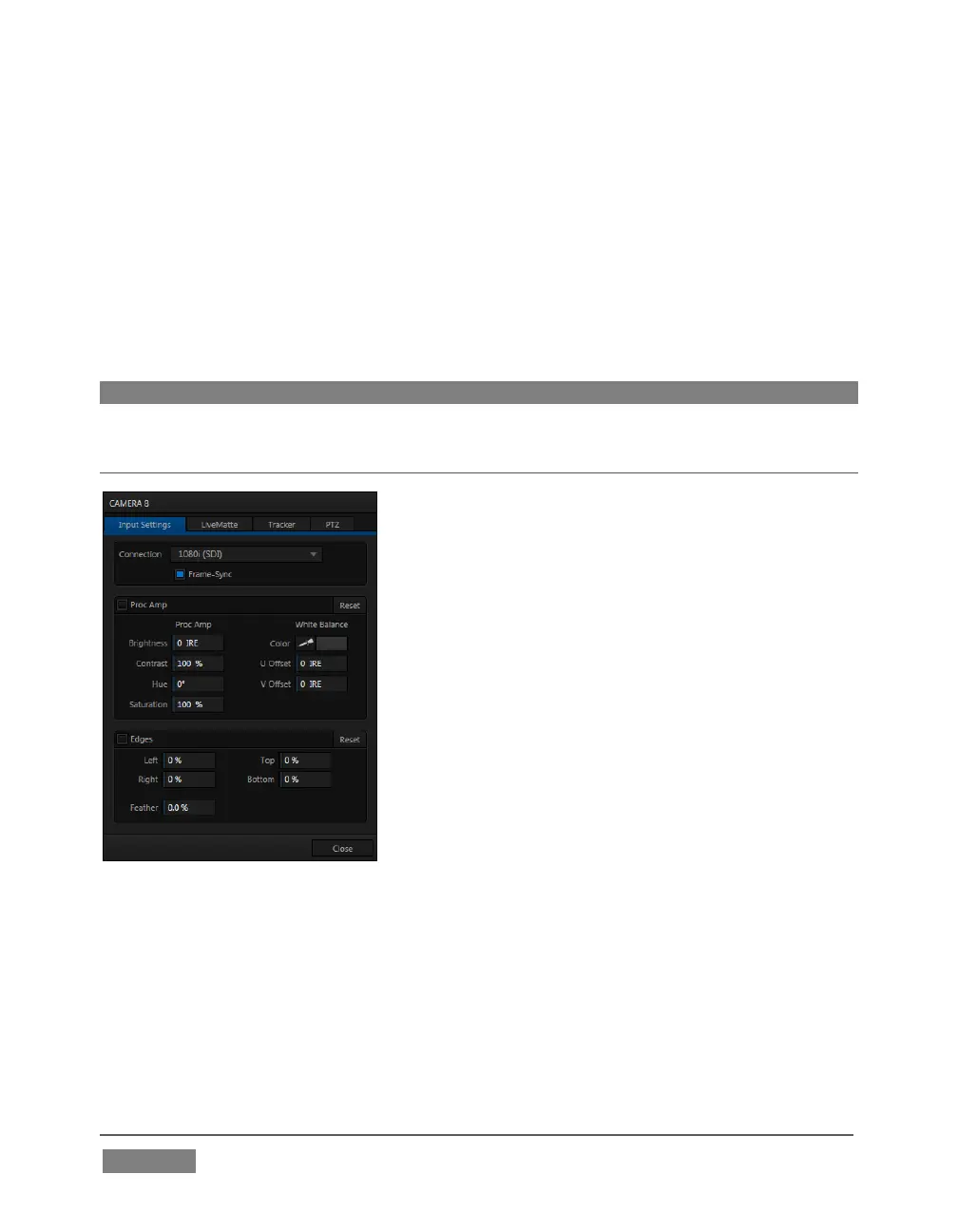
FIGURE 131 (TRICASTER 8000 SHOWN)
TriCaster’s input monitors have contextual tools that appear when you roll the mouse
pointer over in the footer (that is, the titlebar below each monitor). In every case, the
right-most button is a Configure button (gear). Clicking it opens the Configuration
panel for a specific source (Figure 131).









 To Next Page