Page | 359
Hint: When a DSK layer is fully displayed on Program out, its local Take button (on the Live
Desktop as well as the control surface) remains lit.
22.3.4 M/E CONTROLS
FIGURE 332
This section of the control surface corresponds to the tabbed M/E pane on the Live
Desktop. The M/E DELEGATE button group determines which M/E (from the eight
available) is being controlled.
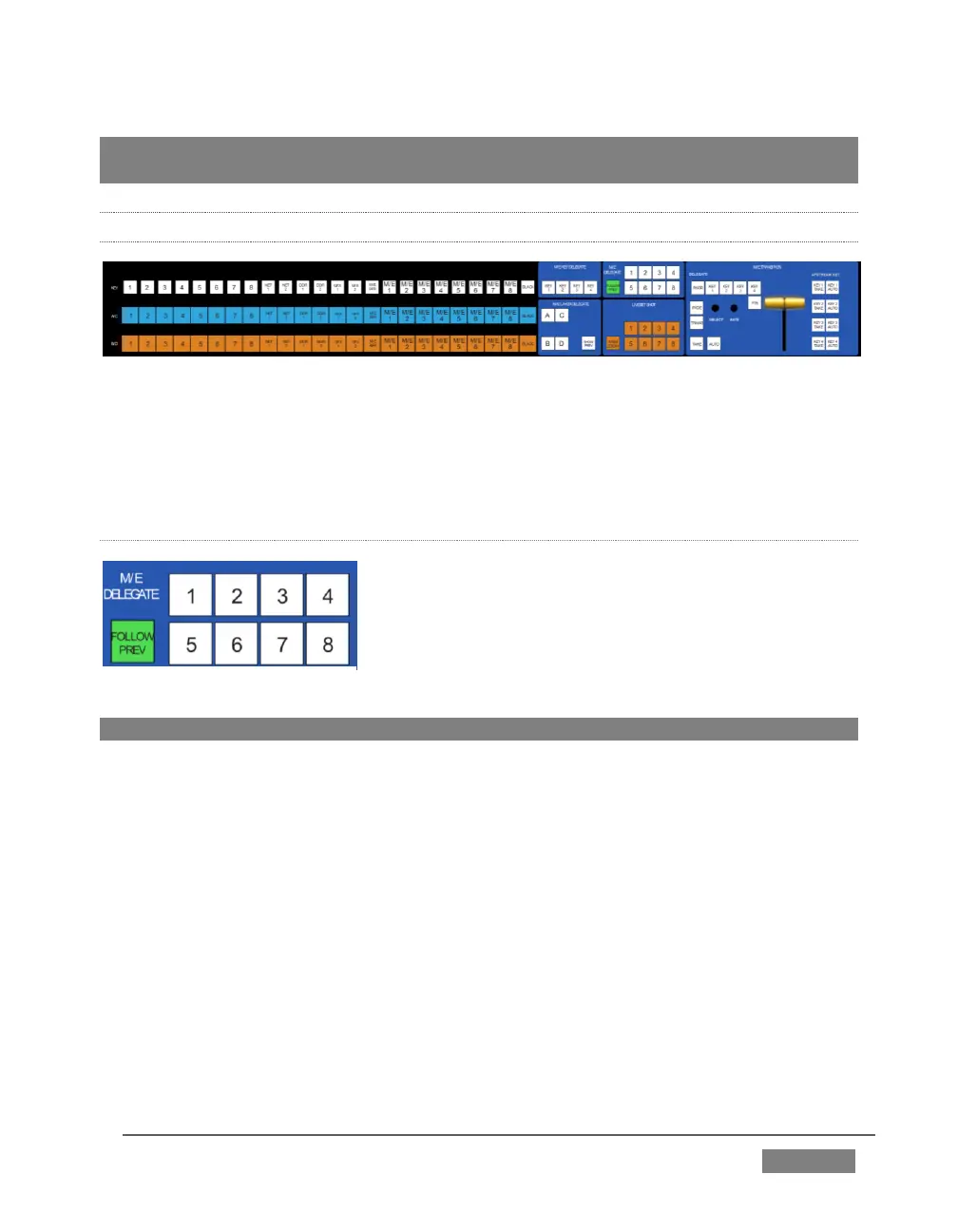
M/E DELEGATE
As you’d expect, the eight buttons in the M/E
DELEGATE group (Figure 333) let you select (or multi-
select) which M/E(s) are being controlled.
Hint: Punching the selected delegate a second time toggles the M/E pane open or closed
FOLLOW PVW
Enabling the FOLLOW PREV button forces the DELEGATE selection to track the
Switcher's PVW row selection. This can be very valuable, as it automatically ensures
that adjustments you make to settings will affect the M/E that you plan to display
next.
The M/E control section actually employs three additional sets of delegate controls
to provide full control over all aspects of your M/E composition. The first two of these
are discussed next (M/E TRANSITION DELEGATES are in M/E TRANSITION group
discussed a bit layer).









 To Next Page