Page | 79
Note that only one thumbnail is added to the GFX 1 playlist, even though you enabled
Capture stills from all inputs. The option did not fail, though. The same folder mentioned
just above also contains sub-folders for each Grab you performed. You’ll find the additional
still image files inside these folders.
SECTION 4.9 MEDIA PLAYERS
4.9.1 THE DDRS
TriCaster’s two DDRs are powerful Media Players, and can greatly enhance your live
productions. (DDRs have siblings that we’ll discuss a bit later – the GFX (Graphics) and
the Sound players.)
1. Show DDR 1 by clicking its tab beneath the Switcher.
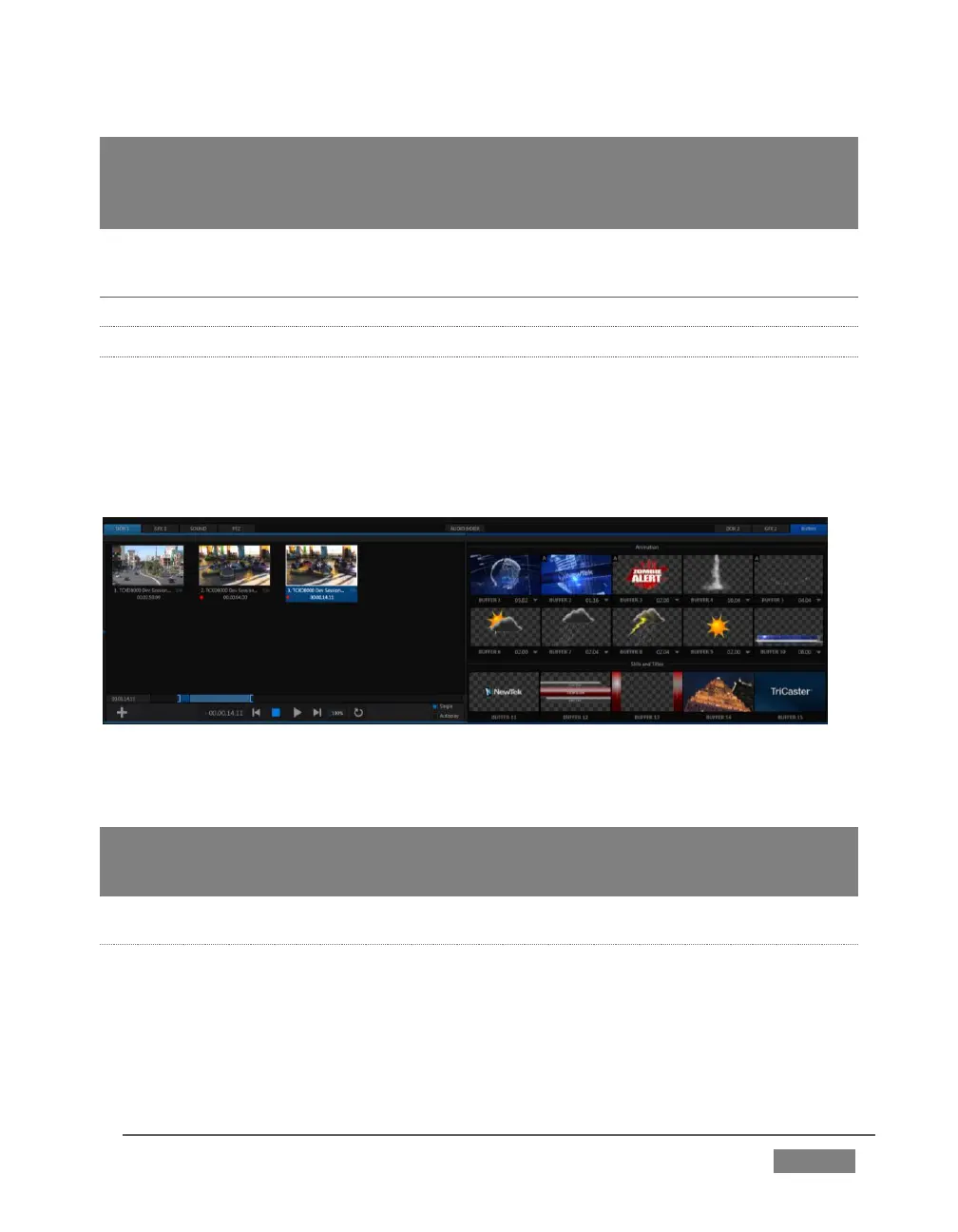
FIGURE 66
The tabbed pane shows two players side by side – Figure 66.
Hint: DDR stands for Digital Disk Recorder – a bit of a misnomer since TriCaster’s DDR’s
don’t record; Still the term continues in popular use to distinguish Media Players that can
play ‘clips’ from those reserved for still image or audio-only tasks.
ADDING FILES
Let’s add some clips to the playlist.









 To Next Page