Page | 400
ALT + OUT
A different operation results when you hold down ALT (see Section 22.6.7) at the
same time as you push OUT. This operation updates the Out Point of the active clip in
the currently delegated DDR to the frame currently displayed.
SHIFT + OUT
Hold down SHIFT at the same time as you push OUT to automatically trim the play
start setting of the newly added clip to a frame five seconds prior to the Out Point (this
is a non-destructive trimming operation. The duration of the file on disk is not
modified.)
This feature is supported on TW-42 as well.
Hint: This is a non-destructive edit of the playlist clip, equivalent to dragging the trim handle
at right-hand end of the DDR scrub bar.
ONE BUTTON MARKING
Another handy method of creating clips for instant replay is referred to as ‘one button
marking’. With Record enabled, watch for notable events, and simply press OUT
whenever one occurs (no need to press IN beforehand in this case). This creates a
new clip with an Out Point at the current frame, automatically setting the In Point to
establish a 5 second duration for the clip.
22.6.7 ALT AND QUALIFIERS
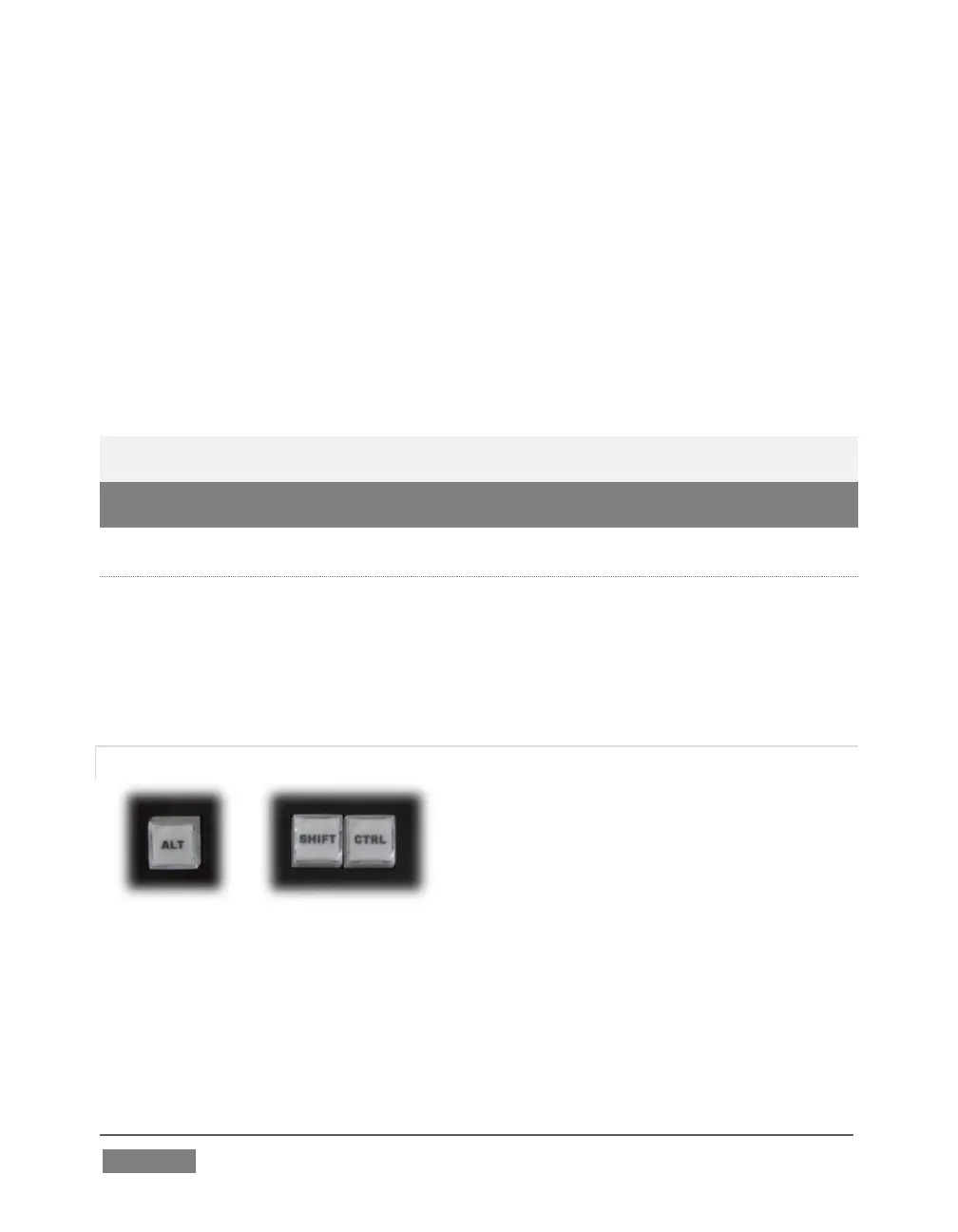
For ergonomic reasons, ALT is in a special location by itself just below the Play Speed
control group. It, along with SHIFT and CTRL (Control) are what are termed ‘qualifiers
buttons’, in that (like their keyboard equivalents) they qualify, or modify the outcome
of operating some other control.
We’ve discussed one use of ALT in Section 22.6.6; see also Section 22.6.8. At the time
of writing SHIFT and CTRL are reserved for as yet unspecified future purposes.









 To Next Page